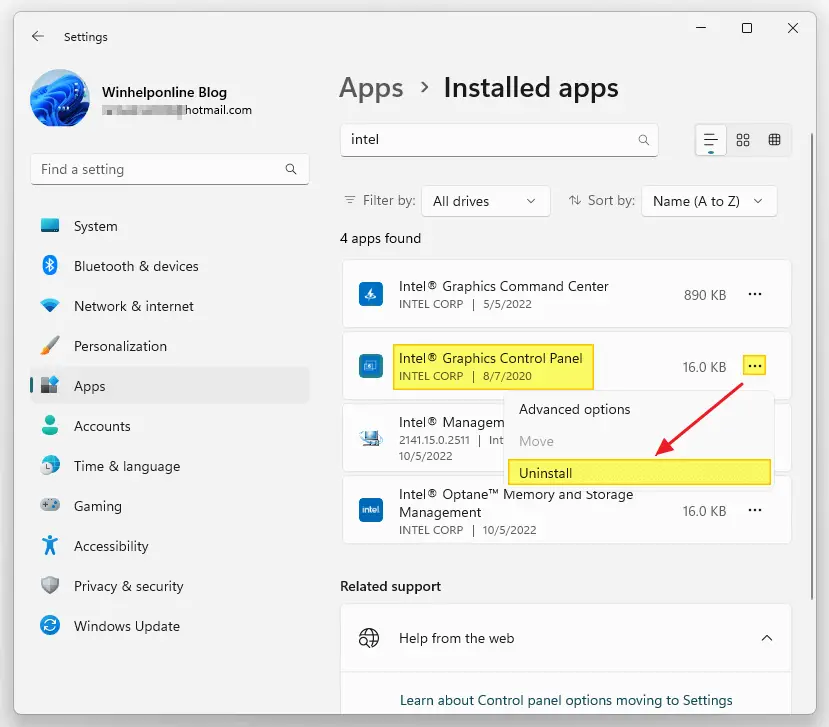
Windows comes with many built-in drivers for various hardware. When you connect a device to your computer, Windows will automatically install drivers from the driver store. If a suitable driver is unavailable in the store, you can use the vendor-supplied device driver or let Windows download the device driver automatically from the Microsoft Update servers.Read more
Utilities
Register Thunderbird Portable with Default Apps or Default Programs

Mozilla® Thunderbird is a freeware email client that has lots of features, including quick message search, customizable views, support for IMAP/POP, RSS support, etc. Mozilla Thunderbird®, Portable Edition is the popular Mozilla Thunderbird email client bundled with a PortableApps.com Launcher as a portable app.
PortableApps.com is a popular portable software solution allowing you to take your favorite software with you. A fully open source and free platform, it works from any synced cloud folder (DropBox, Google Drive, Box, etc), from your local PC on an internal or external drive, or on any portable storage device (USB flash drive, memory card, portable hard drive, etc) moved between PCs.
The portable version of Mozilla Thunderbird lets you store your email and address book on a removable drive so that you can take the data with you wherever you go.
In this article, we’ll see how to add or remove Mozilla Thunderbird, Portable Edition to Default Apps/Default Programs in Windows.
Register Opera Portable with Default Apps or Default Programs in Windows
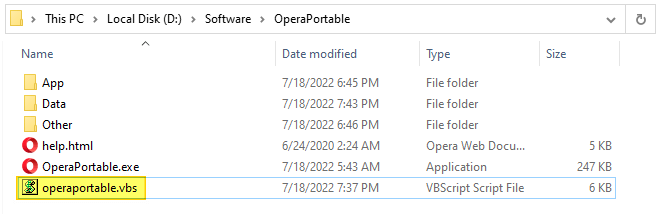
Opera, Portable Edition is the popular Opera web browser bundled with a PortableApps.com Launcher as a portable app. It’s packaged in a portable browser version that you can always have at hand on a USB drive. The advantage of using the portable app is that you can take your bookmarks, browsing history, extensions, and saved passwords with you.
This article covers a VBScript that can register Opera Portable Edition with Default Apps or Default Programs in Windows Vista through Windows 10/11.
How to Fix .JAR (Executable Jar File) File Association in Windows
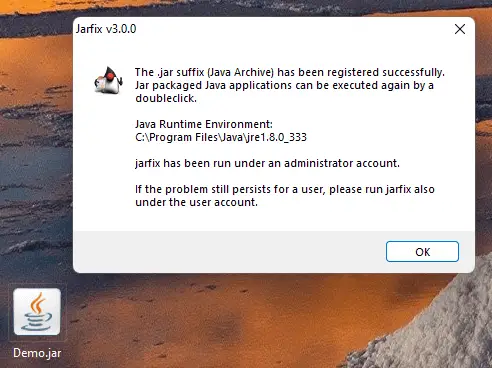
Jar (Java ARchive) or “executable Jar file” is executed by Java Runtime Environment (javaw.exe) program. On Windows, the Java Runtime Environment’s setup will register a default association for Jar files so that double-clicking a Jar file on the desktop will automatically run it with “javaw.exe -jar” command-line argument.Read more
Autoruns: KnownDlls wow64cpu, wowarmhw, xtajit, wow64, wow64win Missing
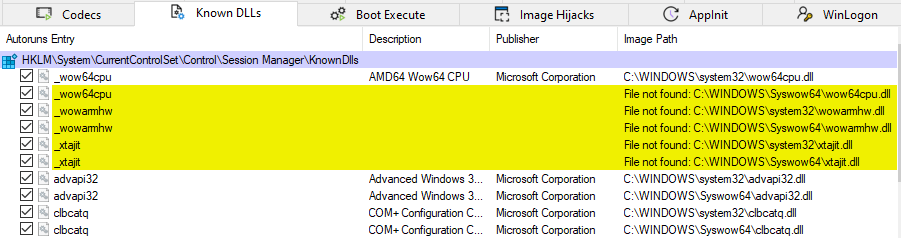
The Sysinternals Autoruns utility may highlight some entries in yellow, indicating to the user that some files (referenced in the KnownDLL registry key) are missing from the system. The file names are below:
- C:\Windows\Syswow64\wow64cpu.dll (
_wow64cpu) - C:\Windows\System32\wowarmhw.dll (
_wowarmhw) - C:\Windows\Syswow64\wowarmhw.dll (
_wowarmhw) - C:\Windows\System32\xtajit.dll (
_xtajit) - C:\Windows\Syswow64\xtajit.dll (
_xtajit) - C:\WINDOWS\Syswow64\wow64.dll (
wow64) - C:\WINDOWS\Syswow64\wow64win.dll (
wow64win)
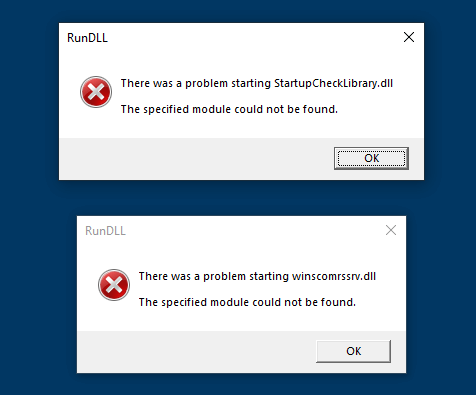
Windows cannot find GPEDIT.MSC in Windows 10/11 Home Edition
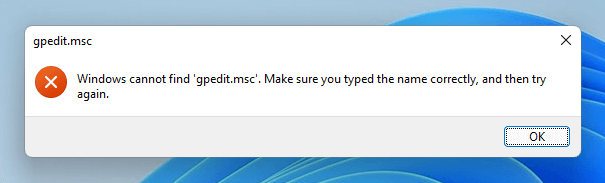
The Local Group Policy Editor (GPEDIT.MSC) is a Microsoft Management Console (MMC) snap-in used to configure and modify Group Policy settings within Group Policy Objects. This tool is available only on Windows 10/11 Professional Edition and higher.Read more