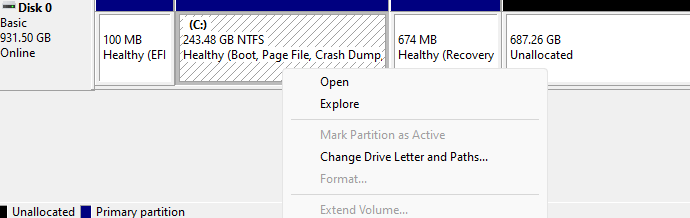
When you try to extend a volume in Disk Management, the Extend Volume option may be grayed out even though there is unallocated space on the disk.Read more
 Ramesh
Add “Play All” Right-Click Menu for Music and Video Files in Windows 11
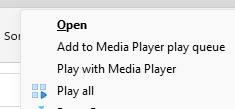
Using a registry tweak discussed in this article, you can add the “Play all” command to the right-click menu to play all music or video files in the current folder.
The classic ribbon UI in Windows 10 was awesome. But the new File Explorer UI in Windows 11 lacks functionality. It doesn’t have the much useful command buttons for Slideshow, Play All option for music and video files, Email, Zip, etc.
How to Open Control Panel in Windows 11
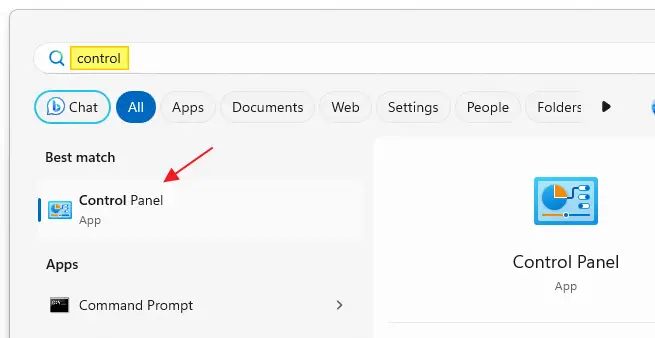
You can use Control Panel to change settings for Windows. These settings control nearly everything about how Windows looks and works, and you can use them to set up Windows so that it’s just right for you. Since Windows 10, many Control Panel settings have been moved to the Settings app. The classic Control Panel is still there, but its entry points are not prominent.Read more
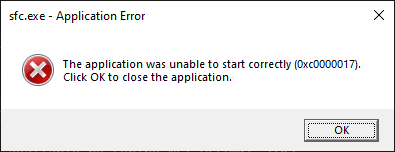
Change the sort order for files and folders whose names contain numerals
This article was previously published under Q319827 at Microsoft Support site. © Microsoft.
Original Title: The sort order for files and folders whose names contain numerals is different in Windows Vista, Windows XP, and Windows Server 2003 than it is in Windows 2000.
Information in this article also applies to Windows 10 and 11.Read more
How to Bulk Reset Exclusions in Windows Defender
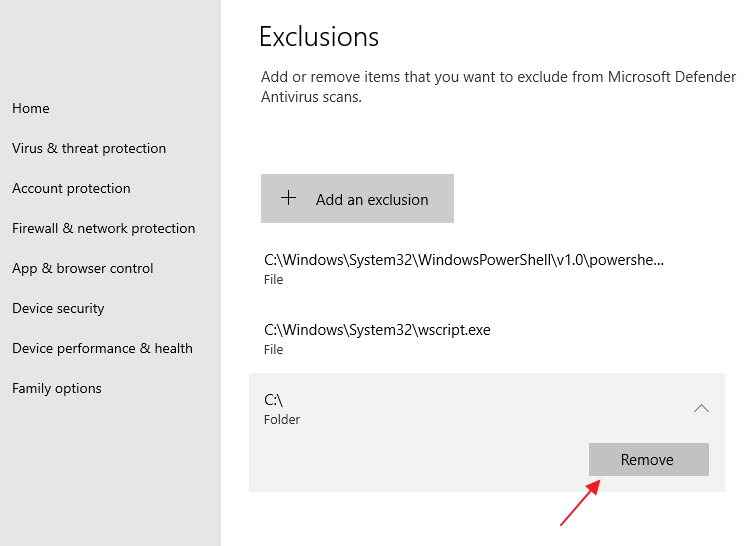
In the aftermath of a malware attack, you often end up with unwanted exclusion entries in Microsoft Defender Antivirus. Exclusions may exist for a folder, file, file type, or process. These exclusions can be cleared by opening the Virus and Threat Protection page in Windows Security.Read more
How to Install a Feature On Demand (FOD) Package Offline
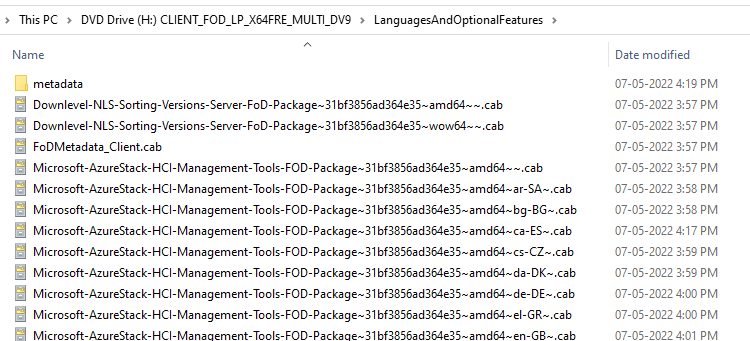
Features on Demand (FODs) are Windows features that can be added anytime. Standard features include language resources like handwriting recognition or other features like the .NET Framework (.NetFx3). When Windows 10, 11, or Windows Server needs a new feature, it can request the feature package from Windows Update.Read more
Sound Scheme “Windows Default” has Yellow Exclamation Mark
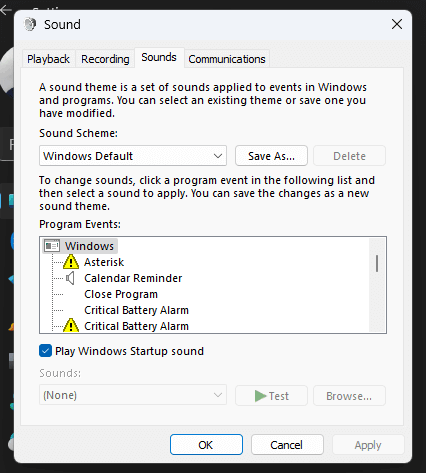
When you open the Sounds dialog (mmsys.cpl) and switch to the “Windows Default” sound scheme, some program events may show up with a yellow exclamation mark — actually, a yellow triangle with a black exclamation mark.Read more