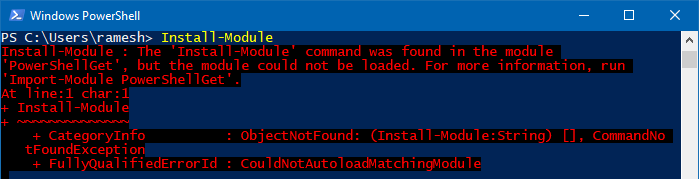
Install-Module command was found in the module PowerShellGet

install-module command not found

PowerShell’s Install-Module cmdlet downloads one or more modules from a repository and installs them on the local computer. But, when you run Install-Module, you may get the following error: Install-Module : The ‘Install-Module’ command was found in the module ‘PowerShellGet’, but the module could not be loaded. For more information, run ‘Import-Module PowerShellGet’. At line:1 … Read more

Get File Hash Checksum (MD5, SHA-256) via Right-click Menu

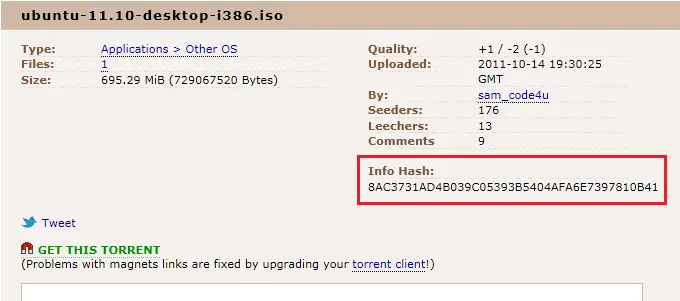
get file hash via the right-click menu

Hashing means taking an input string of any length and giving out an output of a fixed length. Using the cryptographic hashing algorithm — e.g., MD5, SHA-256, SHA-384, you can verify if two files are identical or not. The checksum is a hash value used for performing data integrity checks on files. It’s a kind of signature for a file.

When you download large files from the internet such as the Windows 10 ISO images, there are chances that the file gets corrupt or a few bits lost due to inconsistent connection or other factors. Hash verification is the best way to compare the two hashes – source file on a website or server versus the downloaded copy.Read more
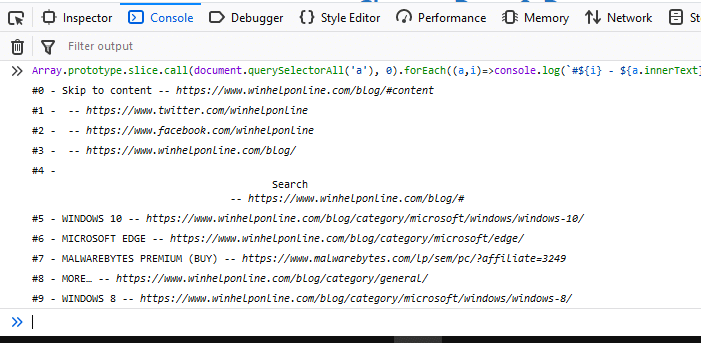
Turn Off Monitor Using Shortcut or Command-line in Windows

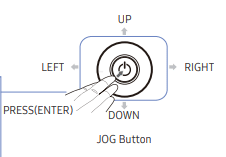
samsung monitor jog button

My new Samsung Curved monitor has the power button on the rear end, perhaps for aesthetic purposes. I have been using monitors that have controls on the front or underneath the bezel all these years. Now, with the new monitor, I find it a little bit inconvenient to reach out to the button on the backside every time I need to turn off or turn on the display.Read more

How to Find and Remove Empty Folders in Windows

remove empty folders in windows

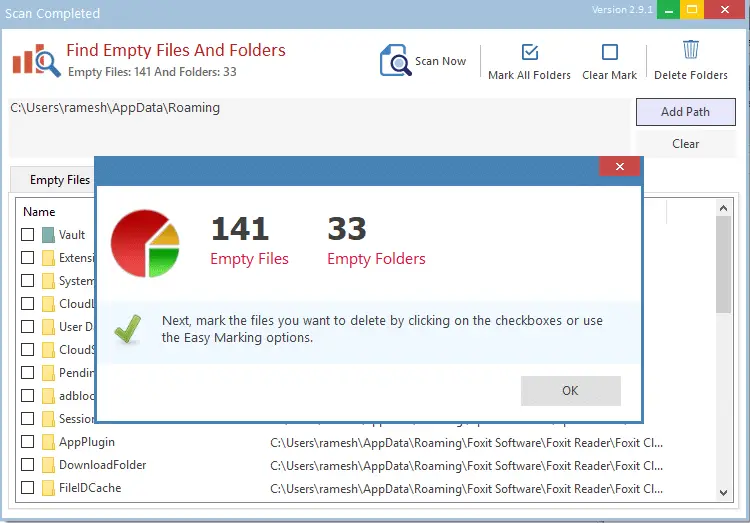
Over time, hundreds of empty folders and junk files may take up your hard disk. While the junk files occupy disk space and can be cleaned up using Disk Cleanup or Storage settings, the empty directories remain.

The empty folders don’t take up disk space, but to organize your data better, you may want to prune them every once in a while.

This article discusses different methods to find and remove empty folders on your computer.Read more

Enable or Disable Windows Defender Using Shortcut or Command-line

Windows Defender, the built-in anti-virus program in Windows, has useful features such as cloud-based protection, offline scanning, limited periodic scanning, tamper protection, controlled folder access, etc.

Almost every aspect of Windows Defender can be managed or automated using the MpCmdrun.exe command-line tool and PowerShell cmdlets. There are times when you need to temporarily disable your Windows Defender real-time protection on your test (non-production) systems and switch it back on after a few minutes.

You may prefer a single-click shortcut or script solution because of the following reasons:

  1. It takes several mouse clicks to turn off/on the Windows Defender real-time protection through the user interface.
  2. The Turn off Microsoft Defender Antivirus Group Policy setting or its equivalent registry setting DisableAntiSpyware = 1 would require rebooting the computer.
  3. Microsoft has discontinued the DisableAntiSpyware policy/registry setting in Microsoft Defender Antimalware platform versions 4.18.2007.8 and higher. DisableAntiSpyware no longer works!

hand point iconThis post explains how to enable or disable Windows Defender in a single click using desktop shortcuts or command-line without requiring a restart.
Read more

How to Check if a Windows Update (KB) is Installed on your Computer?

view update history in windows update settings

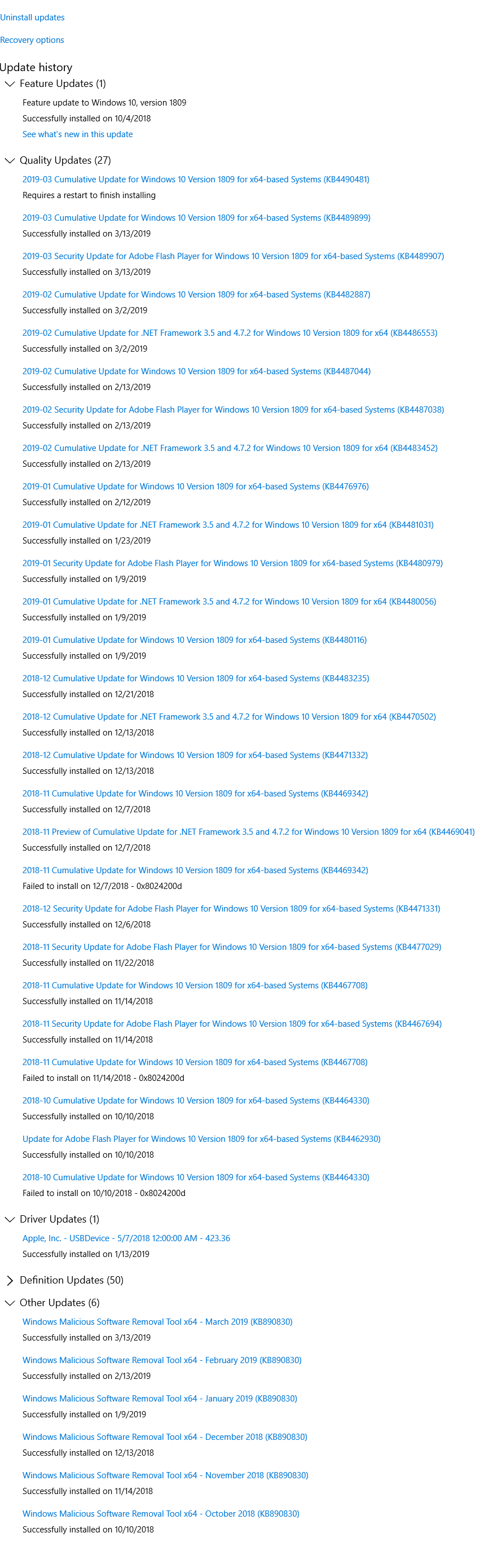
The Windows Update channel delivers all necessary updates suitable for your system. Most of the time, manual intervention is not required for installing updates. In some cases, especially during manual installation of an update using standalone installer, you may need to first check if a specific update (a prerequisite update) is installed on your system.

This article explains how to check if a specific Windows Update (KBnnnnnn) is installed in your computer or not.Read more