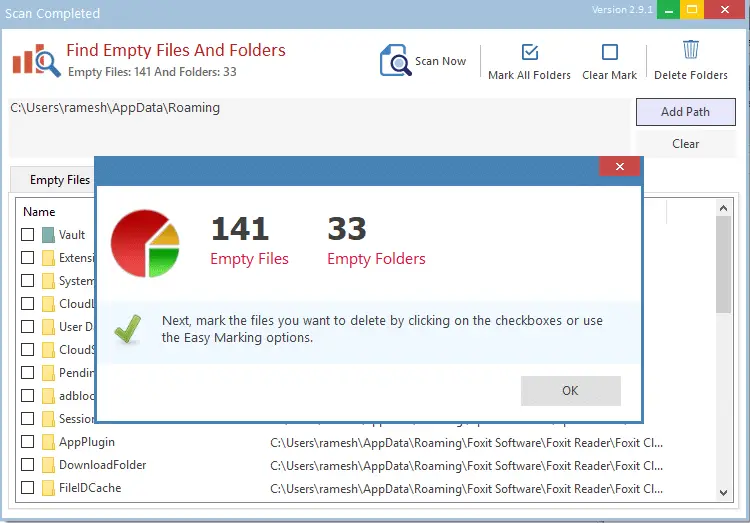
How to Find and Remove Empty Folders in Windows

remove empty folders in windows

Over time, hundreds of empty folders and junk files may take up your hard disk. While the junk files occupy disk space and can be cleaned up using Disk Cleanup or Storage settings, the empty directories remain.

The empty folders don’t take up disk space, but to organize your data better, you may want to prune them every once in a while.

This article discusses different methods to find and remove empty folders on your computer.Read more

How to Compare the Contents of Two Folders and Synchronize them

Traditionally, Windows users have employed XCOPY or SyncToy to mirror copy a certain directory to a different location. If you’re using Microsoft SyncToy, especially on Windows 10 or 11, it’s possible that sometimes the files or folders may be missing in the destination, or the destination folder has extra files or folders that are not in the source folder. Fortunately, nowadays, were have many specialized freeware sync tools that can compare and auto-sync your folders.Read more