After you install a Windows 10 feature update, the event viewer may contain Microsoft-Windows-Search Event ID 3104 Gatherer entries showing the error Enumerating user sessions to generate filter pools failed. Details: (HRESULT : 0x80040210) (0x80040210). Here is what the event looks like:Read more
Error Messages
[Fix] “Cannot shrink a volume beyond the point” when Resizing a Partition Using Disk Management
by Ramesh
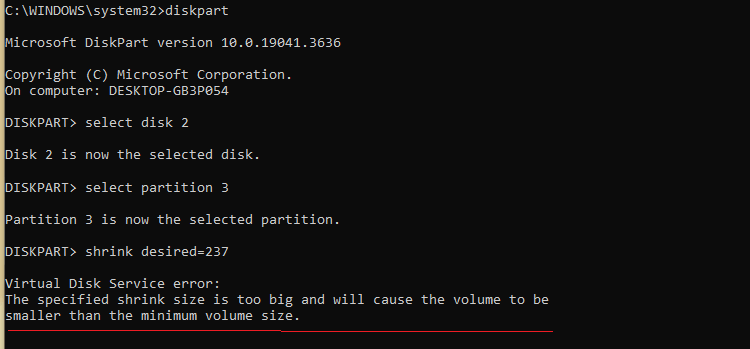
When you use the Disk Management console to shrink the volume in which the Operation System is installed, you’re unable to choose a value (to shrink) beyond a limit. In the shrink volume dialog, the following message is displayed: You cannot shrink a volume beyond the point where any unmovable files are located. See the … Read more
[Fix] Cannot import file: The specified file is not a registry script
by Ramesh
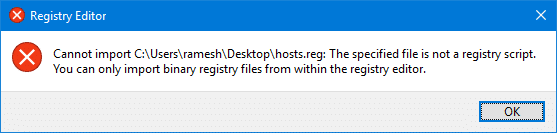
When you try to import a registry file (.reg) by double-clicking it or by using the Import option from within the Registry Editor, the following error occurs. As a result, the .reg file is not imported.
Registry Editor
Cannot import filename.reg: The specified file is not a registry script. You can only import binary registry files from within the registry editor.
This post tells you how to fix the .reg file import error in Windows.Read more
[Fix] PIN Errors 0x8009002d, 0x8007139f, 0x80090030, 0x80090032 and 0x80090016
by Ramesh
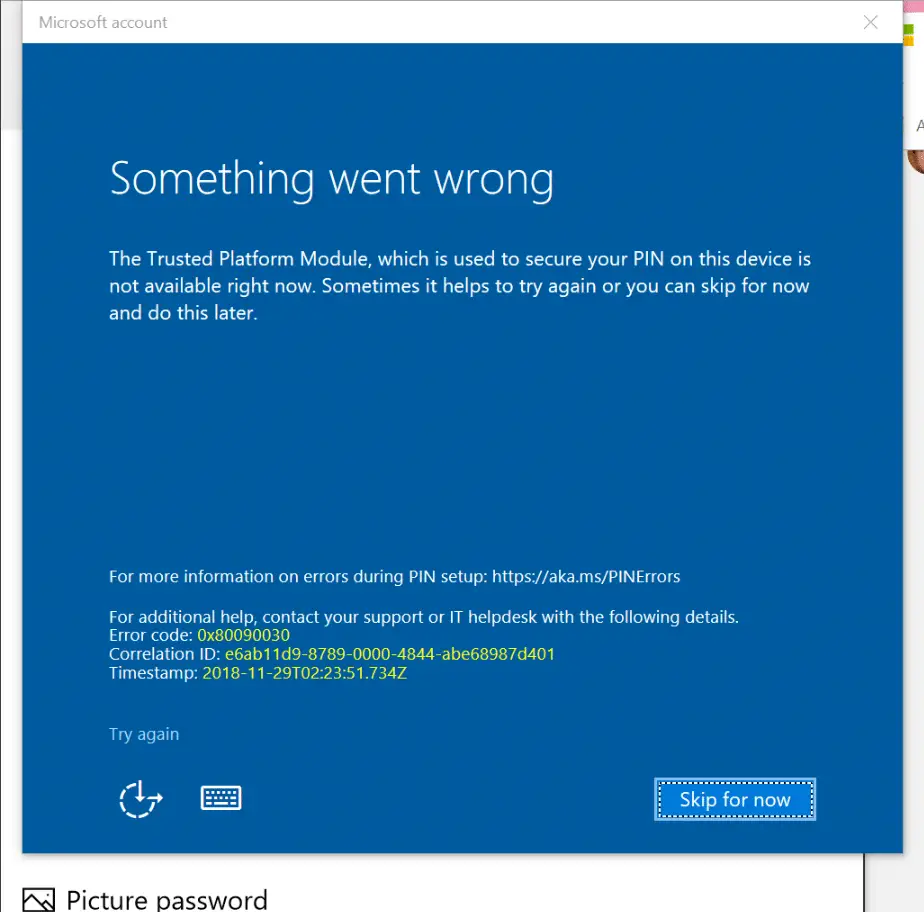
When creating or changing the PIN for a user account on a Windows 10 computer, one of the errors 0x8009002d, 0x8007139f, 0x80090030, 0x80090032 or 0x80090016 may appear. Here are the full symptoms:
- If there is already a PIN configured, you may be able to sign-in using the PIN. When signing in using the PIN, errors “The PIN is incorrect. Try again” or “Something went wrong (code: 0x8009002d). Restart your device to see if that fixes the problem.” may occur.Read more
Error 0x80070424 in Windows Update and Microsoft Store
by Ramesh
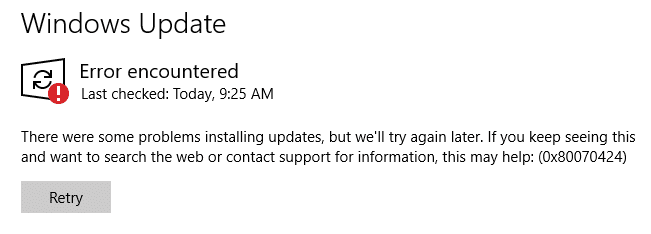
When you attempt to check for updates from the settings page in Windows 10, the error 0x80070424 may appear. Also, the Windows Update service may be missing from the list when you open the services console. Error encountered There were some problems installing updates, but we’ll try again later. If you keep seeing this and … Read more
[Fix] Windows Batch Files (.bat) do not run when double-clicked
by Ramesh
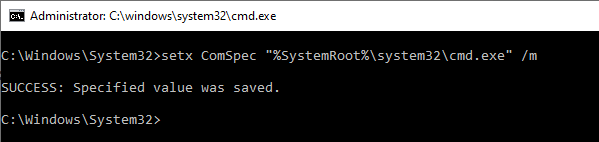
When you double-click a Windows batch file (.bat) or a .cmd file, one of the following symptoms may happen: The error “Windows cannot find ‘filename.bat’. Make sure you typed the name correctly, and then try again.” occurs when you run a .bat or a .cmd file. The batch file opens a Command Prompt window, but … Read more
[Fix] “Could not find this item” When Deleting a File or Folder in Windows
by Ramesh
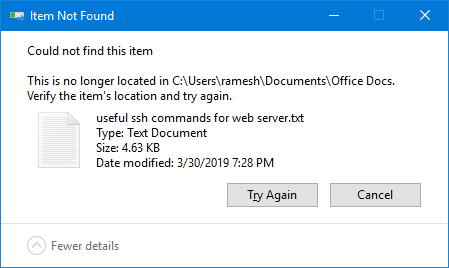
When you attempt to delete a file or folder on your Windows computer, the “Item not found” error may appear. Here is the full error message:
Could not find this item.

This is no longer located in [folder path]. Verify the item's location and try again.
This article explains how to fix the error when deleting a file or folder in Windows.Read more
Fix Error 0x80d06802 Installing a Windows Update
by Ramesh
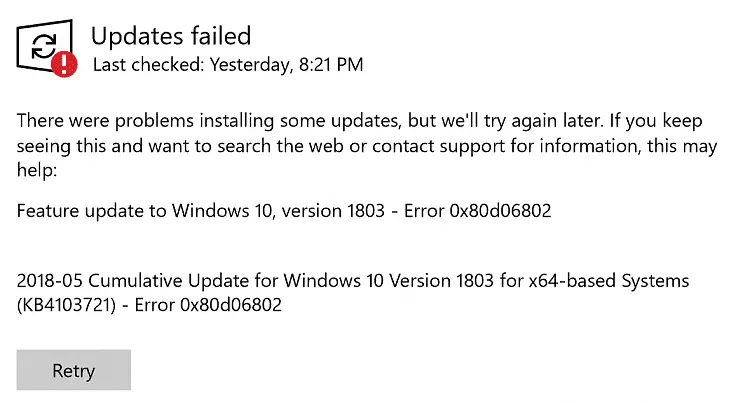
When you try to install an update via the Windows Update channel in your Windows 10 computer, error 0x80d06802 may appear. Here is the full error message verbatim:
There were problems installing some updates but we’ll try again later. If you keep seeing this and want to search the web or contact support for information, this may help: Error 0x80d06802.
This post tells you how to fix error 0x80d06802 during Windows Update installation.Read more
Error 1083 “The executable program that this service is configured to run in does not implement the service”
by Ramesh
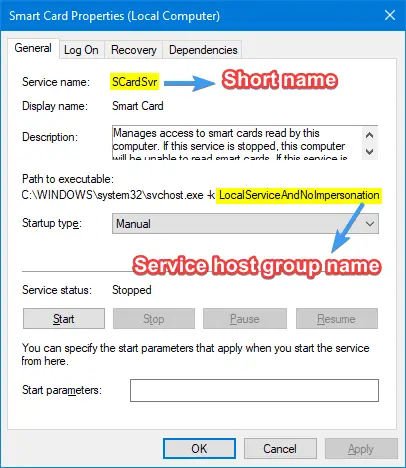
When you attempt to start some Windows services using the Services MMC or command-line, error 1083 or 1053 is shown, and the service fails to start. Here is the error message verbatim: Windows could not start the [service name] service on Local Computer.Error 1083: The executable program that this service is configured to run in … Read more
Cannot Save Files to Desktop and Error “File not found” in Windows 10
by Ramesh
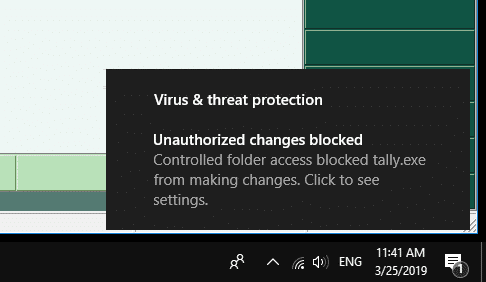
When you try to save a file on the desktop or the documents folder on your Windows 10 computer, it may show the “File not found” error message. Here is the full error message verbatim:
Save as C:\Users\Ramesh\Desktop\filename.txt
File not found.
Check the file name and try again.
File not found.
Check the file name and try again.
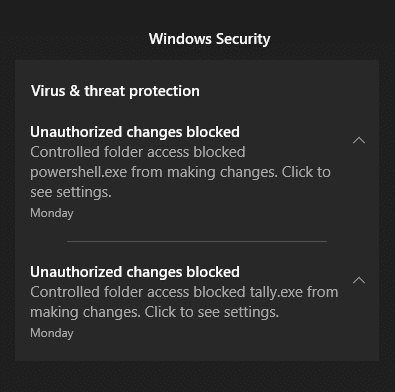
.. with the “Unauthorized changes blocked” error in the Notification area and the Action Center.
For each error, an action center notification along with an event log entry is created.