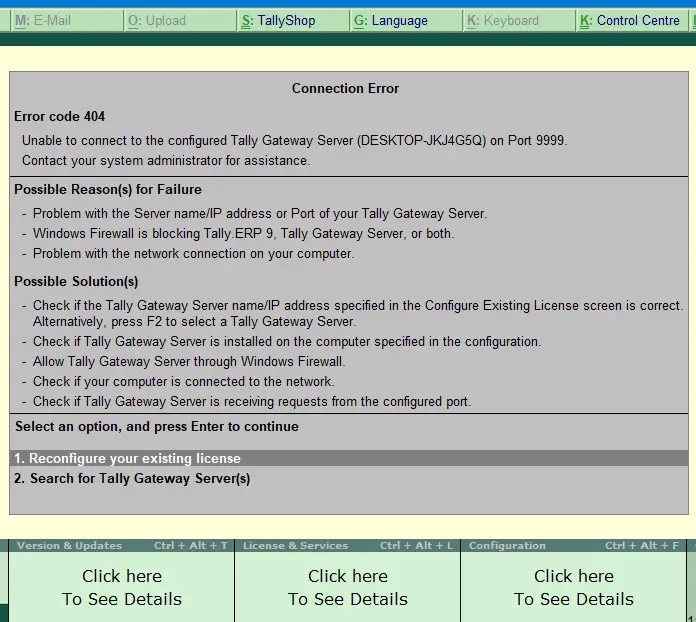
When you start the Tally accounting software, you may encounter error 404 Unable to connect to the configured Tally Gateway Server on Port 9999.
Get File Hash Checksum (MD5, SHA-256) via Right-click Menu
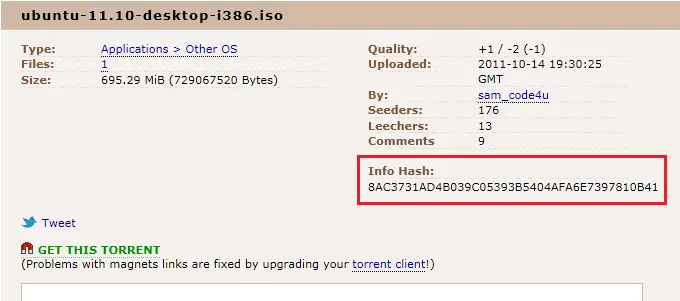
Hashing means taking an input string of any length and giving out an output of a fixed length. Using the cryptographic hashing algorithm — e.g., MD5, SHA-256, SHA-384, you can verify if two files are identical or not. The checksum is a hash value used for performing data integrity checks on files. It’s a kind of signature for a file.
When you download large files from the internet such as the Windows 10 ISO images, there are chances that the file gets corrupt or a few bits lost due to inconsistent connection or other factors. Hash verification is the best way to compare the two hashes – source file on a website or server versus the downloaded copy.Read more
What is Enhanced Search (Indexing Options) in Windows 10?
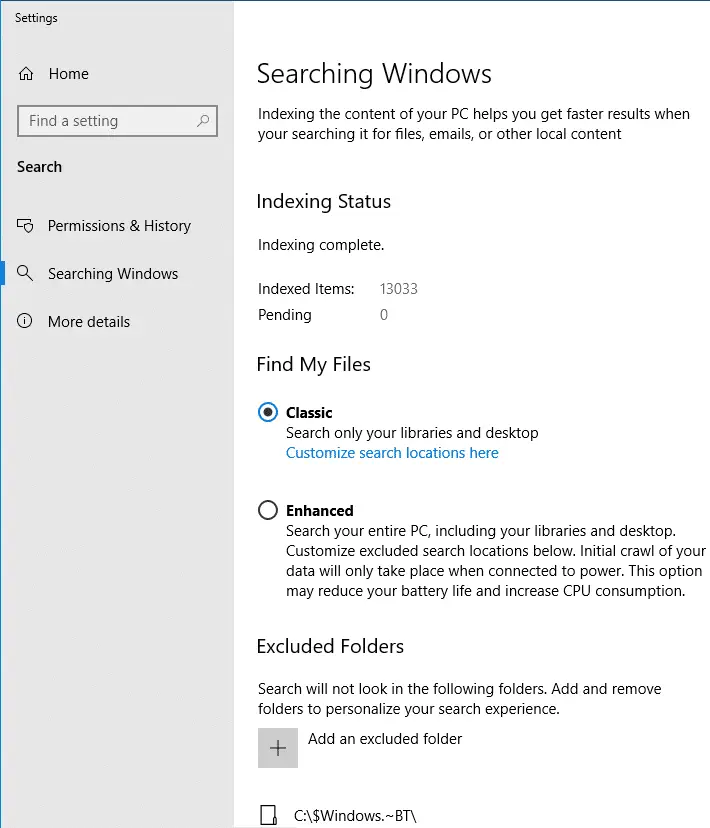
Windows 10 1903 (codenamed “19H1”) introduces a new search option named Enhanced under the Find My Files section on the Settings page. Many users may be wondering what the “Enhanced” setting is all about and the difference between Classic and Enhanced search modes.Read more
Force Chrome to Always start in Light or Dark mode regardless of Windows 10 app mode setting

Google Chrome by default follows or respects your Operating System’s (e.g., Windows 10) default app mode (Light or Dark). If you enable Dark app mode in Windows 10 Settings → Personalization → Colors, it also enables dark mode or dark theme in Google Chrome.
When you switch to the light mode in the Operating System, Chrome automatically switches to the light theme.
However, regardless of the Windows 10 app mode setting, you can force Google Chrome to always start in light mode or in dark mode. This article tells you how to prevent Google Chrome from respecting or following Windows 10’s app mode (Light vs Dark) setting. This can be done using additional/hidden chrome.exe command-line arguments which can be added to Chrome’s shortcut target field in Properties.Read more
Register Google Chrome Portable with Default Apps or Default Programs
A long time back, I made a simple program that will register Mozilla Firefox Portable with Default Programs or Default Apps in Windows. Many users asked if a tool can be made for other portable browsers, such as Opera, Chrome, etc.,
This post has a VBScript that will register or unregister Google Chrome Portable (from PortableApps.com) with Default Apps in a single click. After registering, you can set Chrome Portable as the default browser via Default Apps.Read more
Folders not refreshing automatically in Windows 10
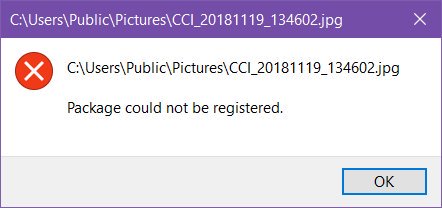
In File Explorer or on the desktop, when you create, delete, rename, or move a file or folder, the folder view does not refresh automatically to reflect the action. To see the changes, the user must press the F5 button on the keyboard, or right-click on the desktop or folder background and choose Refresh. Let’s … Read more
How to Use Windows Spotlight as Desktop Wallpaper Slideshow
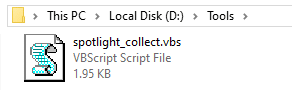
The Windows Spotlight brings fresh wallpaper images for your lock screen daily. The wallpapers are stored in the Assets folder wherein the older wallpaper images will be purged automatically as the new set of images get downloaded. We saw how to save the lock screen wallpapers using various methods, including a scripting method. This post … Read more