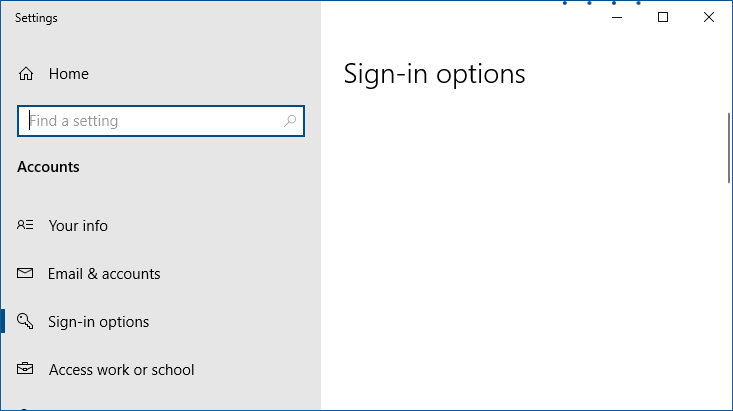
When you open Settings → Accounts → Sign-in Options, the Sign-in Options page may be completely empty. As a result, you cannot modify the PIN, dynamic lock, or other sign-in settings.Read more
Windows 11
[Fix] Chrome Launches Default Apps (Settings) Everytime
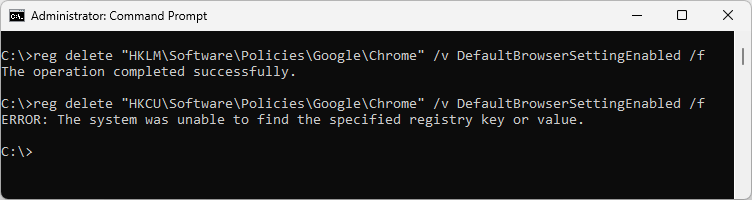
After installing the April 2023 quality updates on some Windows 10 or 11 computers, the Default Apps window may open when Chrome is launched. Resetting default apps or reinstalling Chrome does not fix the issue.Read more
New “Text Document” missing from Right-Click menu in Windows 11
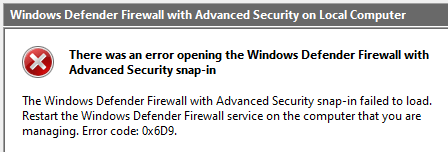
When you right-click on the desktop and click “New,” the New menu may not contain the “Text Document” option on your Windows 11 computer. This article tells you how to bring the “Text Document” option back.Read more
Add “Firefox (Private browsing)” to Default Apps
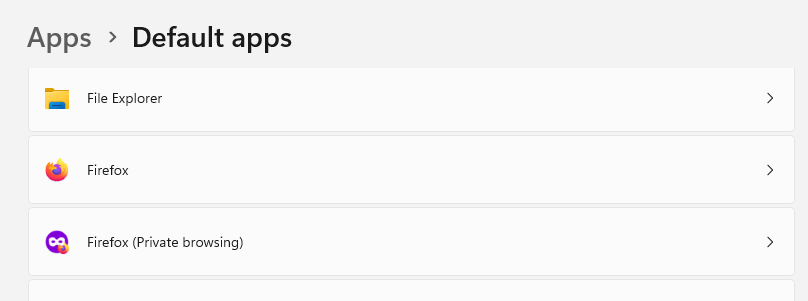
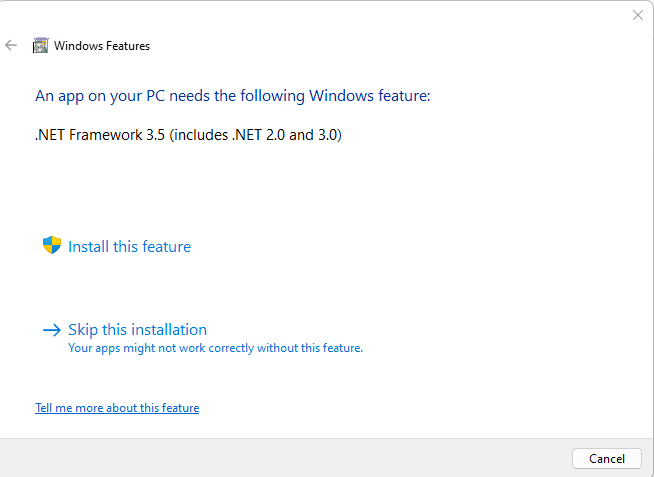
Firefox Private browsing helps you visit websites without saving cookies, temp files, and browsing history. If you’re wondering how to add “Firefox (Private browsing)” to the Default Apps, this article has the registry edit.Read more
Remove “Scan with Microsoft Defender” Right-click Menu Entry
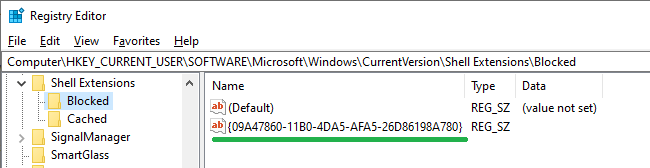
When you right-click on a file, folder, or drive, you’ll see the “Scan with Microsoft Defender…” option. It’s a useful option to custom scan a specific file/folder/drive. However, if you want to remove the option to declutter the right-click menu, this article tells you how. The “Scan with Microsoft Defender…” option is powered by the … Read more