How to Change File Date or Timestamp in Windows

change last modified file date or timestamp using powershell

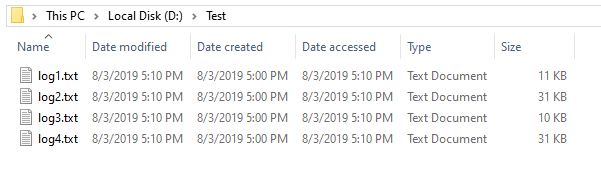
Windows maintains three different date/timestamps for every file and folder. They are “Date Created,” “Date Modified,” and “Date Accessed.” You may have to change the modified, created, or last accessed timestamp of a file or folder in some situations.

For instance, I had to change the timestamp of some files to test the Robocopy sync method when writing an article on folder compare and synchronization. Other users may need to change the date or time of a file for backup or archiving purposes.

Let’s see some methods to change the created date, modified date, or last accessed date of files in this article.
Read more
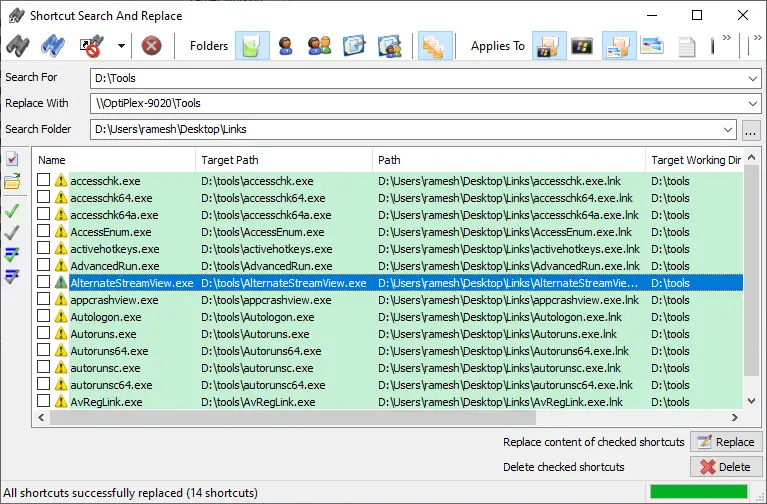
How to Change Shortcut (.lnk) Target in Bulk Using Script

shortcuts search and replace bulk

Many users have shortcuts pointing to various network shares from other systems or your domain’s storage server. If your company migrates the server and changes the computer name, share name, or folder path, you need to manually update the shortcut targets to point to the right destination. In most cases, the folder structure may remain the same, but the server name usually changes.Read more

Trigger a Program Upon Connecting to a Specific Network in Windows

trigger launch program when connecting to a specific network connection

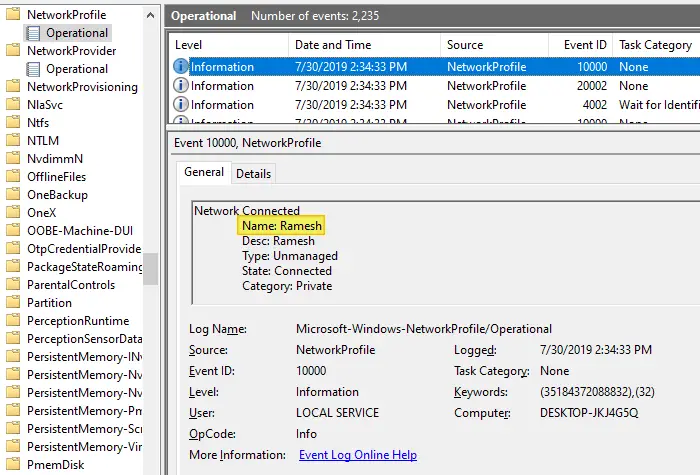
Depending upon the network you’re connected to, you may want to run certain tasks. For instance, when you’re connected to a specific network — e.g., home network — you may want to assign a different printer as the default, using command-line or script. This is especially needed in Windows 10 where the “location-aware printing” feature has been removed.

Or, you may need to run a backup task, or set the default save location in your Office apps to local documents instead of OneDrive when connected to a home network. Some users would want to turn on their VPN software upon connecting to a particular network.

Read more

[Fix] Cannot Delete WindowsApps folder on Non-System Drives

cannot delete windowsapps folder

If you have changed the default app save location to an external hard drive or secondary drive, Windows will create three folders, namely, WpSystem, WindowsApps, and WUDownloadCache on the target drive.

You may later change your mind and revert the default save location to C:. But you may be unable to delete the leftover WindowsApps folder on your secondary drive due to tight NTFS permissions assigned to the folder. The other two folders, WpSystem and WUDownloadCache can be deleted easily.

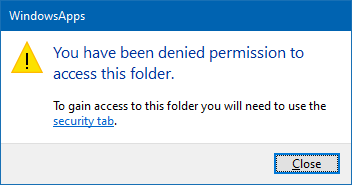
When you access the WindowsApps folder on your secondary drive, you may see the following message:

cannot delete windowsapps folder

You have been denied permission to access this folder.

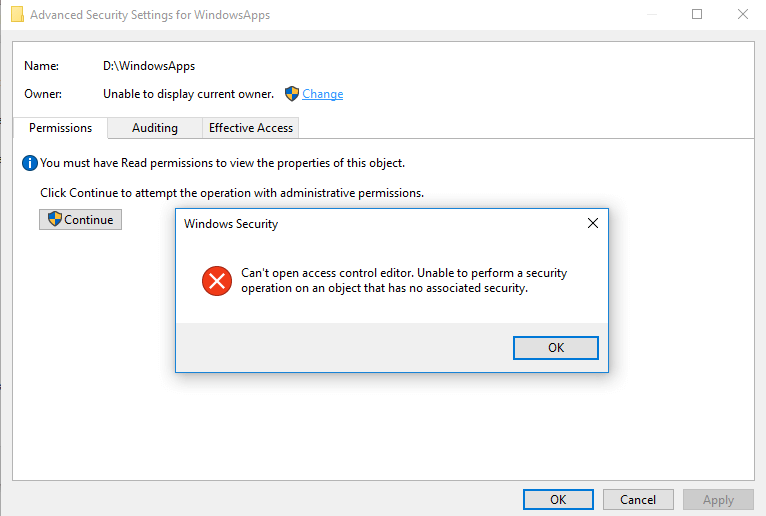
And the Advanced Security Settings dialog shows the error:

Can't open access control editor. Unable to perform a security operation on an object that has no associated security.

cannot delete windowsapps folder

This article explains how to properly delete the leftover WindowsApps folder on your secondary or external hard disk drive(s).Read more

Copy Folder Structure without Copying Files in Windows

copy directory structure without files

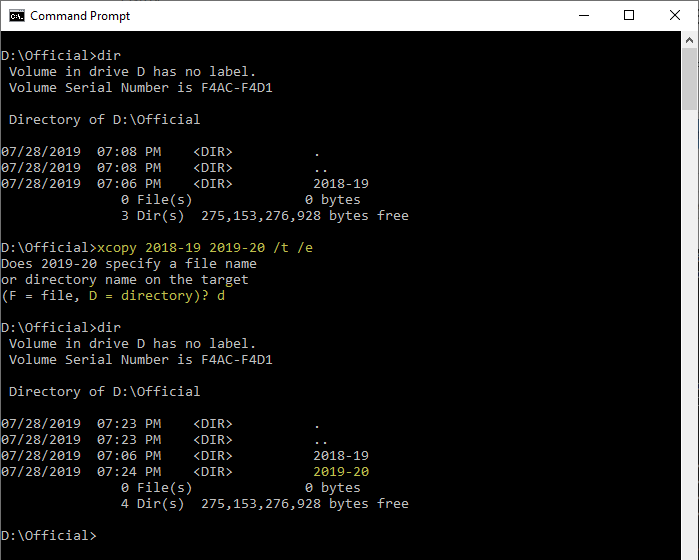
There are situations where you want to copy a folder structure without copying the files in that folder and sub-folders. For instance, you may want to replicate the directory structure of your expenses or accounting folders in order to organize them year-wise.

I have the following directory structure to store the documents pertaining to the financial year 2018-19. For the next financial year, I would want to copy the directory structure (without files) to the parent folder named 2019-20 to maintain uniformity.Read more

Bypass SmartScreen even if its Enabled through Group Policy

When you download a file you downloaded from the internet, Windows adds the zone identifier or Mark of the Web as NTFS stream to the file. So, when you run the file, Windows SmartScreen checks if there is a zone identifier alternate data stream attached to the file. If the ZoneId=3 data ADS is present, Windows identifies that the file was downloaded from the internet, and the SmartScreen does a reputation check when you run the file.Read more