In Windows 11, the New menu does not list the “Rich Text Format” (often abbreviated RTF) entry by default. This happens even though you associate all .RTF files with WordPad instead of MS Word.Read more
Windows
You’re browsing the “Windows” parent category, which lists articles on every Windows Operating System.
System32 Folder Occupies 300 GB; Filled with Gibberish EXE Files
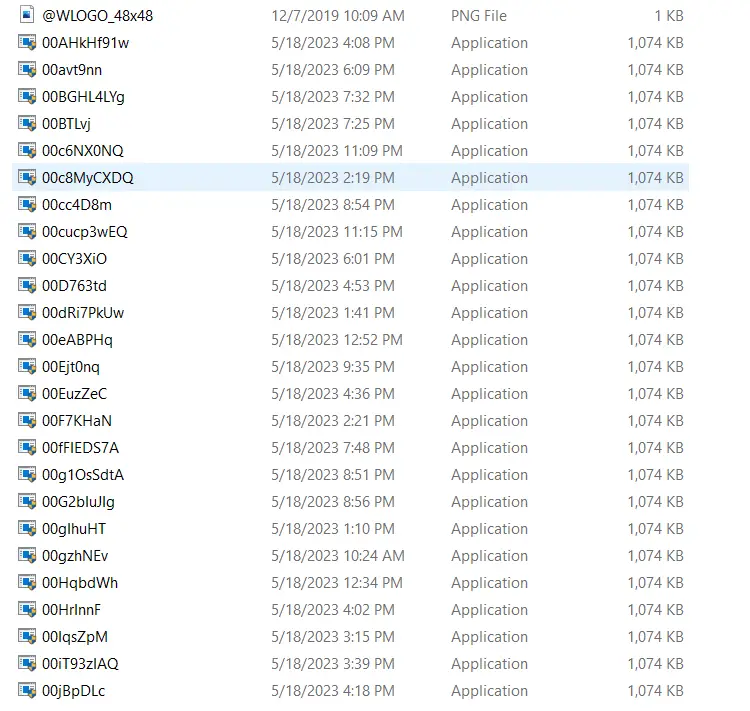
Of late, many users are complaining that the System32 folder is consuming colossal disk space (e.g., 150 GB – 300 GB) all of a sudden. On a user’s computer, more than 200,000 .exe files were generated. Those files were almost generated every minute, consuming over 200 GB on the C drive.Read more
Fix: Cannot Delete Microsoft Defender Exclusions
When you open Windows Security → Virus and Threat Protection → Manage Settings → Add or remove exclusions, you may be able to delete the exclusions by clicking on the “Remove” button.
Also, the Remove-MpPreference PowerShell command may not help.Read more
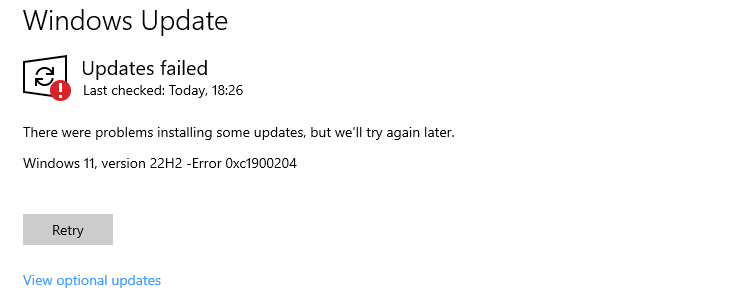
Windows Update Shows Old Updates
After installing the latest Feature Update, the Windows Update may still show updates that apply to the previous Windows version. For example, after updating to Windows 11 to 22H2 from 21H2, the Windows Update page in Settings lists the updates applicable for Version 21H2.Read more
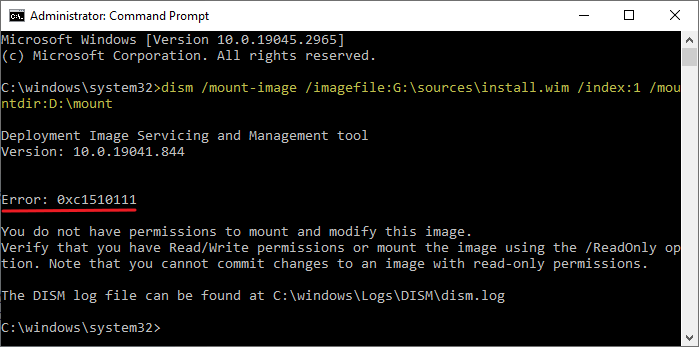
How to Extract DLLs from the DirectX (June 2010) Runtimes Setup
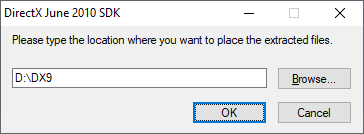
The Microsoft DirectX® End-User Runtime installs a number of runtime libraries from the legacy DirectX SDK for some games that use D3DX9, D3DX10, D3DX11, XAudio 2.7, XInput 1.3, XACT, and/or Managed DirectX 1.1. Note that this package does not modify the DirectX Runtime installed on your Windows OS in any way.Read more
User Profile Folder Missing Under C:\Users
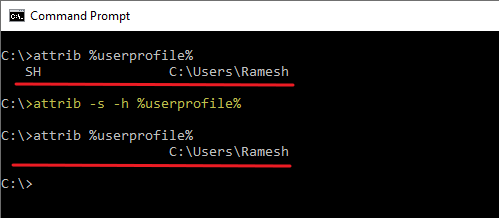
The profile folder for each user account on your computer is stored under C:\Users. On some systems, the user profile folder may not appear when you open the “C:\Users” folder in File Explorer.Read more
New Menu Shows Only “Folder” in the Desktop Context Menu
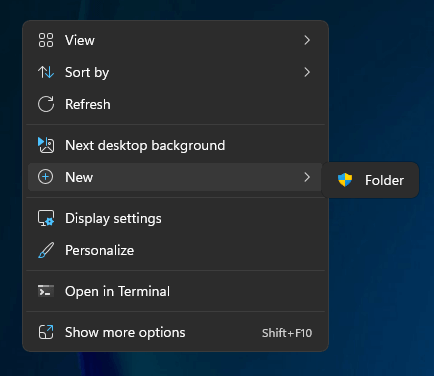
When you right-click on the desktop and click New, the New menu may only show the “Folder” entry. The other options, such as “Shortcut,” “Text document,” and “Bitmap image,” may be missing in the New menu.Read more