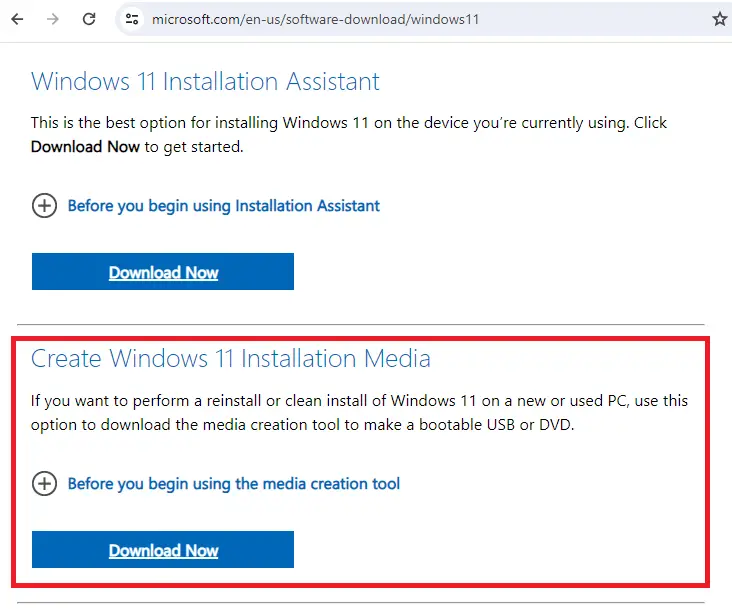
To download the Windows 11 ISO or create a USB setup disk, you can use the Media Creation Tool (MCT). The ISO can be used to do an in-place upgrade or repair install on an existing Windows computer. Whereas the USB setup disk can be used to do an in-place upgrade, repair install on an existing Windows system, or cleanly install Windows 11 on a new PC.Read more
Windows
You’re browsing the “Windows” parent category, which lists articles on every Windows Operating System.
Desktop Background Option is greyed out in Personalize Settings
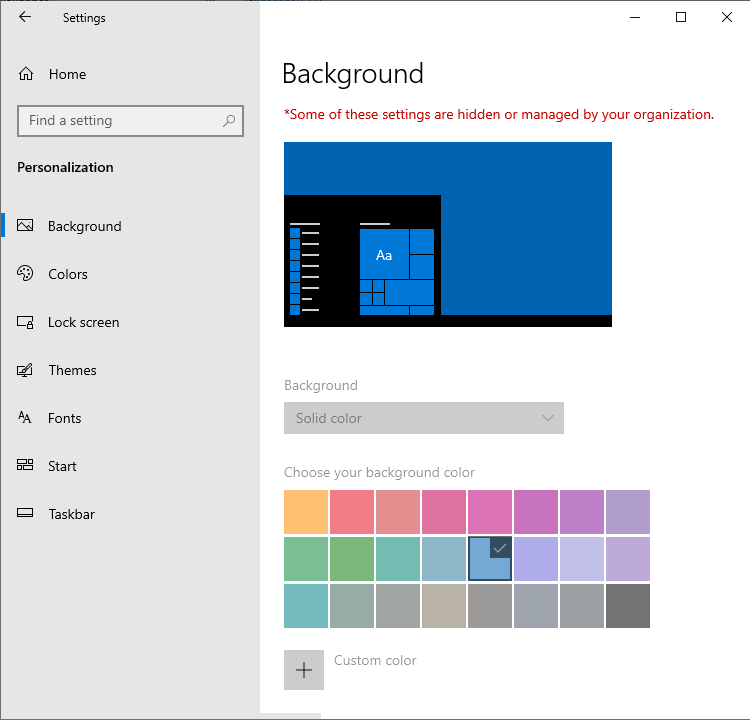
When you attempt to change my desktop wallpaper, the “Background” dropdown option may be greyed out in Settings → Personalize. The “choose your background color” option may also be grayed out. Also, on the top, it says the following: Some of these settings are hidden or managed by your organization. This happens even if your … Read more
Startup Apps Option Missing in Settings in Windows 10 or 11
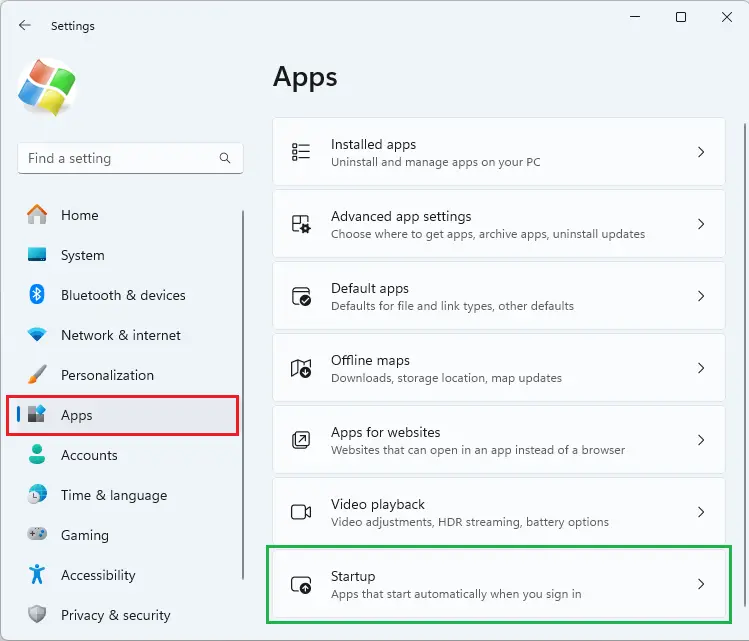
When you open Settings and click “Apps”, the “Startup” option may be missing. The Startup option lets you manage apps that start automatically when you sign in. Despite this issue, the Task Manager’s Startup tab may show the startup entries correctly.Read more
Windows Security is Blank in Windows 11
After resetting your computer or performing a clean install of Windows 11, the Windows Security app may not load. It may stall with the shield icon showing up or a blank page. This happens even if you’ve chosen the Cloud download option during the Reset.Read more
Powercfg: The hiberfile type does not support hibernation
When you open the Power and sleep buttons and lid settings in Power Options, the Hibernate option may be missing from the dropdown. However, the “Fast Startup” option may be available. When you run Powercfg /AVAILABLESLEEPSTATES or Powercfg /A to report the sleep states available on the system, the output may contain the following line: … Read more
[Fix] Cannot change default app for .SVG files
On your Windows 11 computer, you may be unable to change the default app for .SVG files. When you right-click on an .SVG file and click Open with…, “Just Once” is the only option shown; there is no “Always” option.
When right-clicking on a .SVG file and clicking Properties, the properties dialog may not have the “Change” button.
The .SVG file type may not show up on the Default Apps settings page.Read more
Windows 11 User icon looks like a Regular folder
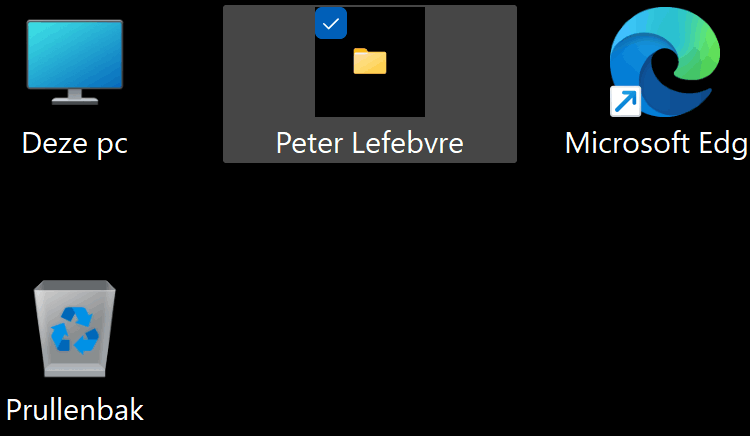
After adding the user profile icon to the desktop (via Settings > Personalization > Themes > Desktop icon settings), the user icon may look like a regular folder with the generic yellow folder icon.
![]()
Users expect the icon to appear like the one below.Read more