ShadowCopyView is a brand new tool from Nirsoft that lists the snapshots or Volume Shadow Copies available in your disk drives, and lets you recover files from them.Read more
Utilities
Track Process Creation and Exit Time Using Process Monitor
Summary: This post tells you how to track process creation and exit events using the Process Monitor utility.
My previous post, List Running Processes, helps you track down currently running processes. And the article Command Prompt Opens and Closes immediately tells you if a last run program window was a scheduled task or not.Read more
Take Screenshot in Windows 10 Using Different Ways
In any version of Windows, the PrintScreen key captures the screen to the clipboard, which can then be pasted in Paint or any image editor and saved to a file. However, Windows 8 and Windows 10 save you that additional step, making it very easy to capture your screen and saving to a file in a single keystroke. This article discusses various methods to take screenshots in Windows.Read more
FileTypeDiag Dumps Complete File Type Association Information
FileTypeDiag is a useful tool that exports the complete file association information of a specified file type to a log file. Check out FileTypeDiag from pretentiousname.com, the same site which released a popular fix for the Adobe PDF thumbnails issue.Read more
How to Copy Files from Multiple Subfolders to a Single Folder?
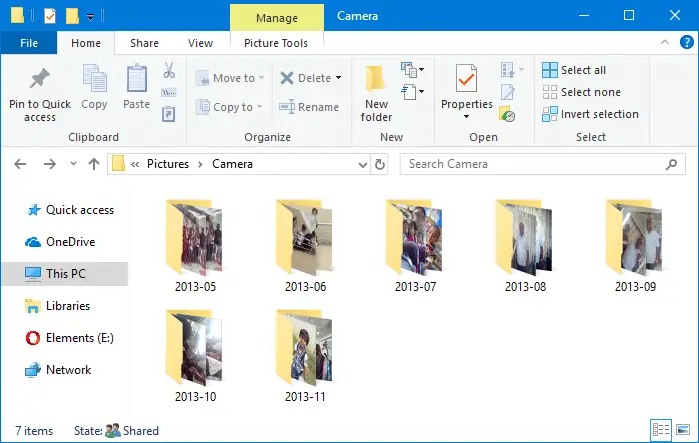
When importing photos from your camera or SD card via AutoPlay dialog using the Photos app, many sub-folders (month and year-wise) are created in the destination folder, which may not be what you wanted. Here is a step-by-step guide that explains how to move all files recursively from multiple subfolders to a single folder of your choice.
For example, here is how it gets imported when using the Photos app.
The mobile phones and cameras also may store your photos in many subfolders under the DCIM folder.
For instance, in Apple iPhone, your photos and videos are stored in the 100APPLE folder under DCIM. The 100APPLE folder contains IMG_0001.JPG to IMG_0999.JPG. If you have more images or videos, then they’re stored in 101APPLE , 102APPLE directory, and so forth. If you’re using iCloud to store photos and videos, you’ll also see the folders namely, 100CLOUD, 101CLOUD, and so on.
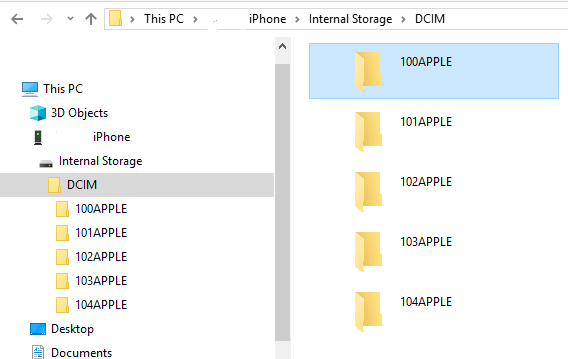
Copying the files from each subfolder to a single folder on your hard disk manually can be a tiresome task, especially if you have a large number of folders. However, you don’t need to dig into every folder to do that, as there are several ways to quickly copy or move files from all the subfolders to a single folder — i.e., flatten a directory structure.Read more
How to Selectively Delete System Restore Points
The System Restore user interface doesn’t have an option to remove individual restore points. But, it’s possible to remove Restore Points selectively using the Vssadmin command-line, PowerShell, or by writing a program that makes use of the SRRemoveRestorePoint API in Windows Vista through Windows 10.
This article explains the two methods to delete individual restore points in Windows.
Cannot Change Default Apps or Programs in Windows 10 [Fix]
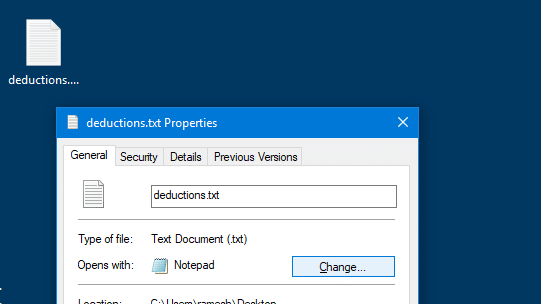
When you open Default apps and select a default program for Web browser, Email or any other item, the Choose an app dialog pops up but nothing happens when you select an item from the list. Here is a small video clip that explains the problem.Read more
Copy URLs of All Open Tabs in Chrome, Firefox, Edge
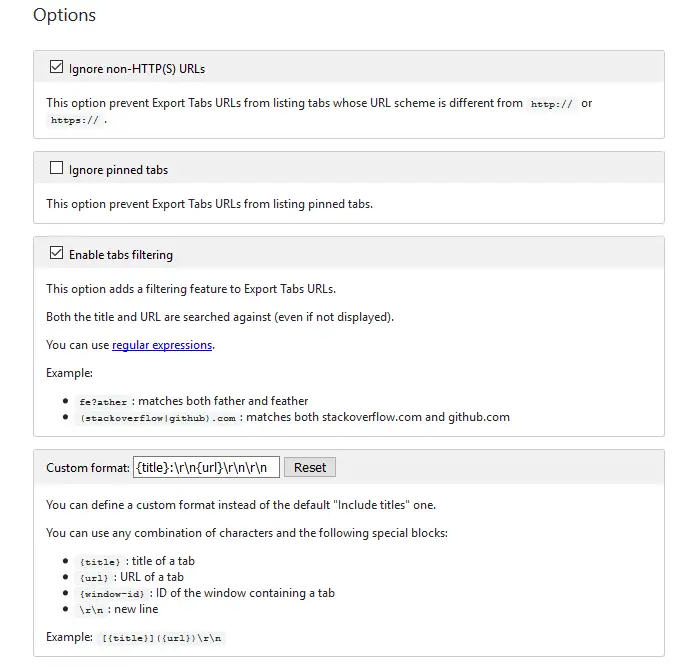
We saw one of the ways to Copy Title and URLs from all open tabs in Internet Explorer. For Google Chrome and Firefox, there are many add-ons or extensions for this purpose. This post features a couple of nice extensions that can copy the URLs for the current tab, current window, or all windows. Further, both these add-ons allow nice customization as to how the title and links are copied.Read more
Command Prompt Flashes and Closes Quickly at Startup or Random Intervals
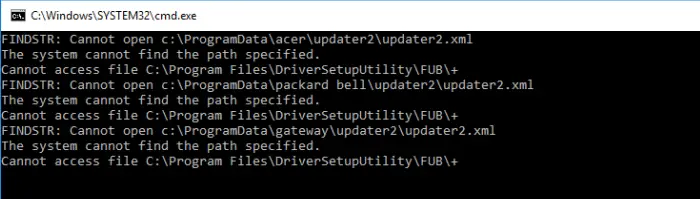
If the Command Prompt, PowerShell, or an unknown program window flashes during logon or at random intervals without you doing anything, there are many chances that it’s a Task Scheduler job. The windows popping up frequently can be a huge distraction when you’re working or playing a game on the computer.Read more