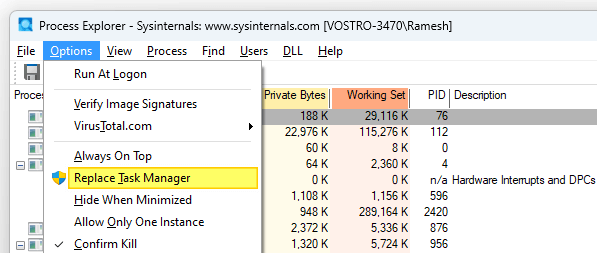
Windows Sysinternals Process Explorer is an advanced process management utility often called “Task Manager on steroids”. If you want to replace Task Manager with Process Explorer, this article is for you.Read more
registry
[Fix] MP3 Metadata not displayed in File Explorer
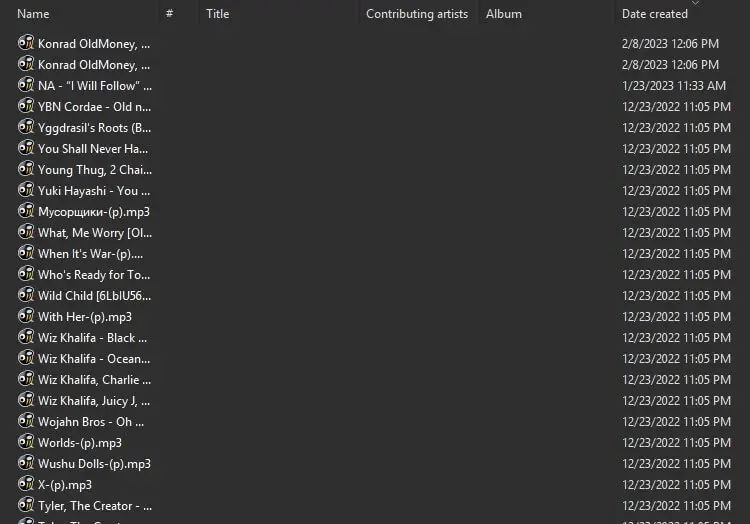
When you open a folder containing MP3 files, the metadata fields in the Details view of File Explorer may be empty.
For instance, the “Title”, “Contributing artists”, “Album” and other metadata columns may be blank. Even though the MP3 files have embedded metadata ID3 tags, they don’t appear in the Details view in File Explorer and the Details tab of the file’s Properties.Read more
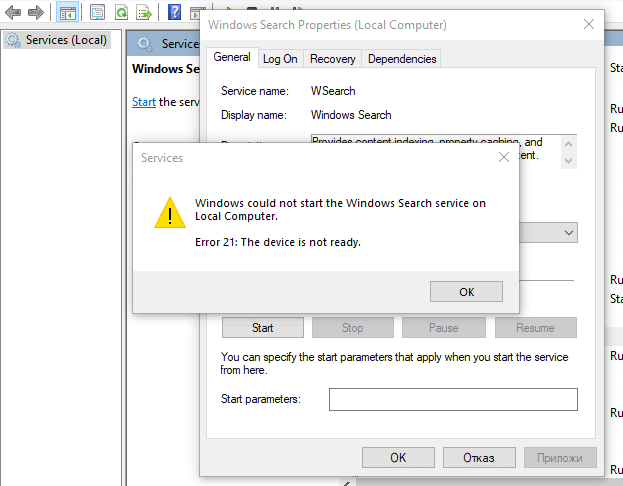
Desktop Background Option is greyed out in Personalize Settings
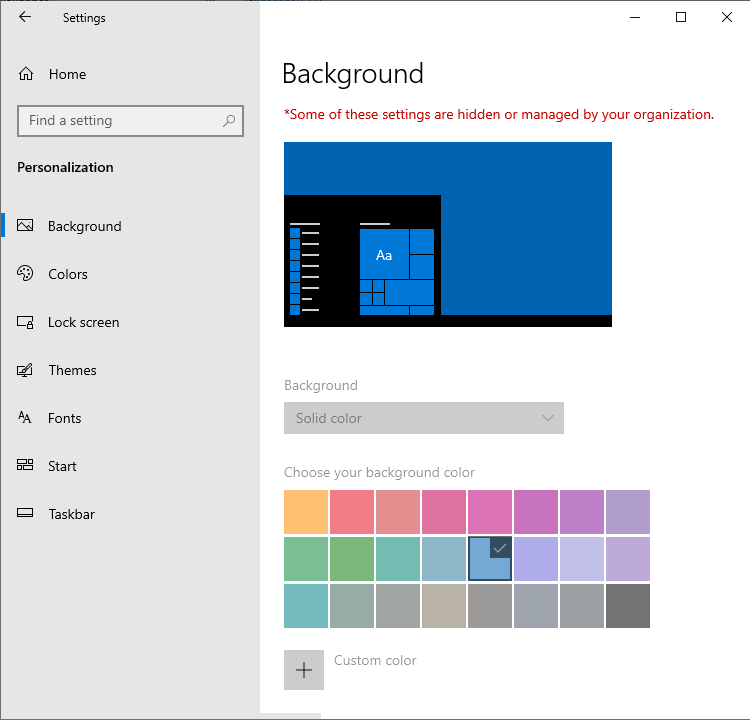
When you attempt to change my desktop wallpaper, the “Background” dropdown option may be greyed out in Settings → Personalize. The “choose your background color” option may also be grayed out. Also, on the top, it says the following: Some of these settings are hidden or managed by your organization. This happens even if your … Read more
Startup Apps Option Missing in Settings in Windows 10 or 11
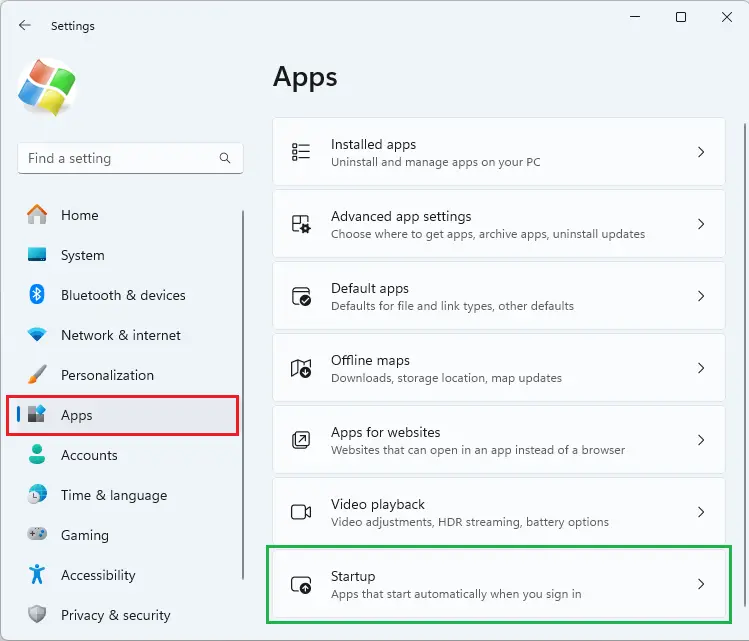
When you open Settings and click “Apps”, the “Startup” option may be missing. The Startup option lets you manage apps that start automatically when you sign in. Despite this issue, the Task Manager’s Startup tab may show the startup entries correctly.Read more
Windows Security is Blank in Windows 11
After resetting your computer or performing a clean install of Windows 11, the Windows Security app may not load. It may stall with the shield icon showing up or a blank page. This happens even if you’ve chosen the Cloud download option during the Reset.Read more
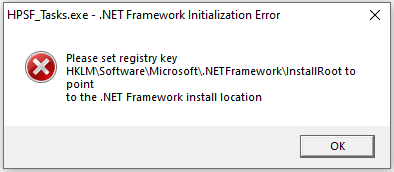
[Fix] Cannot change default app for .SVG files
On your Windows 11 computer, you may be unable to change the default app for .SVG files. When you right-click on an .SVG file and click Open with…, “Just Once” is the only option shown; there is no “Always” option.
When right-clicking on a .SVG file and clicking Properties, the properties dialog may not have the “Change” button.
The .SVG file type may not show up on the Default Apps settings page.Read more
Windows Setup: Language Selection Screen Appears During In-Place Upgrade
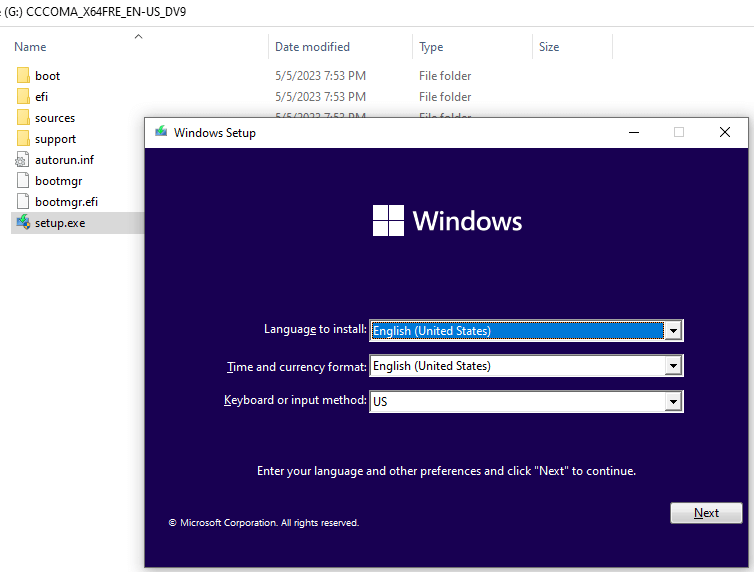
When you run an in-place upgrade by running Setup.exe using the Windows 10 or 11 Media Creation Tool or ISO from Windows, the language selection screen pops up. This is unusual because the screen is supposed to appear only when booting from the USB setup disk.Read more