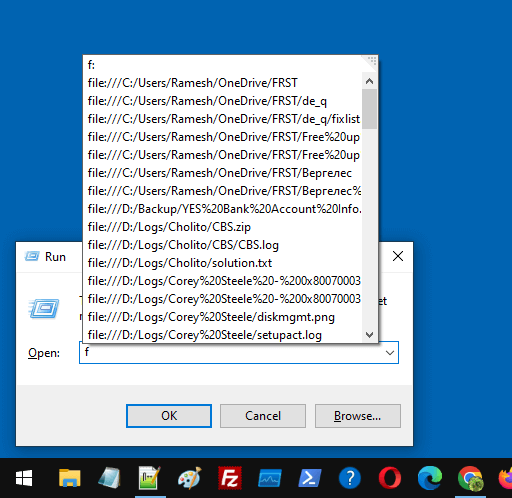
When you open the Run dialog and type f or / (forward slash), the recently accessed files may appear in the list as file path URIs.Read more
registry
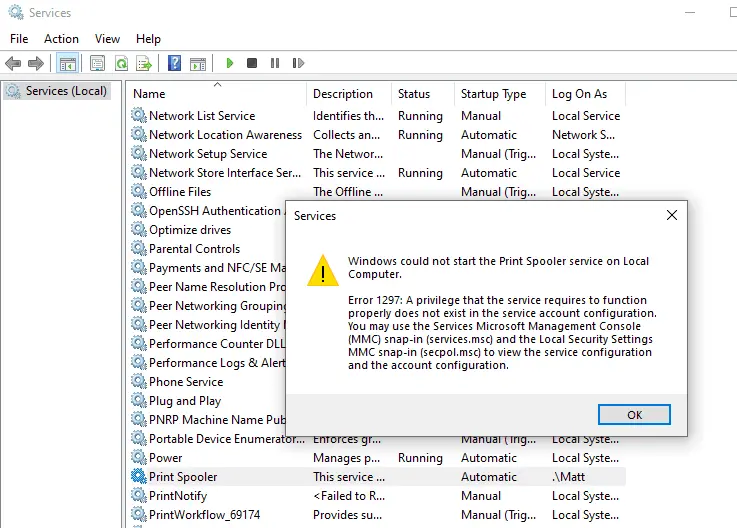
[Fix] Location Settings Grayed out- Managed by Organization
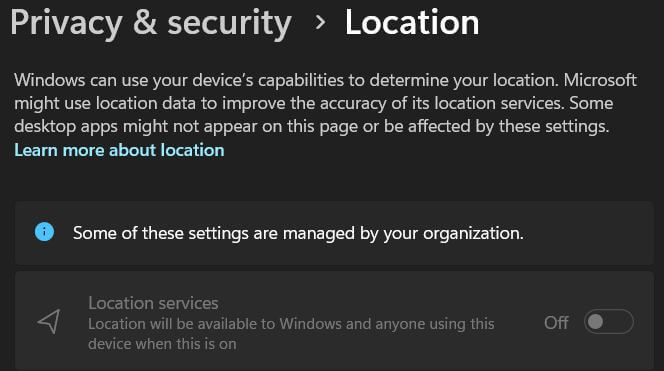
When you open Settings → Privacy → Location, the location settings may be grayed out. You may also see the following message at the top of the page. Some of these settings are managed by your organization. Cause This is caused by some policies that are in effect. Resolution 1) Disconnect from School or Work … Read more
Send To Mail Recipient missing or does not work
Some users mentioned that the “Mail Recipient” option went missing from the “Send to” menu after installing Mozilla Thunderbird. This article tells you how to fix the “Mail Recipient” feature.
Note: The Send to → Mail Recipient features require installing a classic mail client like Office Outlook or Mozilla Thunderbird.Read more
Old menu bar appears in File Explorer in Windows 10 or 11

When you open File Explorer in Windows 10 or 11, the old menu bar containing the File, Edit, View, and Tools menu options may appear.
The menu bar may appear with a white background and doesn’t look good in dark mode. And there is no GUI option to hide the old menu bar. Previously there was a setting (“Always show menus”) in the Folder Options dialog, but it has been removed in the recent builds.Read more
How to Block the Windows 11 (24H2) Feature Update
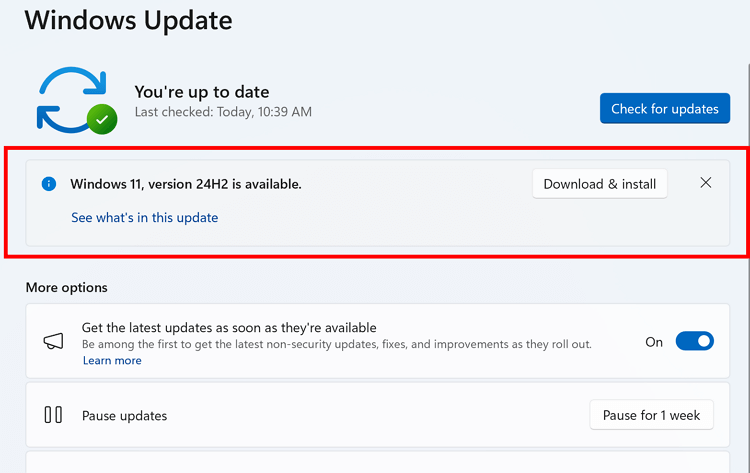
If you’re using Windows 10 or an earlier version of Windows 11, such as 23H2, you can block the Windows 11 24H2 Feature update from being offered or installed automatically via Windows Update.
Windows 10 22H2 is supported till October 2025, and Windows 11 23H2 till November 2025. Until then, you can defer the latest feature update (24H2) if you don’t need it now.
To block the 24H2 update, you can use the “ProductVersion”, “TargetReleaseVersion”, and “TargetReleaseVersionInfo” registry values or the equivalent Group Policy setting.Read more
“Get the latest updates as soon as they’re available” is Grayed Out
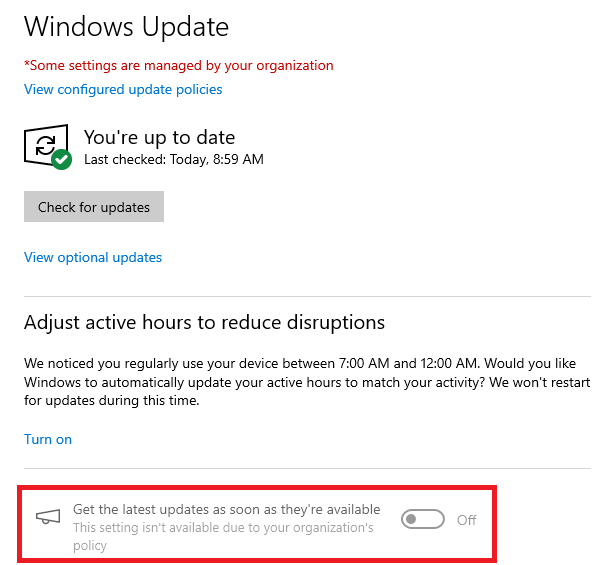
When you open Settings and click Windows Update in Windows 10 or 11, the “Get the latest updates as soon as they’re available” option may be grayed out.Read more
Power Options Shows Only “Balanced” Plan
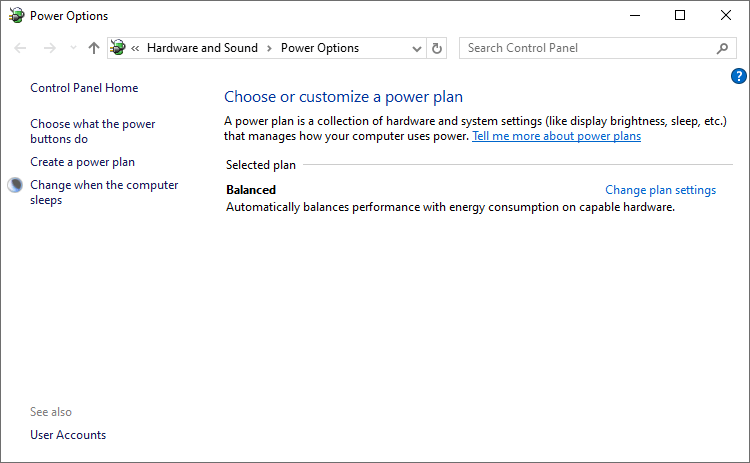
When you open Power Options, only the Balanced plan will be shown. Other schemes, such as “High performance,” “Ultimate,” and “Power Saver,” may be missing. This is normal on systems that support Modern Standby (S0 Low Power Idle).Read more
How to Set a Custom Duration for Desktop Background Slideshow
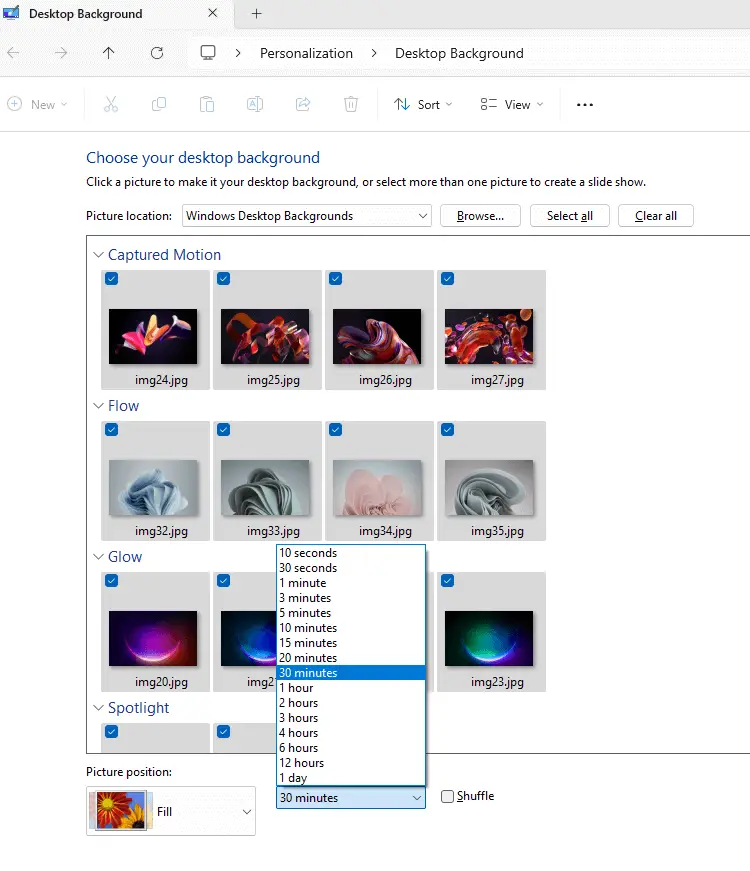
The Settings app in Windows 10 and 11 doesn’t let you change the duration of the desktop background slideshow to less than one minute. You wonder if there is a way to set the slideshow duration to something other than the pre-defined timing, for example, 10 seconds.Read more