
The WinRE security update KB5034441 fixes a BitLocker vulnerability in WinRE. After resizing the recovery partition, the KB5034441 update installs quickly. You wonder if the KB5034441 update has been installed or not. It may not appear in the Windows Update history on some systems, or the old entries may have been purged.Read more
registry
Fix: Sign-in options is Grayed out in Accounts Settings
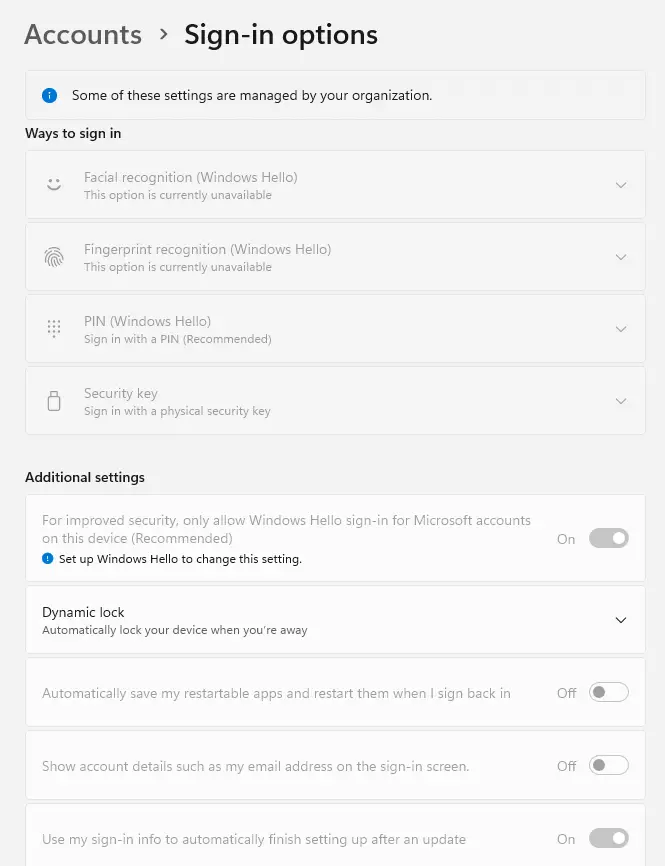
All the options in the “Sign-in options” page in Settings → Accounts may be grayed out in your Windows 10 or 11 System.
Also, you see the notification, “Some of these settings are managed by your organization.”Read more
How to Remove Terabox from Devices and Drives in This PC
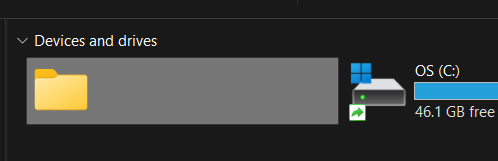
After installing and uninstalling TeraBox, the Terabox entry may remain under “Devices and drives” on This PC. It may look like a ghost storage entry, as in the following screenshot.Read more
How to Remove “Restore Previous Versions” from Context Menu and Properties
The previous versions feature in Windows allows you to restore a previous version of files. It sources the files from Restore Points, File History, and Windows Backup. When you right-click on a file, folder, or drive, you’ll see the “Restore Previous Versions” option. This article tells you how to remove “Restore Previous Versions” from the right-click menu and the file/folder properties.Read more
Remove PotPlayer from the Open With dialog
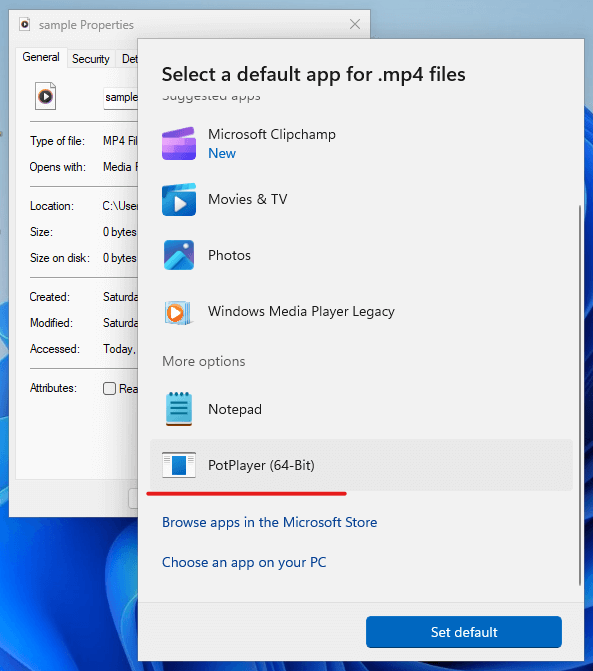
After uninstalling PotPlayer, the PotPlayer entry may still appear in the Open With dialog for all media file types. To remove the PotPlayer (64-bit) entries, use the REG file in this article. Resolution First, uninstall PotPlayer via the Programs and Features dialog in the Control Panel if you haven’t already done so. You may also … Read more
Widgets option grayed out in Taskbar Settings in Windows 11
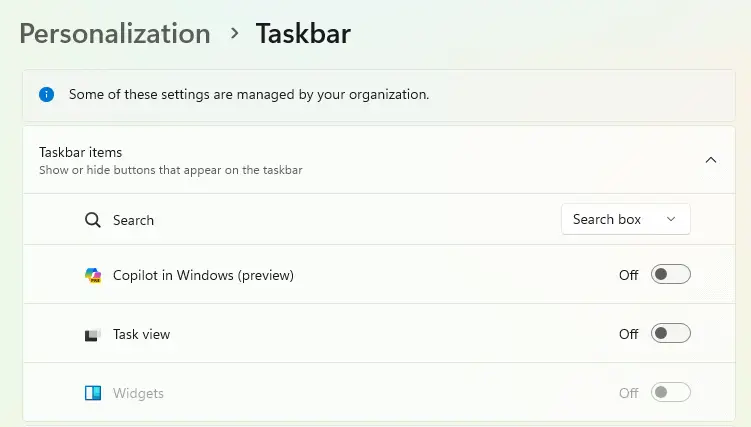
When you open Taskbar settings in the Settings app, the Widgets toggle button may be grayed out. Also, the notification “Some of the settings are managed by your organization.” appears at the top of the Settings window.
This happens if the “Allow Widgets” policy is enabled in the group policy or the registry.Read more
How to remove Gallery from Windows 11 Explorer
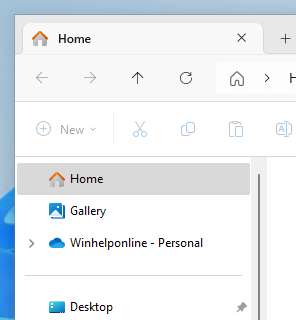
In File Explorer’s upper left navigation pane, there are links to Home, Gallery, and OneDrive. We’ve seen how to remove OneDrive from File Explorer. In this article, let’s see how to remove Gallery from the Explorer navigation pane.