In Windows 11 22H2, Microsoft has replaced the legacy Print Dialog for all classic (win32) apps, e.g., Notepad, WordPad, Notepad++, etc., with a new dialog. Earlier, this dialog was available only for UWP apps (aka Store apps). Also, there is a new Print Queue dialog introduced in this version.Read more
registry
How to Add “Edit with Paint” Context Menu in Windows 11
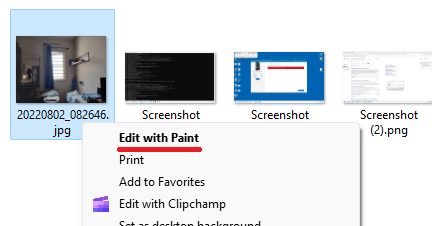
Windows 11 comes with the modern Paint app that doesn’t add the “Edit” context menu item for images. Note that Windows 10 includes the “Edit” right-click menu option by default, which launches the classic Paint app. In this article, we’ll see how to add the “Edit” option to the right-click menu for image file types in Windows 11.Read more
Fix: System Sounds Not Playing in Windows
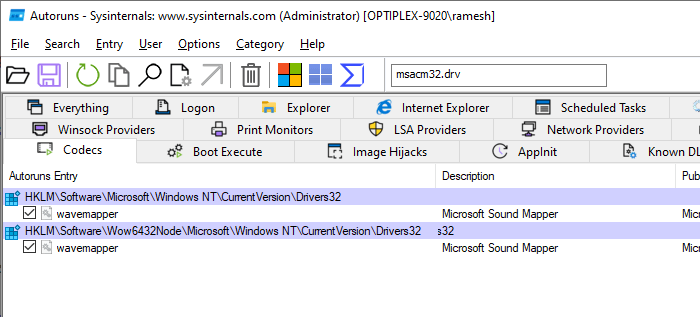
On some systems, the system sounds don’t play even if the Sound Scheme is set to “Windows Default”. Also, if you open the Sounds Control Panel (mmsys.cpl) and click “Test”, the audio may not be played.
However, you may be able to play the C:\Windows\Media\*.wav files (and any other audio file format) separately using Windows Media Player or any other player.Read more
Why is my D drive included in System Image Backup
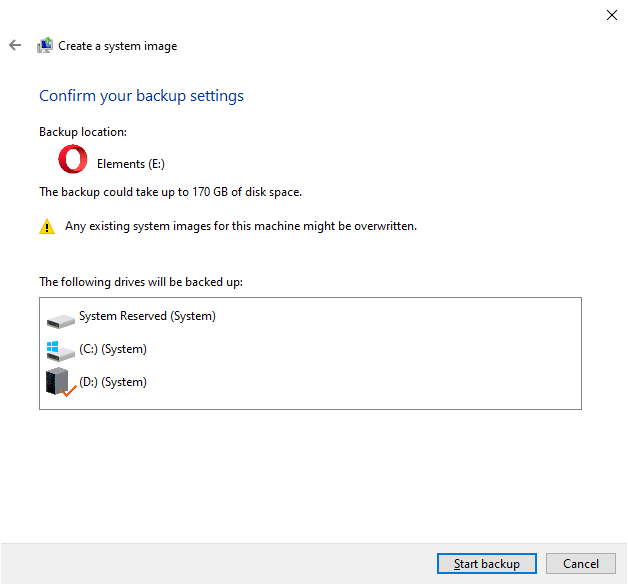
When you create a system image using the classic “Backup and Restore (Windows 7)” tool on a computer running Windows 7, 8, 10, or 11, your non-system drive may be incorrectly shown as “System.” Also, the non-system drive may be mandatorily included in the backup, along with the EFI/System Reserved Partition and the OS partition.Read more
How to Pin Recycle Bin to Quick Access using InvokeVerb
The Recycle Bin context menu doesn’t have the “Pin to Quick access” context menu. However, you can still pin it to Quick access using the methods in this article. We will see how to pin Recycle Bin to Quick access manually as well as using a script.Read more
How to View Image Slideshow from Folder in Windows 11
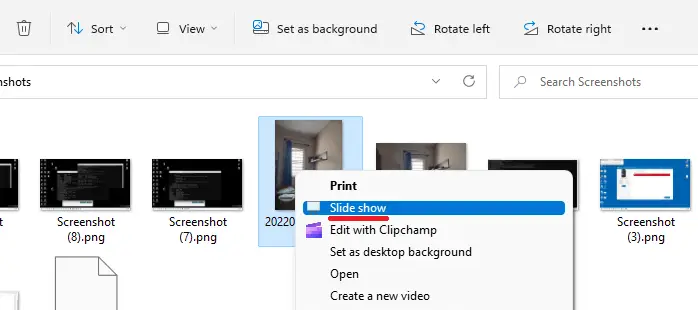
With the classic ribbon interface removed in Windows 11, the “Picture Tools” tab and the “Slideshow” button have also been removed. You may be wondering how to start a slideshow from a folder in Windows 11.Read more
How to Customize the Contacts Folder Icon in Windows
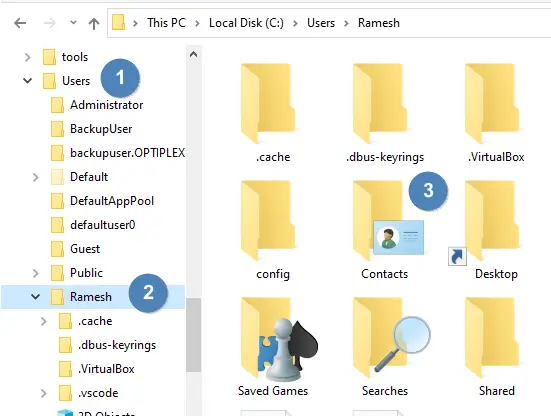
The Contacts folder is a shell folder that can be relocated like any other shell folder like Documents, Music, Pictures, etc. However, unlike other shell folders, the Contacts folder doesn’t have a “Customize” tab in the property sheet. You may be wondering how to change the Contacts folder icon.Read more