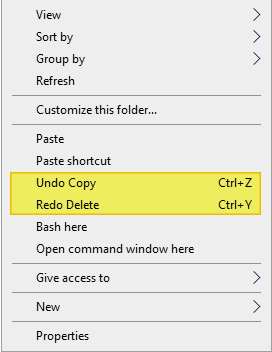
When you perform a file operation (e.g., delete, rename, copy, or move a file or folder) in Windows, you’ll see the corresponding “Undo…” option in the desktop right-click menu. One of the options, “Undo Copy”, “Undo Move”, “Undo Rename”, or “Undo Delete” is shown in the context menu.Read more
registry
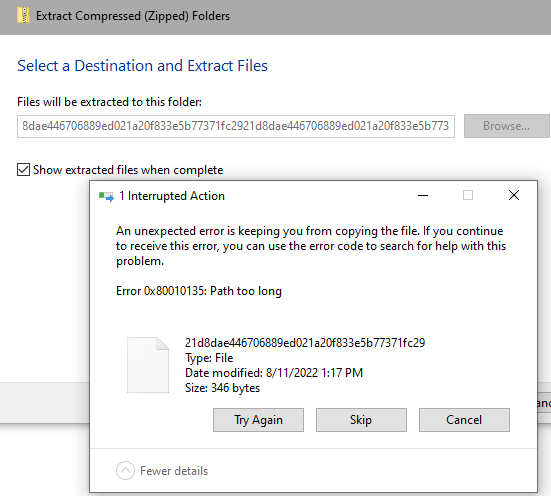
Item Check boxes Cannot be Disabled on Windows 11
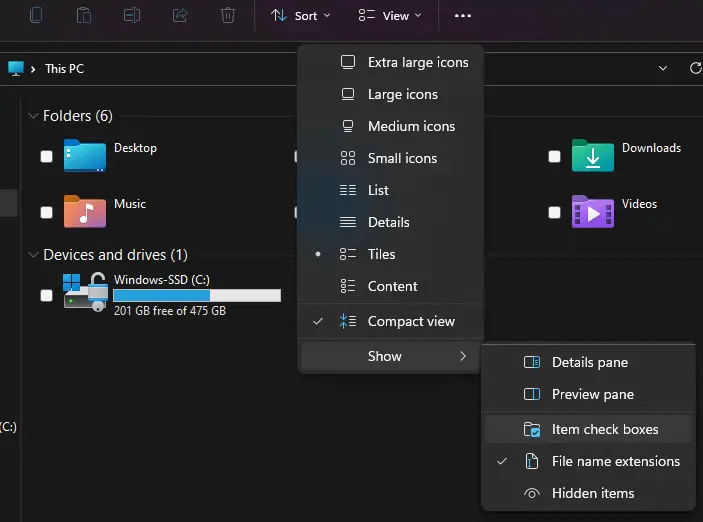
In Windows 11, when you flip your laptop to turn it to tablet mode, you’ll notice that there is a checkbox for every file displayed in File Explorer. You may not be able to get rid of it even after disabling it through View → Show → Uncheck “Item check boxes”.Read more
Clear MS Paint Recent Files History in Windows 11/10
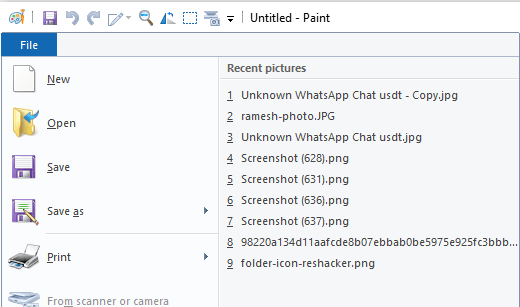
The MS Paint app maintains a list of the most recently opened files. The list, shown when you click on the File menu, contains the last nine files you opened. This article tells you how to clear the Paint MRU history in Windows 10 and Windows 11.Read more
“How do you want to open this file” Pops Up at Startup
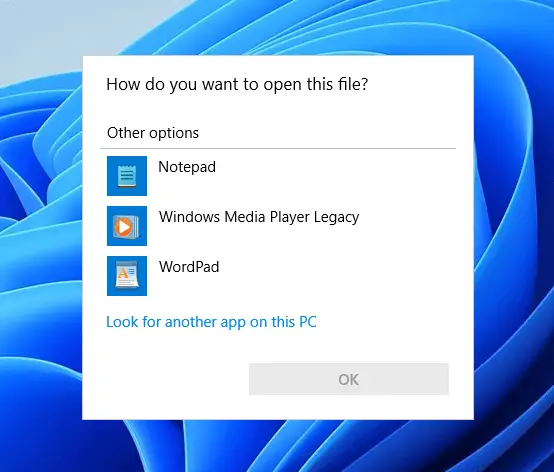
Symptom: Every time you log in to your user account, the “How do you want to open this file?” (aka, the “Open with” dialog) dialog may appear.
(Go directly to the Solution ↓)
If you select Notepad from the list and click OK, it may open a log file that has contents similar to the following:Read more
Why there are Two “Microsoft Edge” Entries in Default Apps
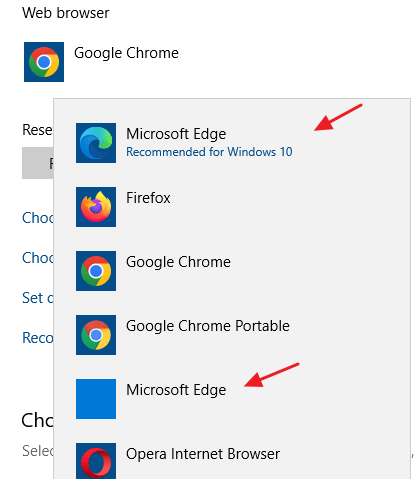
Though the legacy Microsoft Edge has been entirely replaced by Edge Chromium, even on Windows 10 21H2 computers, you may see two “Microsoft Edge” entries in Default Apps. The first one in the above image is the New Microsoft Edge (Edge Chromium), and the second one showing a blank icon is the legacy Microsoft Edge. … Read more
Images Open in “Print Pictures” Instead of the Photos App
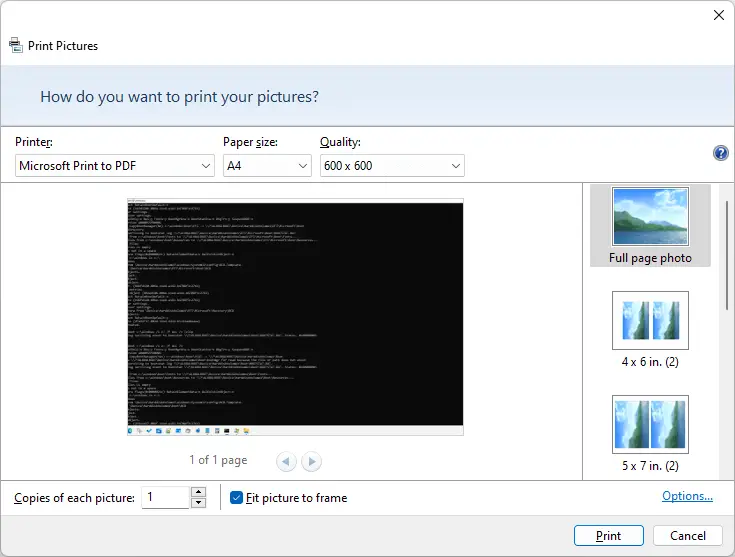
When you double-click an image file (e.g., JPG/PNG/BMP) in Windows 11, the image file opens in the “Print Pictures” app/dialog instead of the Photos app. This happens if the “Print” command is somehow registered as the default double-click action for image files in Windows 11. Reinstalling the Photos app doesn’t resolve the issue. Cause The … Read more