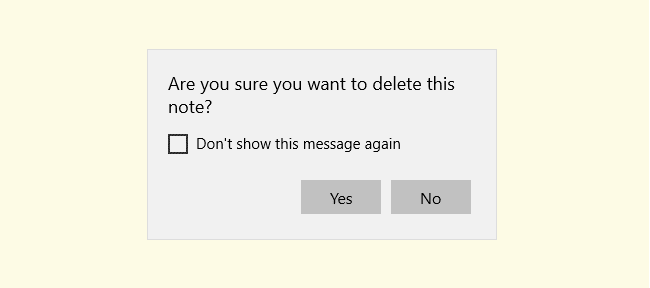
Sticky Notes is a nice tool that makes it easy to take quick notes. When you close or delete a Sticky note, you’ll be shown a confirmation dialog as below:
Windows
You’re browsing the “Windows” parent category, which lists articles on every Windows Operating System.
How to Increase Desktop Wallpaper Image Quality in Windows 10?
When you set an image as desktop background, the image is compressed at 85% and saved to a file named TranscodedWallpaper in your Themes directory. In Windows 10, you can override the default wallpaper quality for JPG files using a registry edit.Read more
How to Find Windows Installation Date and Time
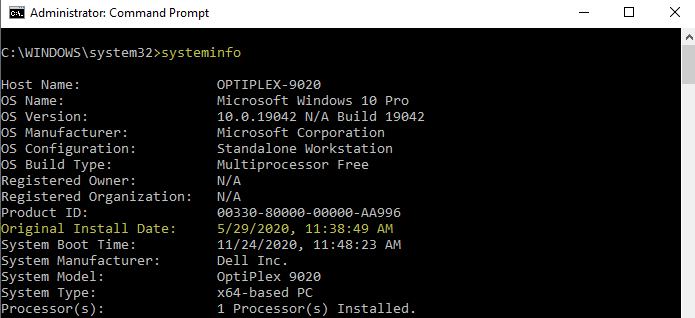
You may sometimes think of reinstalling Windows, especially when its performance goes down after a few years due to several different factors. And, you may like to know the date and time of your current Windows installation.
This post shows you the different methods using which you can determine the original installation date and time of your Windows installation. The information applies to all versions of Windows, including Windows 10.
Note that in Windows 10, the following methods show the installation date of the most recent feature update you installed, and not the install date and time of your 1st Windows 10 build.
External Drives Listed Twice (Duplicate) in File Explorer Navigation Pane
Disk drives (both fixed as well as removable drives) appear under the “This PC” category in File Explorer navigation pane. In addition, each removable drive will be pinned as a separate category, appearing after “This PC” and “Libraries” section — that is, the drives appear twice in the navigation pane. This double-listing can sometimes cause confusion to the users. To remove the duplicate or redundant disk drives from navigation pane, here is a quick registry fix.Read more
How to Cleanup Older File History Backups in Windows 10/11
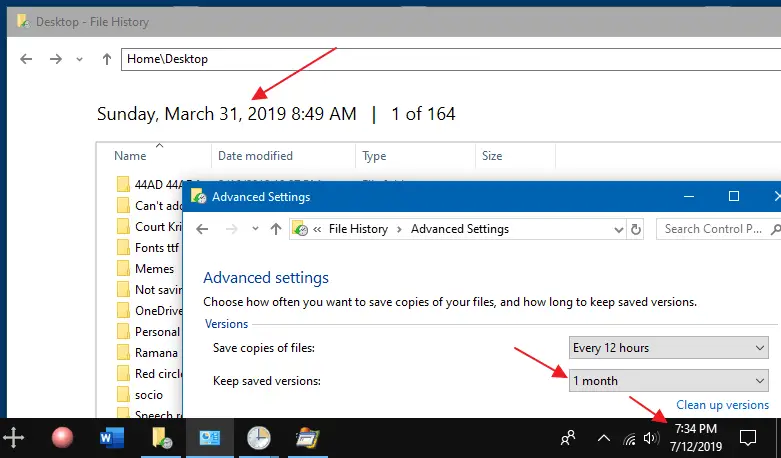
File History does point in time backups of your files so that you can revert to the exact copy or version of your files when you need them. In addition, file History allows you to configure how long the backups are retained. However, it doesn’t seem to automatically clear the older versions of the files.
Launch Programs in a Specific or New Virtual Desktop in Windows 10
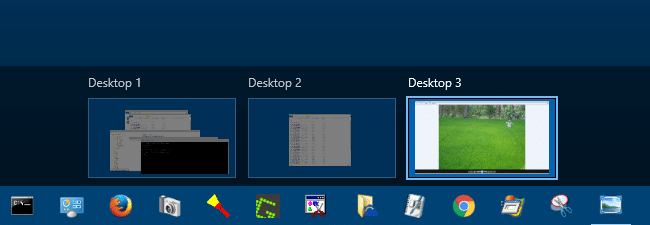
VDesk is a cool tool for Windows 10 that can launch programs on new virtual desktops or in a particular virtual desktop you specify.Read more
How to Bulk Unblock Files Downloaded from Internet
Files downloaded from the internet are marked with the Zone identifier (“Mark of the Web” stored as Alternate Data Streams) to trigger the application reputation check by Windows SmartScreen in Windows 8 and higher.
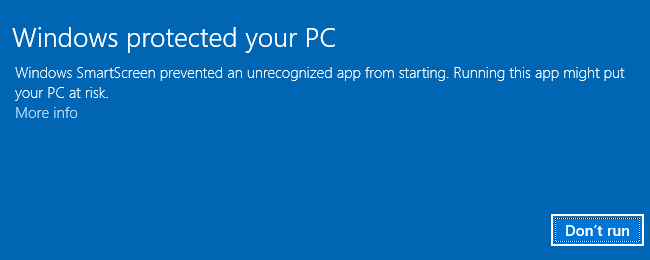
This article explains how to bulk unblock multiple files downloaded from the internet.Read more
Fix: No Video Thumbnails and No Preview Available for Video Files
When you open a folder containing video files, no thumbnails may be displayed for your videos. Also, when you click a video file in File Explorer, the Preview pane may neither show the image preview nor the mini-player control for the chosen file. In some cases, No preview available message is shown in the Preview pane for selected or all media file types.Read more
How to Reset Window Color and Appearance Settings?
The classic Window Color and Appearance dialog allowed you to change the color and size (Window metrics) of various UI elements like Window background color, caption font, icon size, spacing, width, etc. Since this feature has been removed in Windows 8 and higher, you need to edit the registry in order to change or reset these parameters.Read more