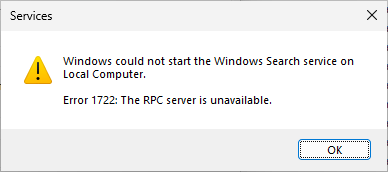
When you attempt to start the Windows Search service on your Windows 10 or 11 system, the following error may occur:
Windows could not start the Windows Search service on Local Computer.

Error 1722: The RPC server is unavailable.
You’re browsing the “Windows” parent category, which lists articles on every Windows Operating System.
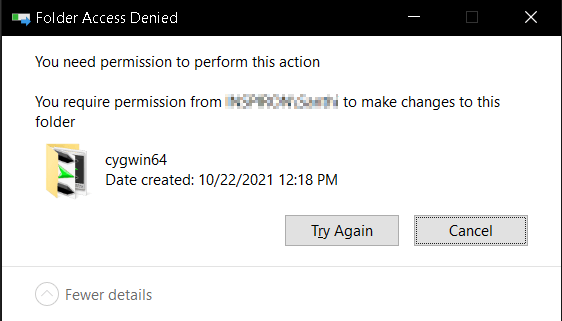
If you installed “cygwin64” earlier and want to delete the folder after uninstalling the tool, you may be unable to do so.
It may say, “Folder Access Denied.” This can happen if the NTFS permissions for the folder are tight or the profile that owned the folder no longer exists on the computer.Read more
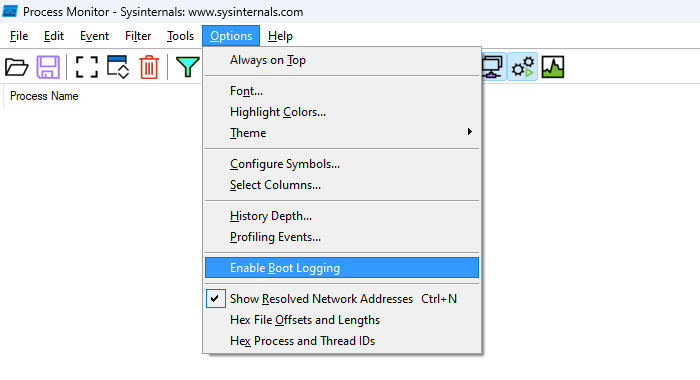
Process Monitor is an excellent diagnostic tool from Microsoft Sysinternals. It can run a trace during the current Windows session or trace the boot process. Let’s see how to enable boot tracing using Process Monitor. Enable Boot Logging using Process Monitor Download Process Monitor and run it. Read and accept the license agreement. If the … Read more
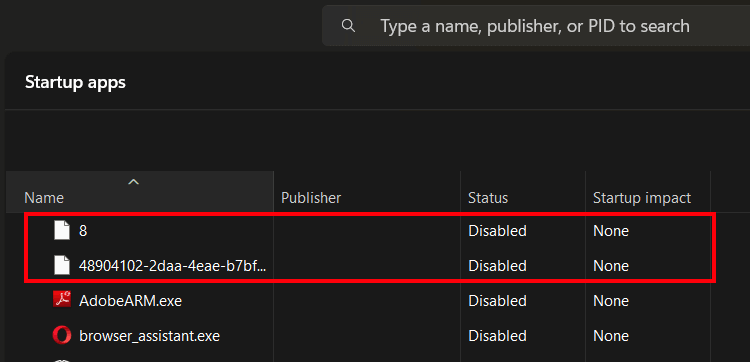
After installing or uninstalling a game app, two strange startup entries may appear in the Startup tab of Task Manager. One entry may be a random Globally Unique Identifier (GUID) string, and the other may be a number.Read more
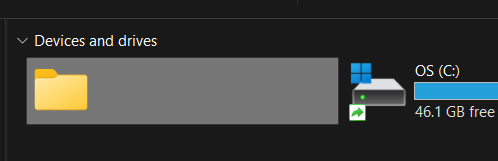
After installing and uninstalling TeraBox, the Terabox entry may remain under “Devices and drives” on This PC. It may look like a ghost storage entry, as in the following screenshot.Read more
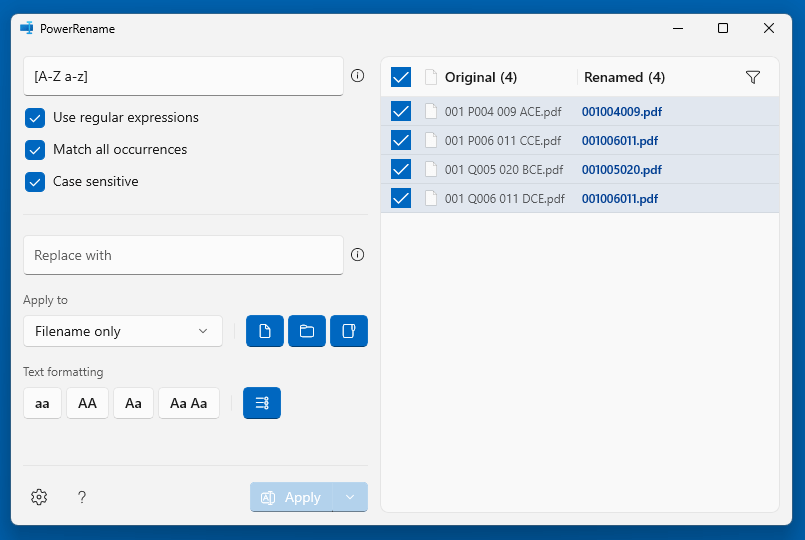
One of our readers asked how to remove non-numeric characters from file names using the Microsoft PowerToys PowerRename tool. You can accomplish the task using regex.Read more

If you’ve inadvertently converted your disk to a dynamic disk using Disk Management, you can revert it to a basic disk using the built-in diskpart command. Dynamic disks have been deprecated in Windows and are no longer recommended. Here’s a Microsoft article that explains how to convert a dynamic disk to a basic.
Change a dynamic disk back to a basic disk | Microsoft Learn
However, the biggest drawback to using the built-in tools is that volumes on the dynamic disk must be deleted before converting it to basic.Read more