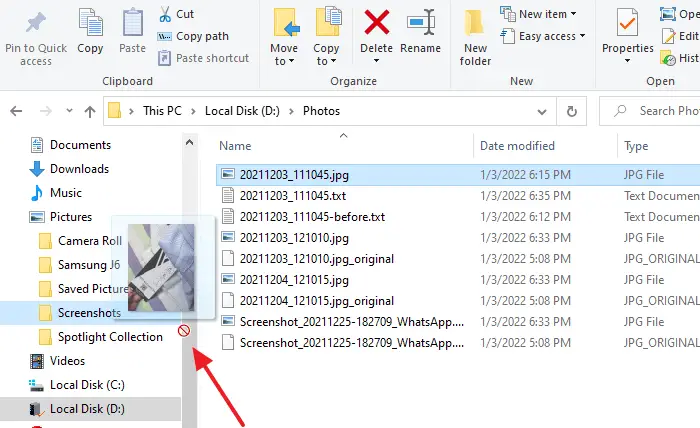
On your Windows 10/11 computer, you may unexpectedly find that the drag and drop functionality has stopped working in File Explorer. This issue may occur only when dragging files or folders to a folder in the Explorer navigation pane.Read more
Windows
You’re browsing the “Windows” parent category, which lists articles on every Windows Operating System.
Remove BitLocker Encryption from a drive via Windows 10/11 Home Edition
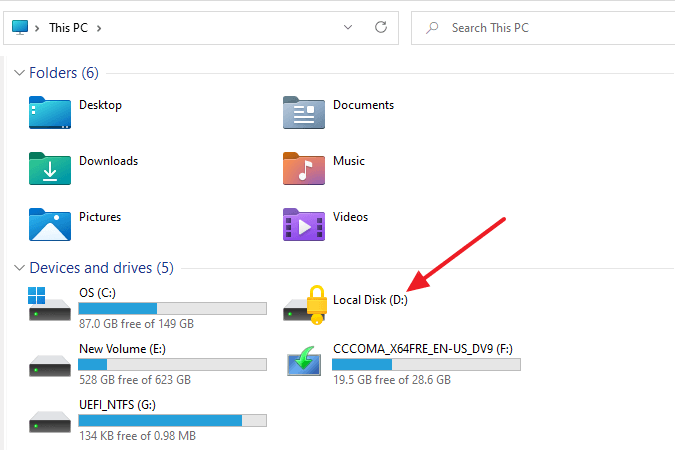
BitLocker is a full-volume encryption feature included with Microsoft Windows. Unfortunately, windows Home Editions don’t have BitLocker Drive Encryption (BDE). However, suppose you have a hard drive that’s already encrypted using BDE. In that case, Windows 11/10 Home Edition can use the drive if the user has the 48-digit BitLocker recovery password or the recovery key.
The “Manage BitLocker” Control Panel applet doesn’t exist in Windows 10/11 Home Edition. Still, you can unlock that drive and disable BDE on a device running any edition, including Windows 10 Home using the command-line tool named manage-bde.exe.
This article tells how to unlock a BDE-encrypted drive and remove the BitLocker Drive Encryption from a drive using Windows 11/10 Home Edition. Of course, this assumes that you have the BDE encryption key/48-digit recovery password.Read more
Photos App Freezes When Importing Pictures from iPhone/Android or Camera
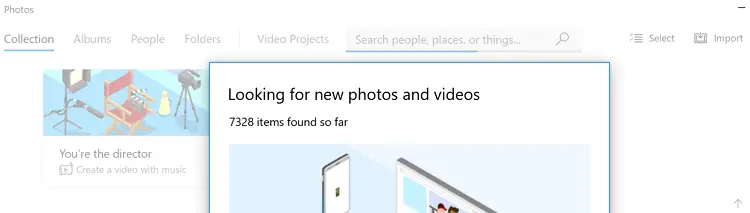
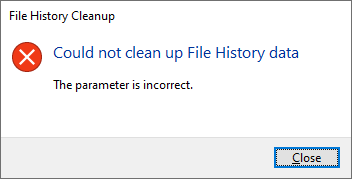
When you attempt to import photos from your iPhone/Android mobile or your camera using the built-in Photos app, the Photos app may freeze in the middle of the transfer. The import wizard may stall after displaying the number of photos on your mobile/camera.
This issue occurs especially when there are a large number of images on your mobile or camera.
In some cases, you receive the following error (when importing photos from your iPhone:)
Something went wrong. Your files might not have been imported. Try again.
Windows cannot find GPEDIT.MSC in Windows 10/11 Home Edition
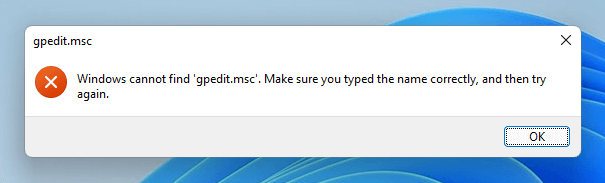
The Local Group Policy Editor (GPEDIT.MSC) is a Microsoft Management Console (MMC) snap-in used to configure and modify Group Policy settings within Group Policy Objects. This tool is available only on Windows 10/11 Professional Edition and higher.Read more
Get Back Windows 10 Ribbon UI in Windows 11 File Explorer
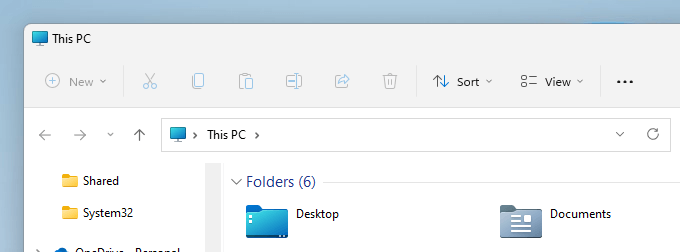
The File Explorer in Windows 11 has a new/modern ribbon interface with small icons (no caption text underneath). The new ribbon interface may look bland and uncomfortable for new users who have upgraded to Windows 11 from Windows 10 or earlier.Read more
Windows 11 Default Services Configuration and Permissions
The Windows 11 Services configuration defaults are provided on this page. The settings below are gathered from a Windows 11 Pro PC (clean install, rather than upgrade).
Updated on June 13, 2024 for Windows 11 Pro 23H2.
Note that some of these services may not be found in your system, depending upon the edition of Windows 11 you’ve installed. Also, you may find some non-Microsoft services (e.g., Intel services) in the list, which you may not find on your computer.
Read more
[Fix] Error “Windows Photo Viewer can’t display this picture”
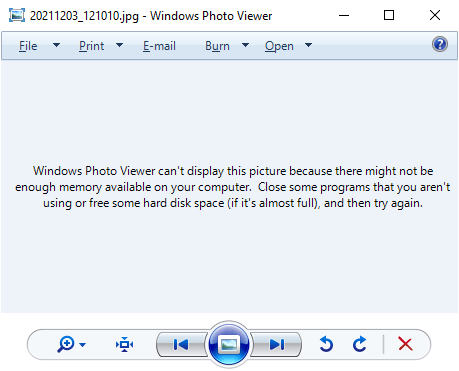
When you try to preview an image file (JPEG/PNG) using Windows Photo Viewer, the preview would be blank and the following error message is displayed:
Windows Photo Viewer can't display this picture because there might not be enough memory available on your computer. Close some programs that you aren't using or free some hard disk space (if it's almost full), and then try again.
It’s a misleading error message, as in most cases, it may not have anything to do with the system memory. The Windows Photo Viewer error is caused due to color profile metadata (ICC_Profile) embedded into the JPG image(s).
(You can reproduce the issue by transferring images from your Android/iOS mobile and previewing the image using Windows Photo Viewer on your computer. Another possibility is that your system has multiple video cards and the issue happens on the secondary graphics card only. Switching over to the primary video card may resolve the error.)
However, other utilities like IrfanView, GIMP, or the built-in/modern Photos app would be able to open the image correctly. This issue is limited to Windows Photo Viewer (and perhaps Windows Live Photo Gallery) only.Read more