How to Recover PATH Variable After Deleting it Accidentally

path environment variable - system properties

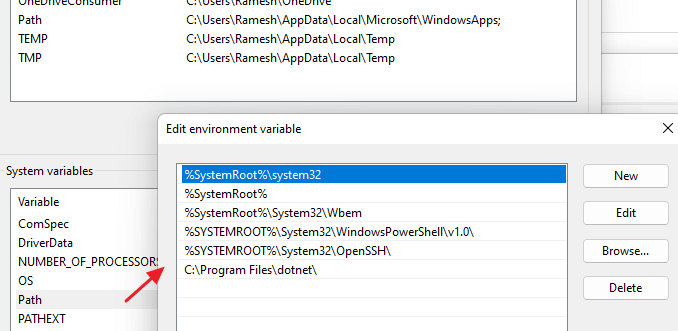
The PATH is a variable that Windows uses to locate needed executables, especially from the command line. Unfortunately, there are situations where users accidentally delete the PATH variable. This can happen when users inadvertently overwrite the PATH data rather than appending them.

There are also cases where some buggy applications or installers have wiped out the entire PATH environment variable data. This article explains the different ways to recover the PATH variable that was accidentally erased.Read more
[Fix] PDF Preview Shows Directory Index or ERR_FILE_NOT_FOUND

pdf preview shows index of or error file not found

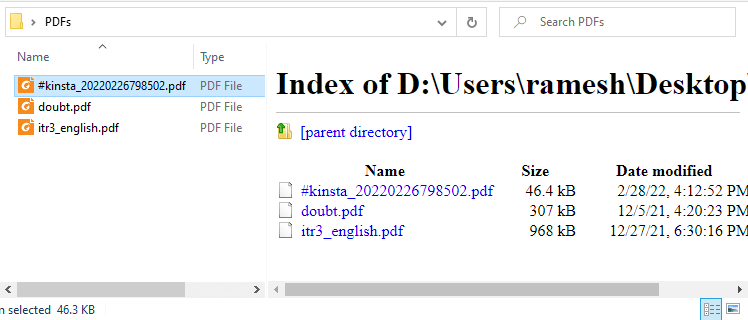
When you preview PDF files in File Explorer or Microsoft Outlook on your Windows 10 or Windows 11 computer, the preview pane may show the directory index of the current folder instead of previewing the PDF file’s contents.

pdf preview shows index of or error file not found

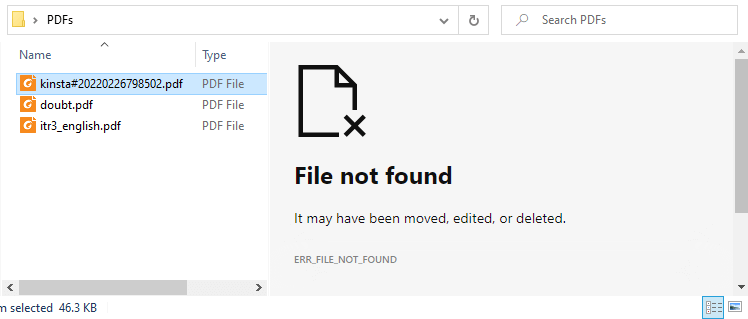
In some cases, it shows the following error:

File not found

It may have been moved, edited, or deleted.
ERR_FILE_NOT_FOUND

pdf preview shows index of or error file not foundRead more

Fix for Malwarebytes Error “Unable to connect the Service”

malwarebytes unable to connect to service

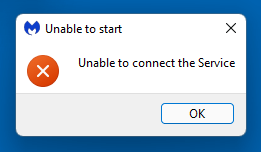
When you try to open Malwarebytes Anti-Malware (MBAM) software on your Windows computer, you may receive the following error:

malwarebytes unable to connect to service

Unable to start

Unable to connect the Service

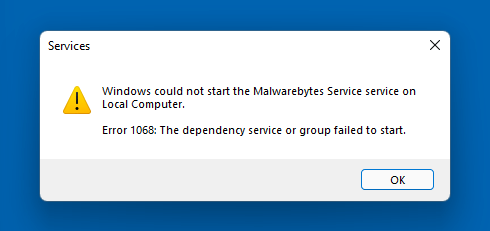
If you attempt to start the “Malwarebytes Service” (MBAMService) service via Services MMC (services.msc), the following error may occur:

Windows could not start the Malwarebytes Service service on Local Computer.

Error 1068: The dependency service or group failed to start.

malwarebytes error 1068

Additionally, when you check the dependencies of any service in the Services MMC, the following error is shown:

Service Dependencies

Win32: The service cannot be started, either because it is disabled or because it has no enabled devices associated with it.

The above errors occur if the “Windows Management Instrumentation” (WinMgmt) service is not running.Read more

[Fix] Can’t Change File Association via Default Apps in Windows 11

windows 11 jpg/png association fix

After installing third-party software on your Windows 11 computer, the ability to associate file types such as JPG, JPE, JPEG, PNG, MPG, MPEG, and other file types may be hampered. Here are the issues you may encounter when attempting to change the file association for the said file types.

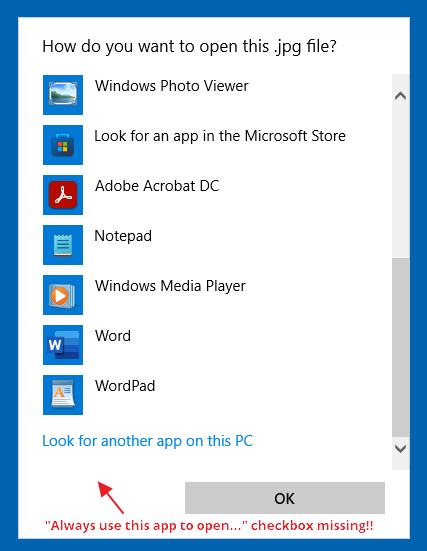
When you right-click on an image file such as .jpg, click Open With, and select Choose another app, the “Always use this app to open .jpg files” checkbox is missing.

windows 11 jpg/png association fix

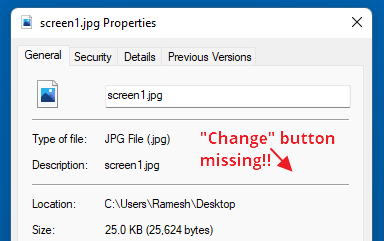
If you right-click on the image file and click Properties, the “Change…” button is missing:

windows 11 jpg/png association fix

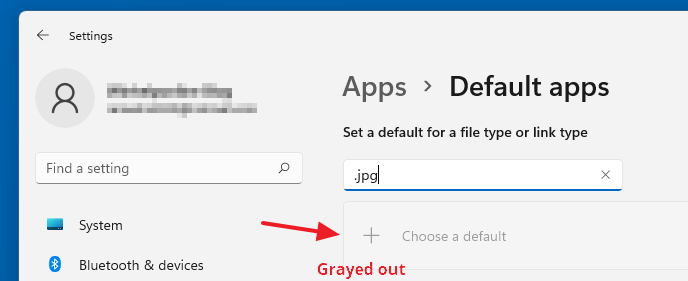
In the Settings → Apps → Default apps dialog, the “Choose a default” button would be grayed out when you type the file extension (e.g., .jpg, .png, etc.) in the text box.

windows 11 jpg/png association fix

As a result, you may be unable to change the file association for image (and some video) file types.Read more