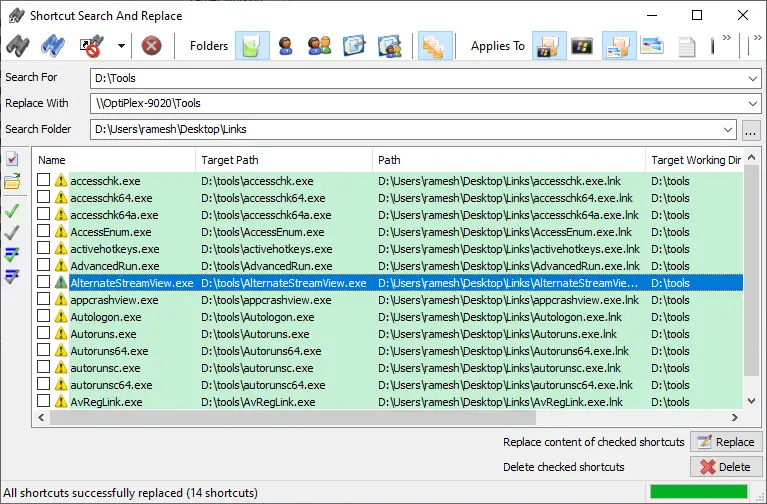
Many users have shortcuts pointing to various network shares from other systems or your domain’s storage server. If your company migrates the server and changes the computer name, share name, or folder path, you need to manually update the shortcut targets to point to the right destination. In most cases, the folder structure may remain the same, but the server name usually changes.Read more
Microsoft
You’re browsing “Microsoft” category, which is the top-most category which contains every thing related to Microsoft. Windows Operating Systems, News, Windows Update news and everything Microsoft!

Trigger a Program Upon Connecting to a Specific Network in Windows
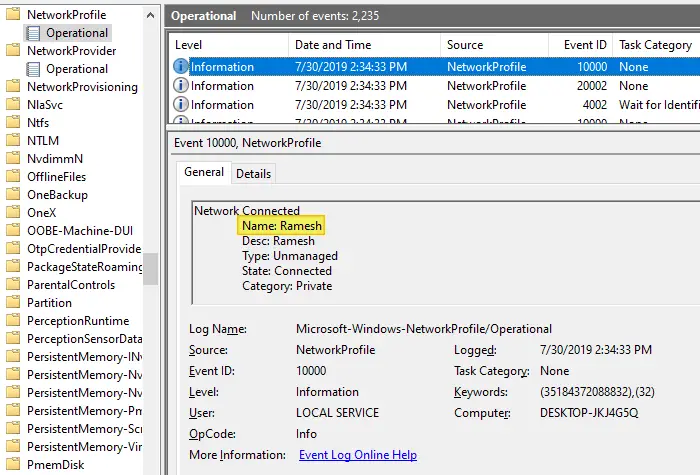
Depending upon the network you’re connected to, you may want to run certain tasks. For instance, when you’re connected to a specific network — e.g., home network — you may want to assign a different printer as the default, using command-line or script. This is especially needed in Windows 10 where the “location-aware printing” feature has been removed.
Or, you may need to run a backup task, or set the default save location in your Office apps to local documents instead of OneDrive when connected to a home network. Some users would want to turn on their VPN software upon connecting to a particular network.
Copy Folder Structure without Copying Files in Windows
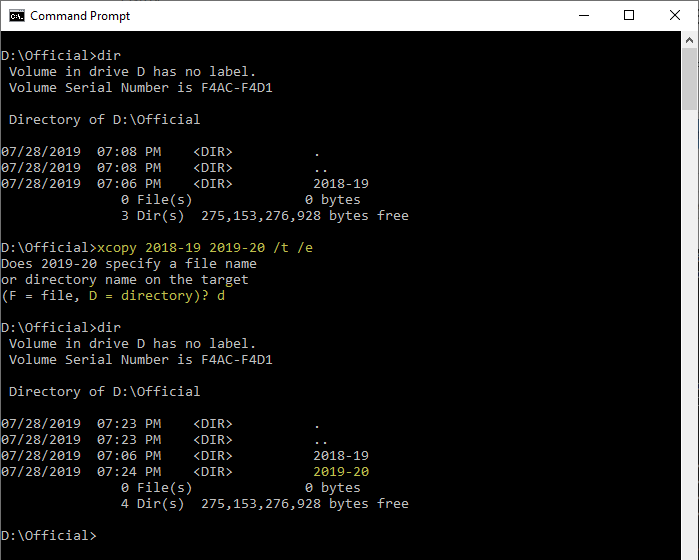
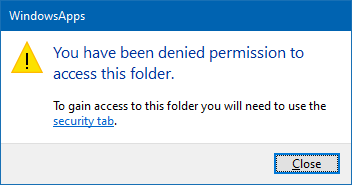
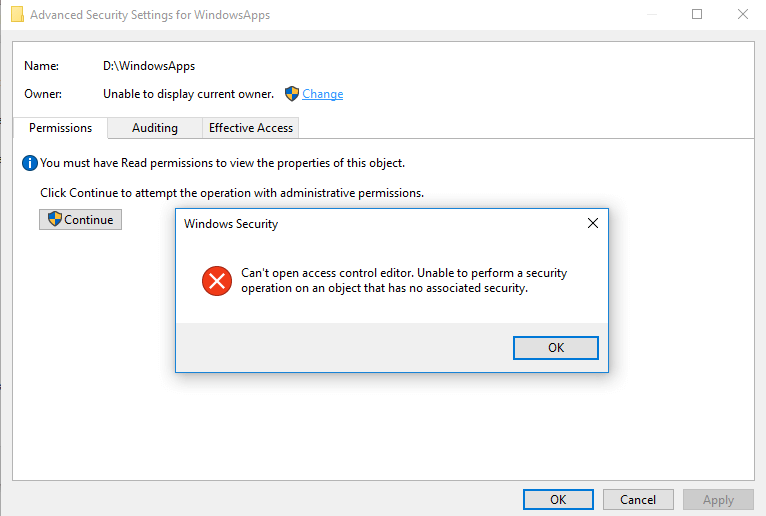
There are situations where you want to copy a folder structure without copying the files in that folder and sub-folders. For instance, you may want to replicate the directory structure of your expenses or accounting folders in order to organize them year-wise.
I have the following directory structure to store the documents pertaining to the financial year 2018-19. For the next financial year, I would want to copy the directory structure (without files) to the parent folder named 2019-20 to maintain uniformity.Read more
How to Change the Office 365/2016 Default Save Folder
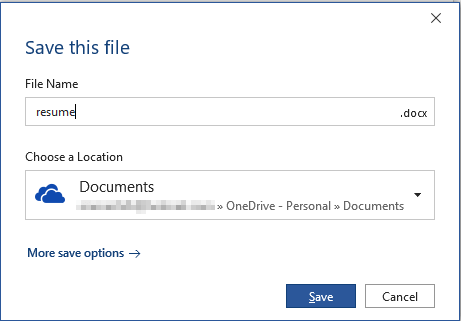
Office programs save your files to OneDrive by default since the February 2019 Office 365 update. Microsoft suggests that the users store files in OneDrive to protect against device loss or damage and to provide anywhere access to files.
Quoting Microsoft:
Today we are announcing a new capability that makes it easier for you to create and save your Word, Excel, or PowerPoint document directly to the cloud. When you go to save an Office 365 document using Ctrl+S (Windows), Cmd+S (macOS), or the Save button, the new dialog box will default to OneDrive or SharePoint Online. And if you forget to save a new document before exiting, you will also see this updated save experience.
In case you want to change the default save location in Word, Excel, PowerPoint, etc., there are multiple ways to do it. Instructions below apply to Office 2016 standard installation as well as Office 365.Read more
How to Convert MP4 or Any Video to MP3 (Extract Audio from Video)
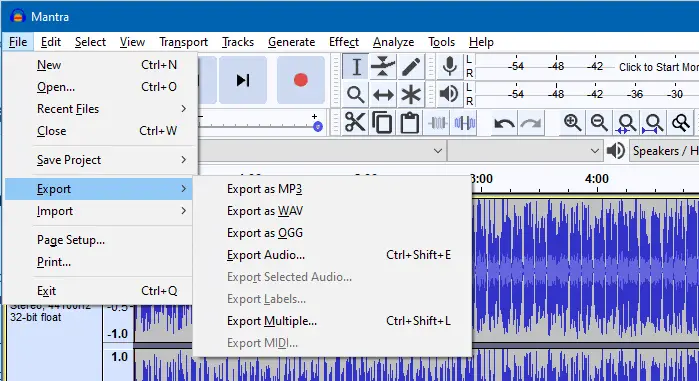
If you want to extract audio from your video files such as MP4, MPG, MPEG, there are many free tools to do that. Extracting audio is from video files is what most people refer to as converting from MP4 to MP3. This article explains different methods (using freeware tools) to extract audio from your video files.Read more
Bypass SmartScreen even if its Enabled through Group Policy
When you download a file you downloaded from the internet, Windows adds the zone identifier or Mark of the Web as NTFS stream to the file. So, when you run the file, Windows SmartScreen checks if there is a zone identifier alternate data stream attached to the file. If the ZoneId=3 data ADS is present, Windows identifies that the file was downloaded from the internet, and the SmartScreen does a reputation check when you run the file.Read more
Windows 7 Stuck at “Checking for Updates” Screen and Consumes High CPU
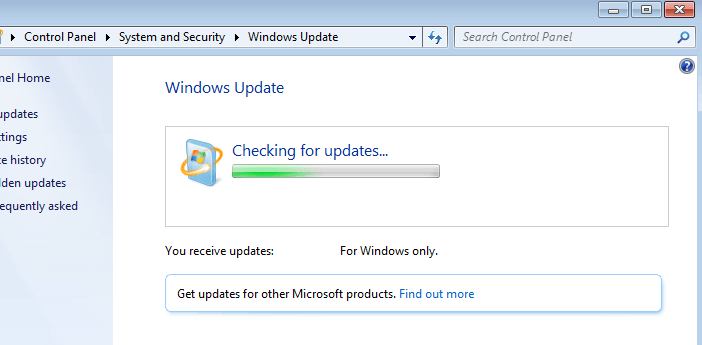
Your Windows 7 computer may hang or get stuck when checking for updates, and consume high CPU time, thus bringing the system to a halt. This happens even though you have the Windows 7 SP1 installed.
This post tells you how to fix the problem.Read more
Stop Excel from Converting Text to Number or Date format when Opening a CSV file
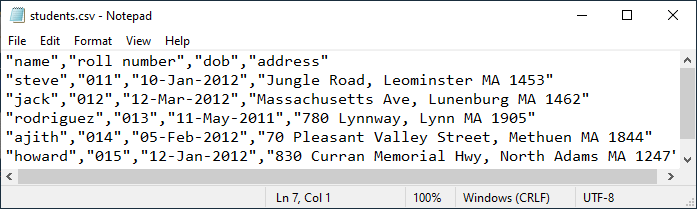
A comma-separated values (CSV) file is a delimited text file that uses a comma to separate values. Each line in a .csv file is a data record consisting of one or more fields, with each field separated by a comma. A .csv file can be imported to and exported from programs that store data in tables, such as Microsoft Office Excel, LibreOffice, or OpenOffice. When you open a .csv file in a spreadsheet, the spreadsheet uses the comma as the field separator (delimiter).Read more