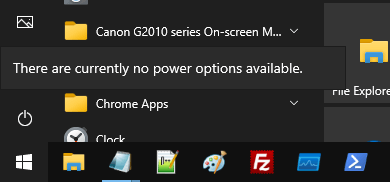
After installing and uninstalling the LockDown Browser for your school or university, the shutdown options may be missing from your Start menu. If you click the Power button, you will see the message, “There are currently no power options available.”Read more
Microsoft
You’re browsing “Microsoft” category, which is the top-most category which contains every thing related to Microsoft. Windows Operating Systems, News, Windows Update news and everything Microsoft!
Disk Management Reports Incorrect Volume Size

When you open Disk Management, the volume size (i.e., capacity) may be misreported in the top pane. The bottom pane, which shows the graphical view, may report the capacity correctly for each volume.Read more
What are WAL files in the C Drive

You may find many 0-byte files in the root of the C:\ drive. The file names may start with WAL. You wonder what causes these files to be created and whether they can be deleted.
Old menu bar appears in File Explorer in Windows 10 or 11

When you open File Explorer in Windows 10 or 11, the old menu bar containing the File, Edit, View, and Tools menu options may appear.
The menu bar may appear with a white background and doesn’t look good in dark mode. And there is no GUI option to hide the old menu bar. Previously there was a setting (“Always show menus”) in the Folder Options dialog, but it has been removed in the recent builds.Read more
How to Get Back WordPad in Windows 11 24H2 and higher
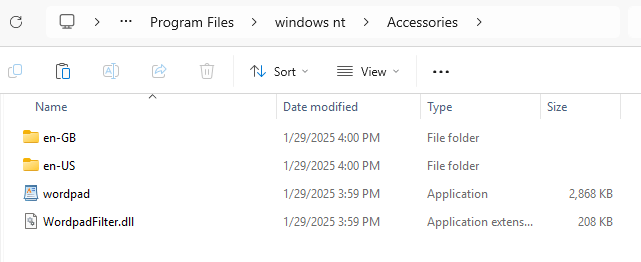
WordPad is deprecated and has been removed in Windows 11 24H2. This article tells you how to restore WordPad to Windows 11 24H2 and higher.Read more
How to Uninstall and Reinstall MSPaint in Windows 10
If Microsoft Paint is missing in your Windows 10 computer, you can reinstall it using Windows Features or DISM.
Note that the information in this article doesn’t work in Windows 11. It’s because Windows 11 ships with the Store version of Paint.
Read more
How to Block the Windows 11 (24H2) Feature Update
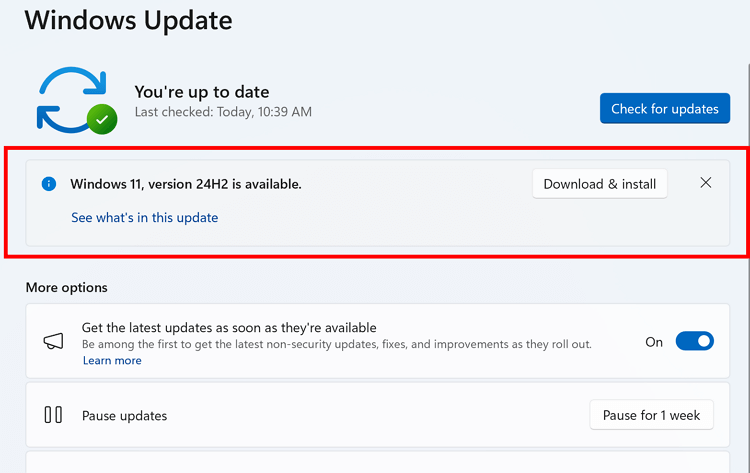
If you’re using Windows 10 or an earlier version of Windows 11, such as 23H2, you can block the Windows 11 24H2 Feature update from being offered or installed automatically via Windows Update.
Windows 10 22H2 is supported till October 2025, and Windows 11 23H2 till November 2025. Until then, you can defer the latest feature update (24H2) if you don’t need it now.
To block the 24H2 update, you can use the “ProductVersion”, “TargetReleaseVersion”, and “TargetReleaseVersionInfo” registry values or the equivalent Group Policy setting.Read more
Windows 11 24H2 ISO (26100.1742) SHA256 Checksum
This page lists the SHA256 hashes for the Windows 11 24H2 (Build 26100.1742) ISOs downloaded from Microsoft. The following list was published by Microsoft.Read more