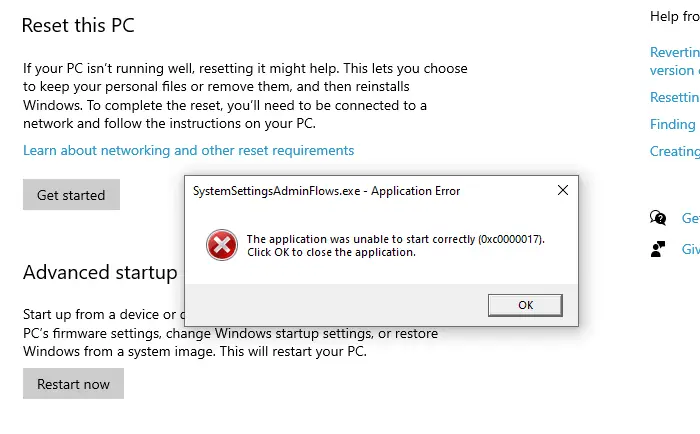
Microsoft has recently introduced a common-line tool to manage Store apps. The CLI tool is part of the Microsoft Store appx package. If your Microsoft Store app is up to date, simply run store.exe to launch the Store CLI tool. It works in Windows 10 and 11.Read more
 Ramesh
Can’t Import .VPB Files Using Photos Legacy in Windows 11
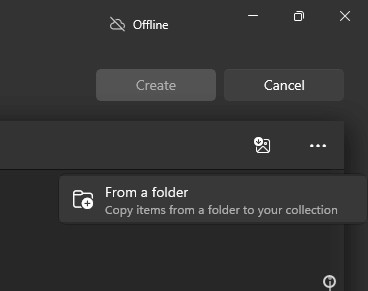
You may have created a new video project and exported it to a Video Project Backup file (.vpb) using the Photos Legacy app in Windows 10. However, you’re unable to import the .vpb file on a Windows 11 computer, even after installing the Photos Legacy app.Read more
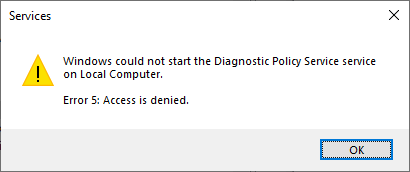
How to Install a Language Pack Offline in Server 2022
This post explains how to install a language pack and the language features offline in Windows Server 2022.
How to Block the Windows 11 25H2 Feature Update
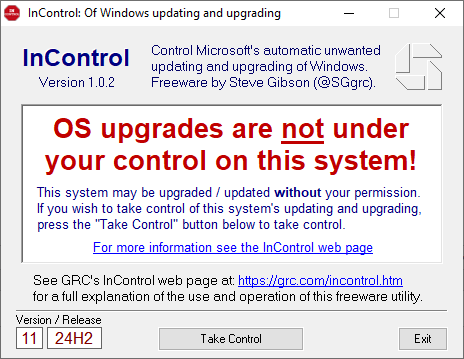
Some users have asked how to block the 25H2 update on a Windows 11 23H2 or 24H2 system. Windows 11 24H2 and 25H2 share the same codebase, and their features are the same. So, if you’re already using 24H2, deferring the 25H2 update makes little sense. To defer the 25H2 update anyway, you can use … Read more
How to Enable Preview of .LOG Files in File Explorer
By default, the preview capability exists for most text-based files in File Explorer. However, for some file types, such as .log or .py, a preview may not be generated by default and you see the message “No preview available” in the preview pane in File Explorer.
You can enable preview of such files (.log and .py) in the preview pane using a registry edit.Read more