After installing the latest Feature Update, the Windows Update may still show updates that apply to the previous Windows version. For example, after updating to Windows 11 to 22H2 from 21H2, the Windows Update page in Settings lists the updates applicable for Version 21H2.Read more
 Ramesh
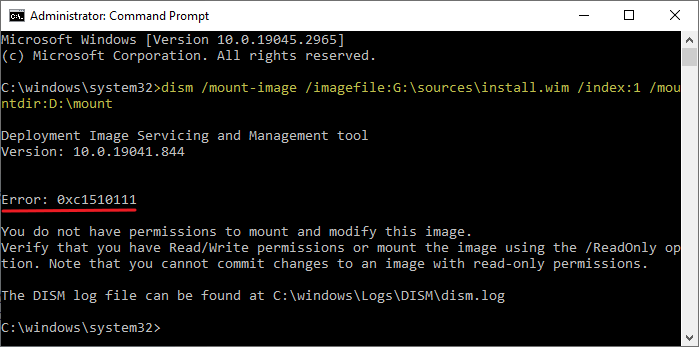
How to Extract DLLs from the DirectX (June 2010) Runtimes Setup
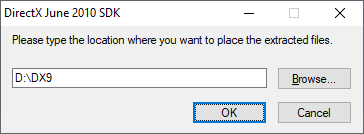
The Microsoft DirectX® End-User Runtime installs a number of runtime libraries from the legacy DirectX SDK for some games that use D3DX9, D3DX10, D3DX11, XAudio 2.7, XInput 1.3, XACT, and/or Managed DirectX 1.1. Note that this package does not modify the DirectX Runtime installed on your Windows OS in any way.Read more
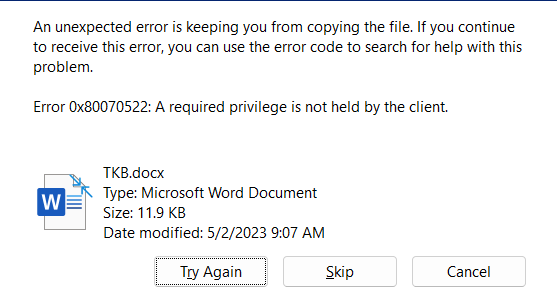
User Profile Folder Missing Under C:\Users
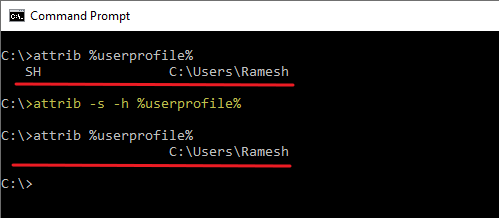
The profile folder for each user account on your computer is stored under C:\Users. On some systems, the user profile folder may not appear when you open the “C:\Users” folder in File Explorer.Read more
New Menu Shows Only “Folder” in the Desktop Context Menu
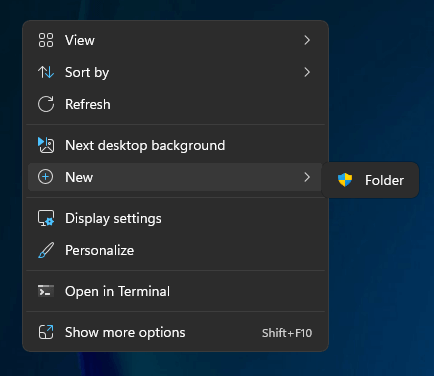
When you right-click on the desktop and click New, the New menu may only show the “Folder” entry. The other options, such as “Shortcut,” “Text document,” and “Bitmap image,” may be missing in the New menu.Read more
How to Start Explorer.exe Cleanly by Disabling Third-party Modules
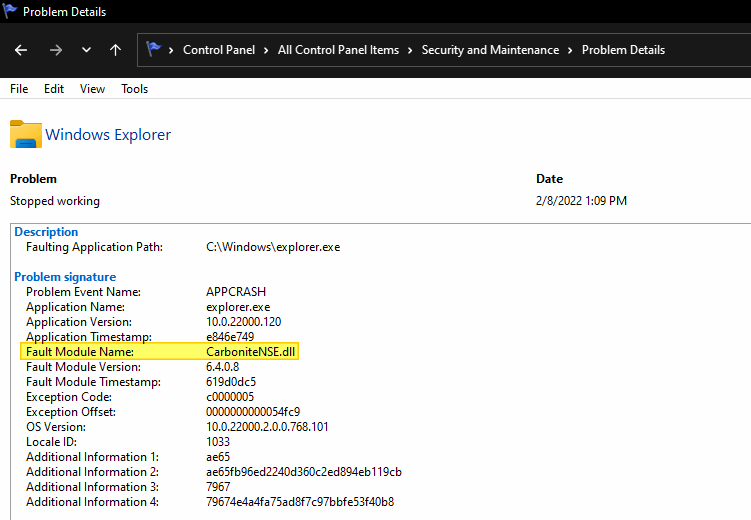
The Explorer.exe process loads many DLLs, including some third-party shell extension DLLs. The shell extensions installed on the computer load whenever Explorer.exe is started. A buggy DLL may sometimes cause problems in File Explorer — such as freeze issues, crashes, or other unusual behavior in the Explorer shell. In most cases, a third-party shell extension will be the culprit.
Accidentally Allowed a Threat in Windows Defender. What to do now?
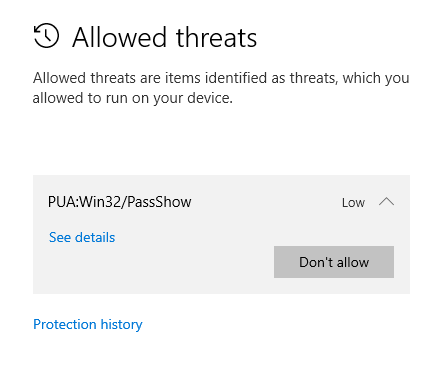
When Microsoft Defender Antivirus finds a virus, it asks you what action to take on the threat. The options are “Remove”, “Quarantine”, and “Allow on device”.
You may wonder:
- What happens if you’ve accidentally clicked “Allow” instead of “Remove”?
- What happens to the “allowed” threat? Will Microsoft Defender Antivirus redetect the item during the next scan?