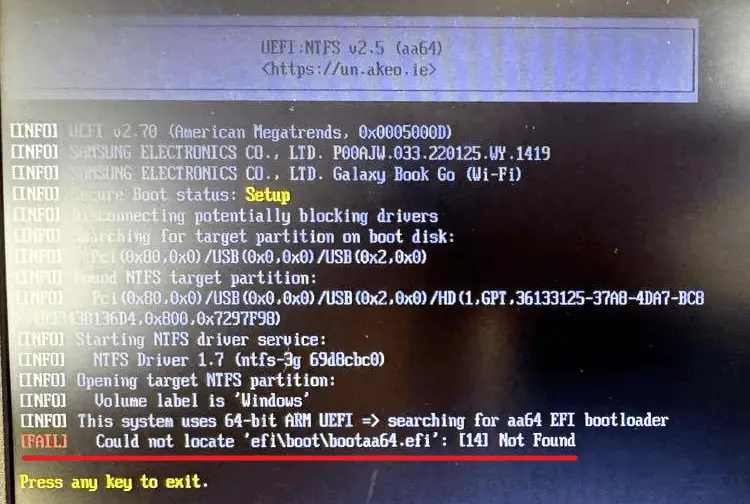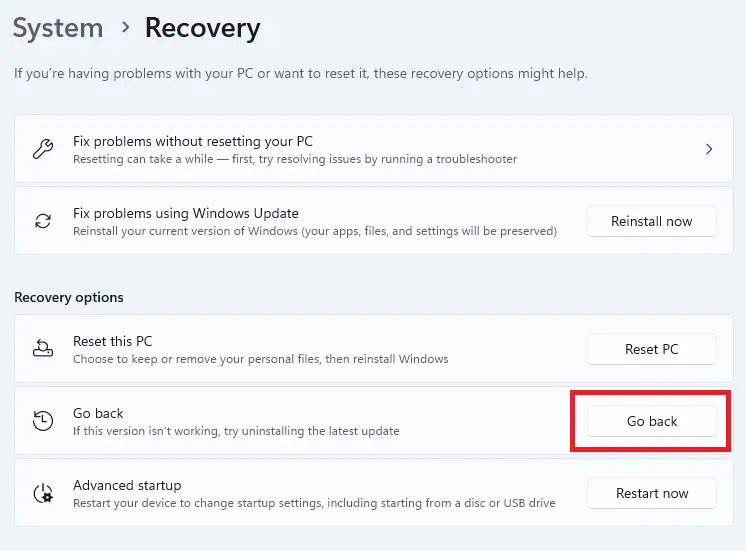
Microsoft has made the Windows 11 24H2 ISO available and is also rolling out 24H2 to users via Windows Update. If you’ve installed 24H2 and don’t like its performance, you can revert to 23H2 (or the previous build) using the recovery feature in Settings.Read more
 Ramesh
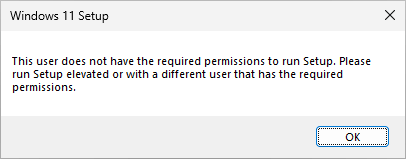
How to Downgrade to Windows 10 from Windows 11
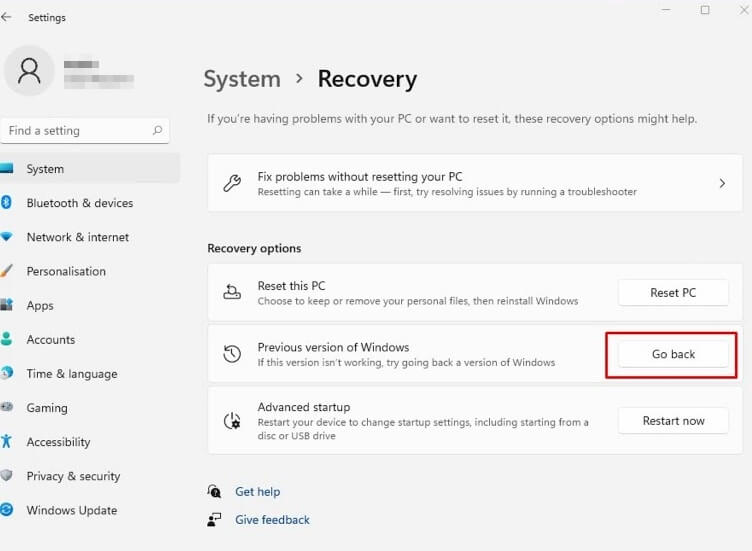
Many users ask if there is a way to downgrade to Windows 10 after installing Windows 11.
If you’ve upgraded to Windows 11 from Windows 10 within the last ten days, you can revert to Windows 10 via Settings. Otherwise, you need to do a clean installation or install Windows 10 using the Media Creation Tool without keeping the apps, files, and settings (the “Nothing” option).Read more
How to Close Task Manager by pressing ESC in Windows 11
In Windows 11 21H2 and all versions of Windows 10, you can close the Task Manager window by pressing the {Esc} key. This is no longer possible in the revamped Task Manager in Windows 11 22H2 and higher. However, here’s an AutoHotKey solution that should help. Workaround Download AutoHotKey 2.0 and install it. Copy the … Read more
Power Options Shows Only “Balanced” Plan
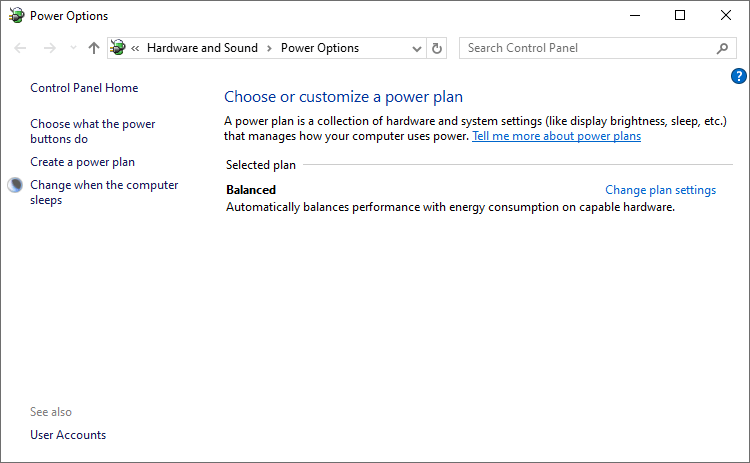
When you open Power Options, only the Balanced plan will be shown. Other schemes, such as “High performance,” “Ultimate,” and “Power Saver,” may be missing. This is normal on systems that support Modern Standby (S0 Low Power Idle).Read more
Memory Integrity “Incompatible drivers” is empty
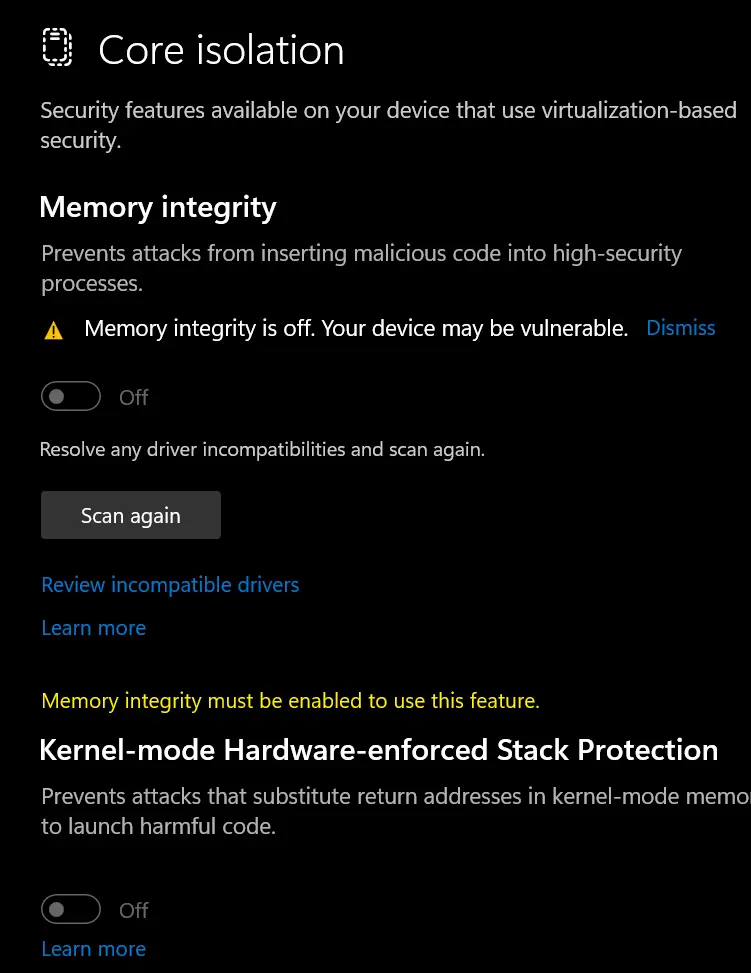
The Core isolation page in Windows Security may show that the Memory integrity feature is off and your device may be vulnerable. It suggests that you resolve any driver incompatibilities and try again. If you try to enable Memory integrity or click “Scan again”, the “Incompatible drivers” page may be empty.Read more