Fix: System Image Backup Error 0x80780119

error 0x80780119 during system image backup

When you create a system image using the built-in System Image Backup tool in Windows 10 or 11, the error code 0x80780119 may appear.

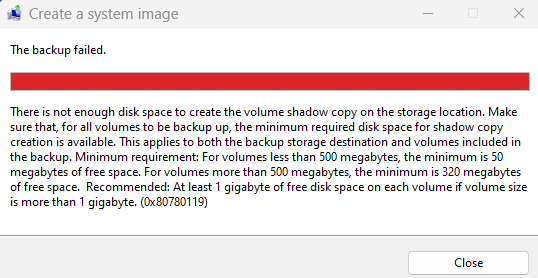
The backup failed.

There is not enough disk space to create the volume shadow copy on the storage location. Make sure that, for all volumes to be backed up, the minimum required disk space for shadow copy creation is available. This applies to both the backup storage destination and volumes included in the backup. Minimum requirement. For volumes less than 500 megabytes, the minimum is 50 megabytes of free space. For volumes more than 500 megabytes, the minimum is 320 megabytes of free space. Recommended: At least 1 gigabyte of free disk space on each volume if volume size is more than 1 gigabyte (0x80780119)

Read more

[Fix] “Windows Backup Failed to Get an Exclusive Lock on the EFI System Partition” Error

When you try to create a system image using Windows Backup on your computer, the following error occurs and backup procedure stalls.
0x8078011E avast efi system partition lock windows backup

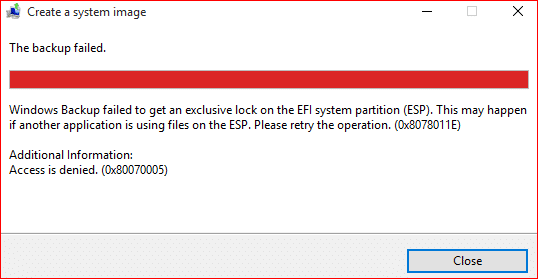
Windows Backup failed to get an exclusive lock on the EFI system partition (ESP). This may happen if another application is using files on the ESP. Please retry the operation. (0x8078011E)

Additional information:
Access is denied. (0x80070005)

and
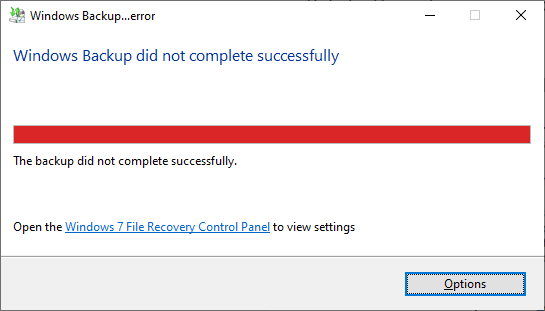
Check your backup. The last backup did not complete successfully.

Read more