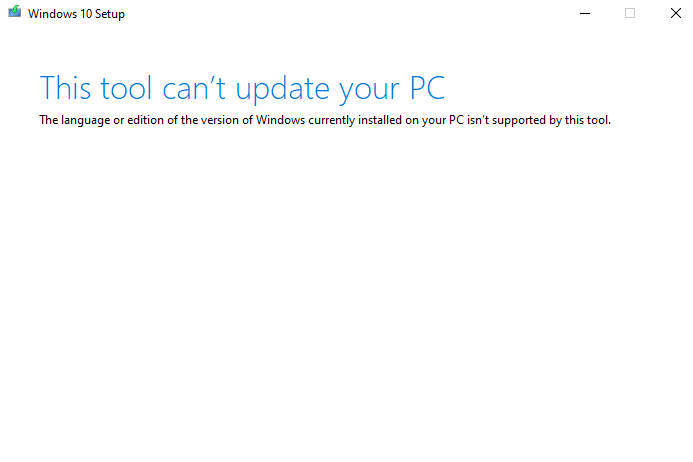
When you attempt to perform a repair installation or upgrade of your Windows 10/11 computer using the Media Creation Tool, the following error appears:
This tool can't update your PC

The language or edition of the version of the Windows currently installed on your PC isn't supported by this tool.
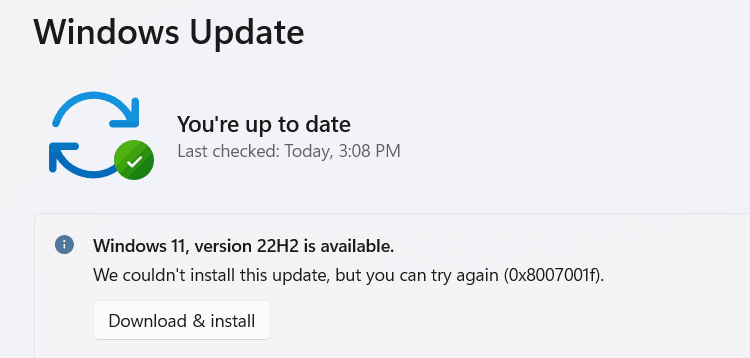
When you attempt to install a feature update such as Windows 11 22H2, the error 0x8007001F may occur. The error code 0x8007001F (“ERROR_GEN_FAILURE”) means “A device attached to the system is not functioning.”
When you upgrade from Windows 7 or Windows 8 to Windows 10 or 11 or do a repair installation, the error 0x800707E7 – 0x3000D may occur and the setup is canceled automatically. The same error may occur when installing a Feature Update (e.g., upgrading from 21H2 to 22H2). Here is the full error message:
We couldn't install Windows 10.

We've set your PC back to the way it was just before you started installing Windows 10.

0x800707E7 - 0X3000D

The installation failed in the FIRST_BOOT phase with an error during MIGRATE_DATA operation.
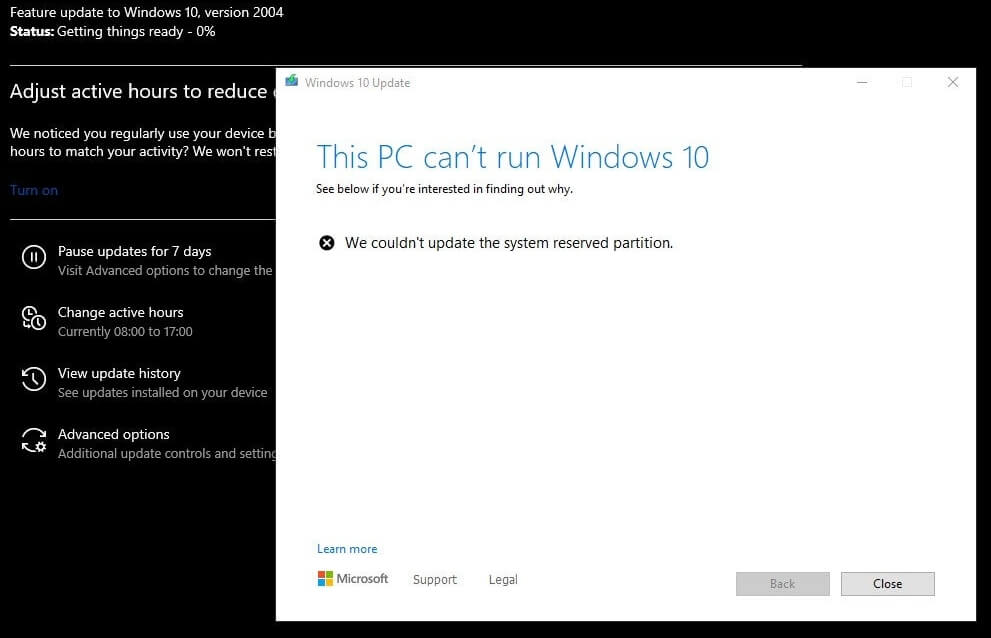
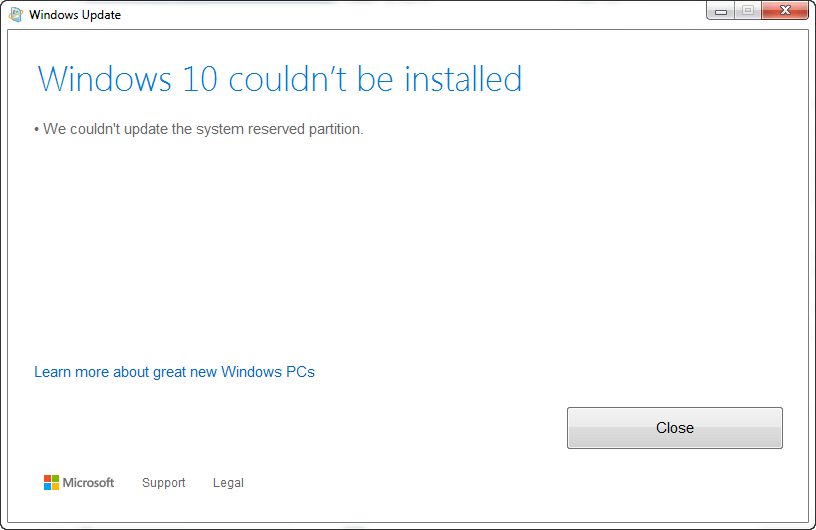
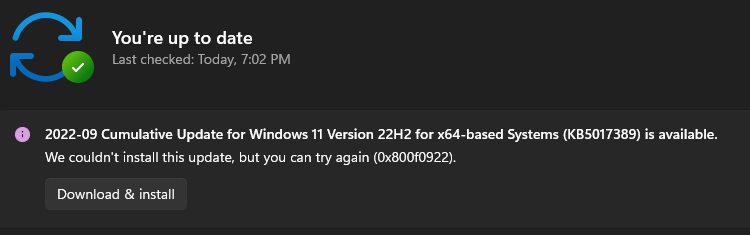
When upgrading to Windows 10 or 11 from Windows 7, 8, or 8.1, or updating Windows 10 or 11, you might encounter the error We couldn’t update system reserved partition, or error 0xc1900104, or error code 0x800f0922.
Error when updating Windows 10Error when upgrading from Windows 7, 8, or 8.1.
When this happens, the setupact.log in the Panther directory may contain the following entries:
Info       CFreeSystemPartitionDiskSpaceChecker: checked InsufficientSystemPartitionDiskSpace, found HardBlock.Not enough space on partition [\\?\GLOBALROOT\Device\HarddiskVolume1\] Required: 15 MB. Available: 9 MB.
Info       ConX::Compatibility::FreeSystemPartitionDiskSpaceCheckerImpl::SaveToPersistableData: Save data - FreeSystemPartitionDiskSpaceCheckerImpl = no
Info       ConX::Compatibility::CCompatibilityHost::SerializeData: Provider wsc:setup: is serializing 28 bytes of data.
Info       [0x090008] PANTHR CBlackboard::Open: C:\$WINDOWS.~BT\Sources\Panther\CompatScanCache.dat succeeded.
Info       [0x090009] PANTHR CBlackboard::Close: c:\$windows.~bt\sources\panther\compatscancache.dat.
Info       ConX::Compatibility::CCompatibilityController::ReportData: Type: [0], ID: [2], ReportOption: [2]
Info       ConX::Compatibility::CCompatibilityHost::SetScanResult: Provider wsc:setup: reports HardBlock

Info       MOUPG  InitializeRoutine: MOSETUP_ACTION_IMAGE_EXIT
Info       MOUPG  ImageExit: Initializing SetupResult: [0xc1900201]
Info       MOUPG  ImageExit: Initializing Extended:    [0x20008]
This happens if the System Reserved Partition (SRP) or the EFI partition is full. The EFI or the System Reserve Partition partition on your hard drive that stores boot information for Windows.
According to Microsoft, to upgrade your device, you’ll need to free up 15MB of space on the SRP using the appropriate method below. And then try the upgrade again. If you’re updating Windows 10, you need to free up 13MB.Read more
When installing an update, especially a Cumulative Update or .NET Framework package in your Windows 10 or 11 computer, the update installation may fail with an error code 0x800F0922 (“CBS_E_INSTALLERS_FAILED“) or 0xc1900104 or the error message “Something didn’t go as planned”.Read more