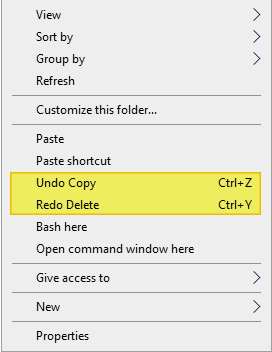
When you perform a file operation (e.g., delete, rename, copy, or move a file or folder) in Windows, you’ll see the corresponding “Undo…” option in the desktop right-click menu. One of the options, “Undo Copy”, “Undo Move”, “Undo Rename”, or “Undo Delete” is shown in the context menu.Read more
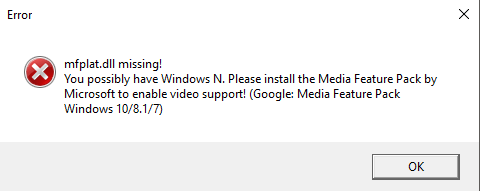
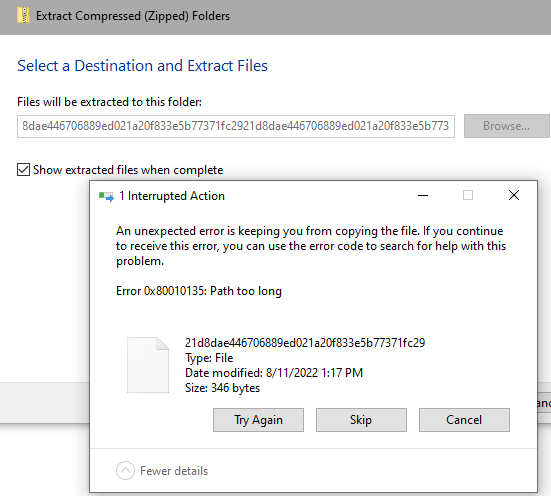
Fix: Can’t Install Appx, AppxBundle, and Msixbundle Files in Windows
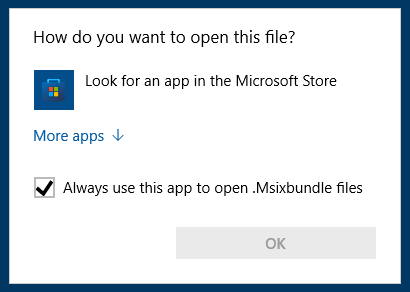
The file types .Appx, .AppxBundle, and .Msixbundle are app installer or setup packages. On a default Windows 10 or 11 installation, you can double-click these file types to run them. But, if the App Installer (a.k.a, “Desktop Installer”) Store app is removed from the system, the .Appx, .AppxBundle, and .Msixbundle files don’t run when double-clicked.Read more
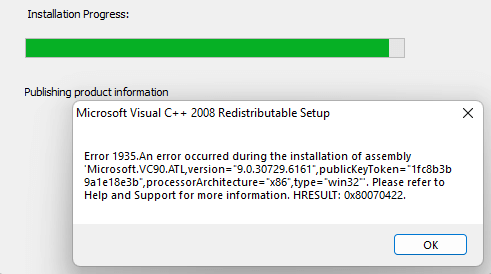
Item Check boxes Cannot be Disabled on Windows 11
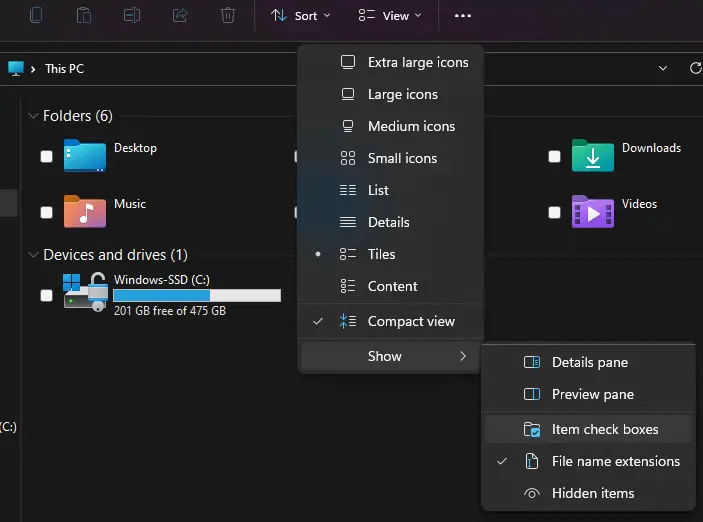
In Windows 11, when you flip your laptop to turn it to tablet mode, you’ll notice that there is a checkbox for every file displayed in File Explorer. You may not be able to get rid of it even after disabling it through View → Show → Uncheck “Item check boxes”.Read more
Fix: Time Zone Settings Grayed out in Windows 11
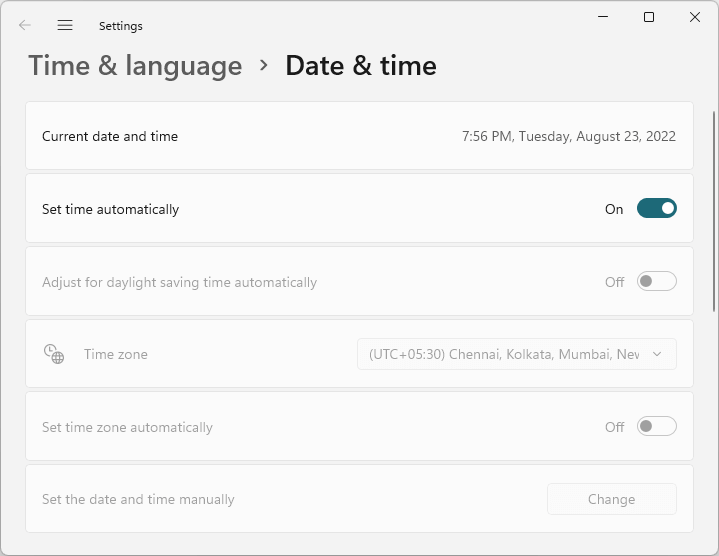
When you open the Date & time settings to change the time zone, the Time zone settings may be fully grayed out or missing on your Windows 11 computer. Let’s see how to resolve the issue.Read more
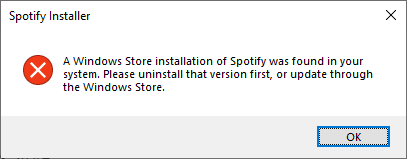
Clear MS Paint Recent Files History in Windows 11/10
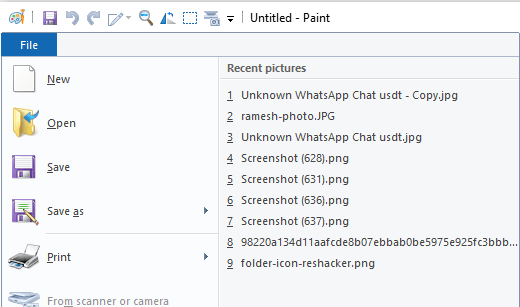
The MS Paint app maintains a list of the most recently opened files. The list, shown when you click on the File menu, contains the last nine files you opened. This article tells you how to clear the Paint MRU history in Windows 10 and Windows 11.Read more