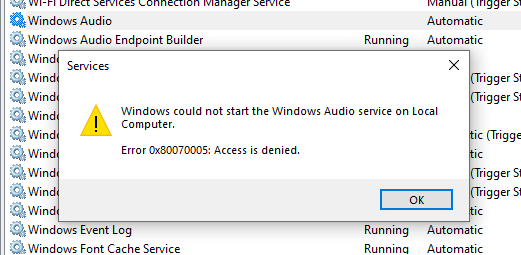
You may notice that some programs don’t run when you double-click on the icon of the program. However, they run if you right-click on the icon and then click “Run as Administrator”; whereas the same programs used to run just fine even without elevation.Read more
Windows
You’re browsing the “Windows” parent category, which lists articles on every Windows Operating System.
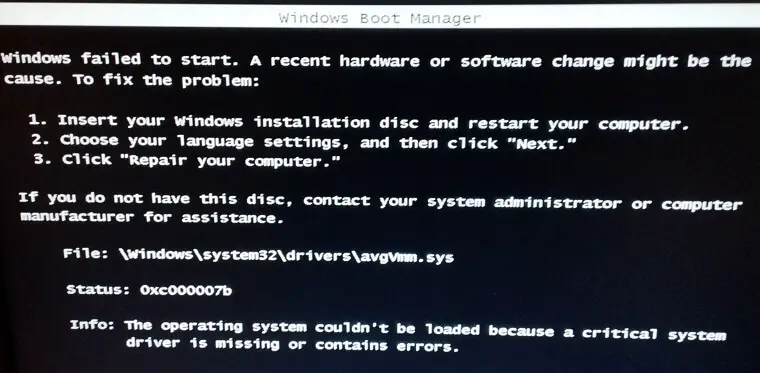
How to Collect Diagnostic Logs in Windows

There are many different types of diagnostic logs in Windows. Each log is to diagnose a specific component. The Windows Update client creates the Windows Update ETL or Windows Update log files, the Component-Based Servicing uses “cbs.log”, and the DISM tool writes to “dism.log”, etc.Read more
How to Open “Device and Printers” in Windows 11
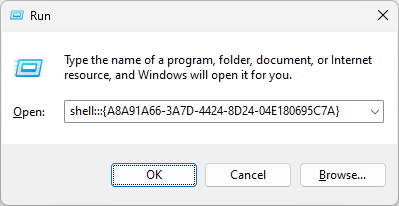
In Windows 11 22H2 and up, when you double-click “Devices and Printers” from the classic Control Panel, it redirects you to the Settings → Bluetooth & devices page. You may wonder how to access the classic Device and Printers Control Panel applet.Read more
“Browse For Folder” Dialog Only Shows Desktop in Windows 11
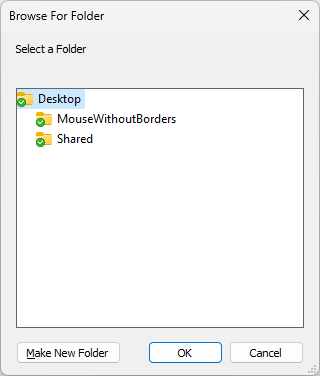
After installing the Windows 11 22H2 update, you may notice that the “Browse for Folder” dialog invoked from various apps may show only the folders on the desktop. In other words, the desktop is shown as the rooted view, and no option exists to choose any other folder outside the desktop.Read more
Task Manager text unreadable after installing KB5020044
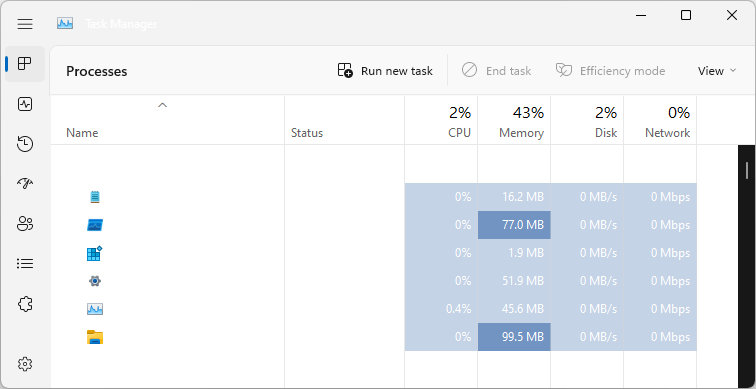
After installing the KB5020044 update for Windows 11, Task Manager might display certain elements in the user interface (UI) in unexpected colors. On affected devices, Task Manager should function as expected, but some parts of the UI might not be readable. You might be affected by this issue if you have “Choose your mode” set … Read more