
There are many different types of diagnostic logs in Windows. Each log is to diagnose a specific component. The Windows Update client creates the Windows Update ETL or Windows Update log files, the Component-Based Servicing uses “cbs.log”, and the DISM tool writes to “dism.log”, etc.Read more
How to Run a Scan using Farbar Recovery Scan Tool
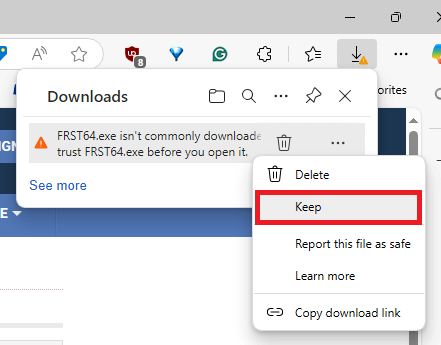
The Farbar Recovery Scan Tool (FRST) is an advanced tool for a detailed system inspection, fixing misconfiguration, and removing active malware. The FRST Tutorial is available on BleepingComputer.com. Here’s how to run a scan using FRST Method 1: Download and run a scan manually Note: When you scan using FRST, it doesn’t modify or fix anything on … Read more