When you set a folder picture via the Customize tab in folder properties or by editing the Desktop.ini file manually, the folder thumbnail may show up with white border in Windows 10, as in the image below.Read more
Windows 10
This category contains posts about Microsoft’s latest Operating System – Windows 10.Windows 10’s always been interesting, as every new major update will usually include additional features.
How to Add a Custom Folder under “This PC” in Explorer
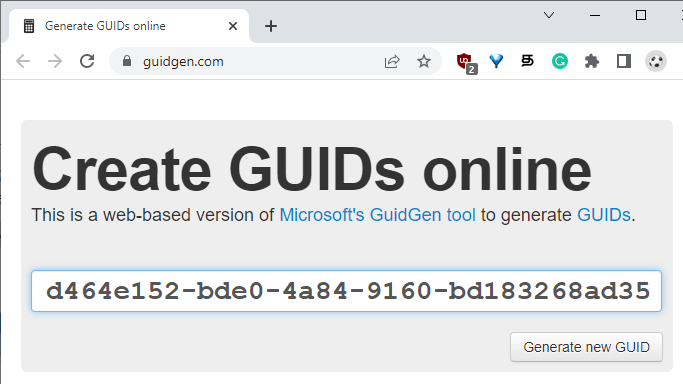
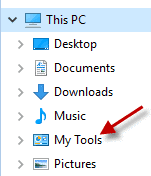
You can add custom folders to the Explorer navigation pane in pretty much all versions of Windows. This post has the instructions on adding a custom folder under This PC in the navigation pane in Windows 10/11 File Explorer.
Windows 10 Pictures Library Arrange by Month Missing?
Pictures library allows you organize your images in a variety of ways such as arrange by month, folder, day, rating and tag, and sort or group pictures as you’d like. You may be wondering if the option to arrange photos by month is removed in Windows 10, as the Arrange command is not shown anywhere in the ribbon or toolbar area. This post tells you how to arrange pictures by month, or the way you need.Read more
Windows 10 Gets a New “Refresh Windows” Tool
Microsoft released a Refresh Windows Tool few days back that makes clean installation easier. This tool installs a clean copy of the most recent version of Windows, and removes apps (both pre-installed and the ones installed by user) on the PC. As of now this tool works only in insider build 14342 and higher.Read more
How to Change Win + E Shortcut Target in Windows 10/11
The WinKey + E keystroke, as well as the File Explorer shortcut on the taskbar, open Quick access view by default. You can change the default folder to This PC using Folder Options General tab, or make it open to the Downloads folder using a registry method.
But, how to make Windows 10’s File Explorer default to a custom folder or the Libraries section?
The user interface provides no option to set a custom destination for WinKey + E keystroke or the File Explorer pinned taskbar item. As you may have noticed, the File Explorer Pinned taskbar shortcut target can’t be modified via Properties, as it’s a special shortcut with the Target field grayed out or read-only.
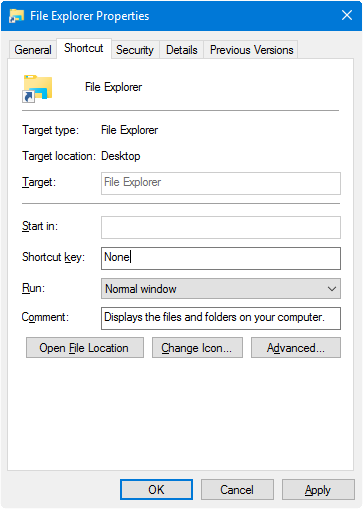
However, you change the WinKey + E or the File Explorer shortcut target using a registry edit without breaking any other setting.Read more
Incorrect Uptime Reported by Task Manager and WMI. Refresh it Manually
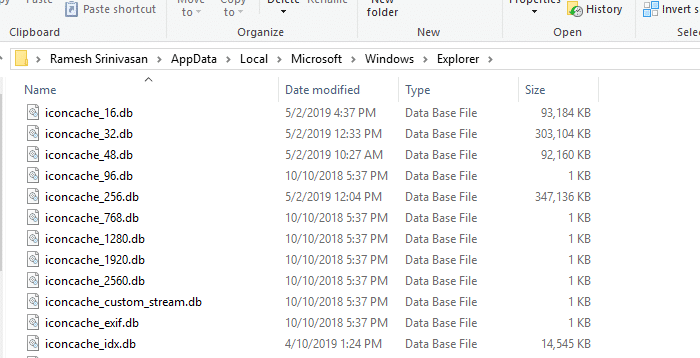
Task Manager’s Performance tab (CPU section) shows the Uptime information of the system, but you may be wondering why your boot-up time doesn’t match the uptime data reported.
Open With “Choose another app” Crashes Explorer
When the user right-clicks on a file, clicks “Open with”, and selects the option Choose another app in the Open with dialog or menu, nothing may happen. Or the Explorer shell crashes and restarts when accessing the Open With menu.
How to Empty the Recycle Bin In a Single Click in Windows 10?
When using your Windows 10 computer in Tablet mode, to clear the Recycle Bin you either have to switch off Tablet mode, or open File Explorer and browse the Recycle Bin folder in order to empty it. This post tells you how to create a shortcut to clear the Recycle Bin in a single click or tap, using PowerShell.Read more
How to Regain Lost Admin Rights in Windows 10 or 11

Summary: This article tells you how to restore your user account’s lost administrator rights and privileges in Windows 10 and 11.
If your user account has lost admin rights, you may also have inadvertently set yourself a “Standard User” via Account Settings or incorrectly configured the Local Security Policy or user account group membership. In some cases, malware could be the root cause.Read more
Windows 10 Start Menu User Folders Do Not Open When Clicked
When you click Start and click on a shortcut to your personal folders such as Documents, Downloads, Pictures or Music, nothing may happen. This problem occurs if the shortcuts in the Start Menu Places folder are missing or have been tampered with. The shortcuts in Start Menu Places are common to all user accounts, and not meant to be modified by users.
(Update: Information in this article doesn’t apply to Windows 10 v1809 and higher. Start Menu Places folder is no longer used in v1809 and up.)