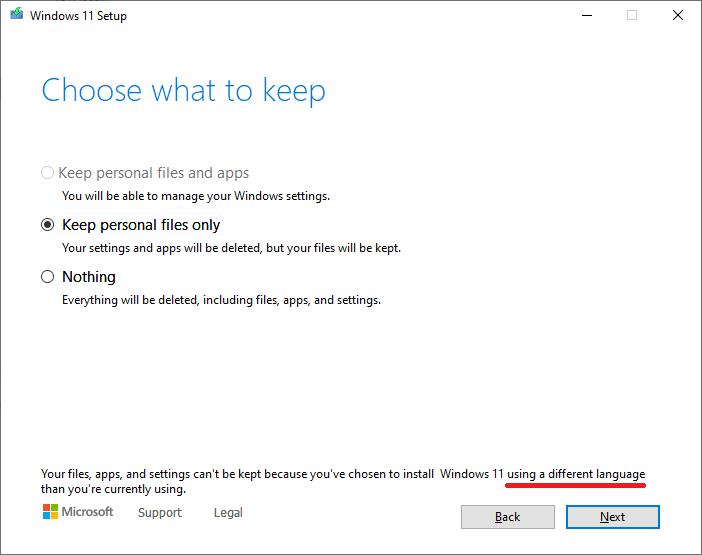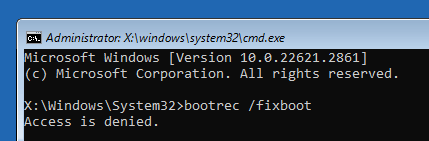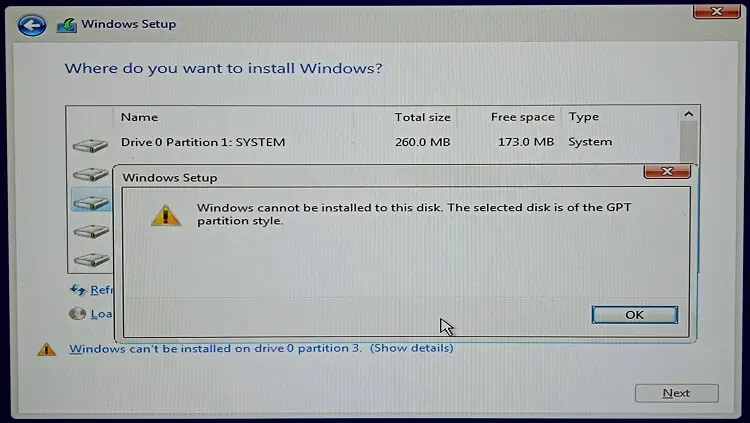
When you clean install Windows 10 or 11 on your computer by booting from the USB setup disk, the following notification may be displayed:
Windows can't be installed on drive n partition n
This category contains posts about Microsoft’s latest Operating System – Windows 10.Windows 10’s always been interesting, as every new major update will usually include additional features.
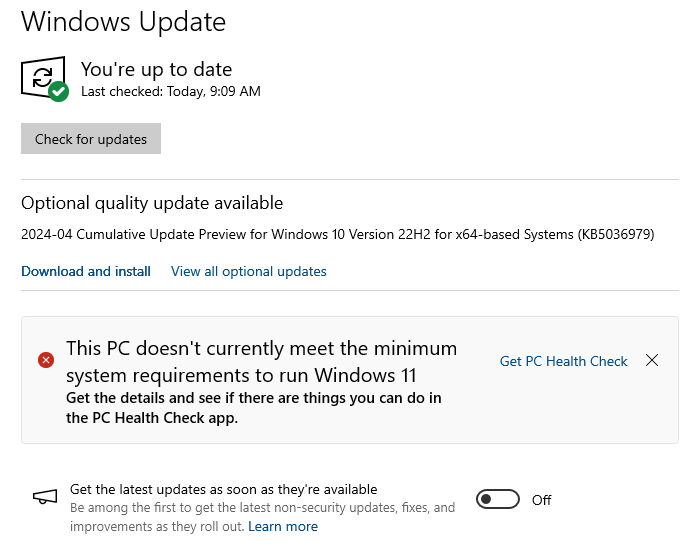
If you’re using a Windows 10 computer with hardware specifications fully compatible with Windows 11, you can upgrade to Windows 11 via Windows Update. However, on some eligible PCs, the Windows 11 Feature Update may not be shown on the Windows Update page.Read more
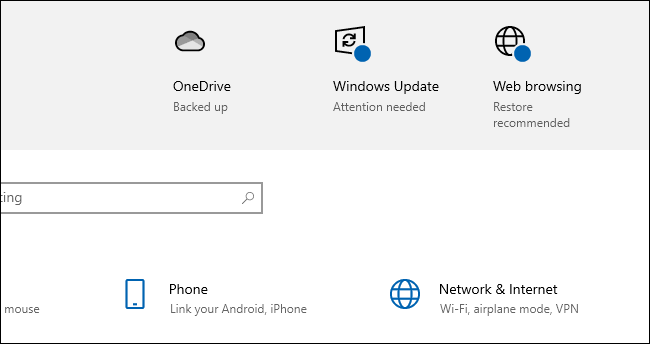
When you open Settings, you may see a notification that says “Attention needed” near the Windows Update icon at the top of the Settings window.
Clicking on the “Windows Update (Attention needed)” icon may do nothing.Read more
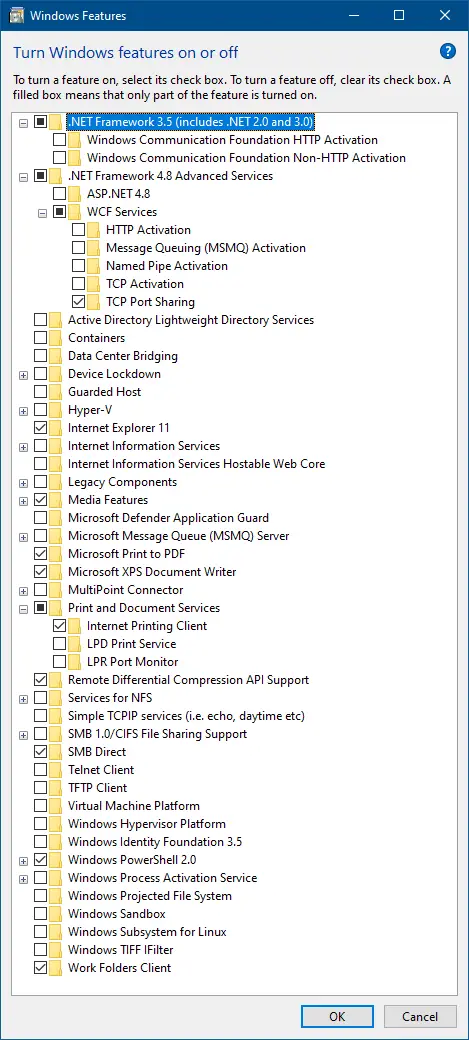
We may sometimes mess up with the Optional Features (“Turn Windows features on or off”) setting and don’t remember exactly what they changed. You wonder how to restore the system default settings for the “Turn Windows features on or off” (OptionalFeatures.exe) dialog without resetting Windows.Read more
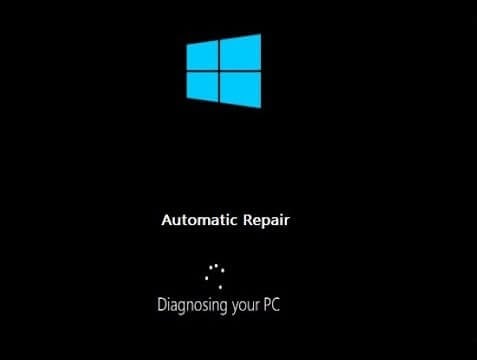
There are situations where Windows doesn’t boot or the “Reset this PC” option in Update & Security (Settings) does not work. In such cases, you can reset Windows 10 or 11 via the Windows Recovery Environment (“Windows RE” or “WinRE”). This article tells you how to reset the PC via WinRE. Resetting through the Windows … Read more
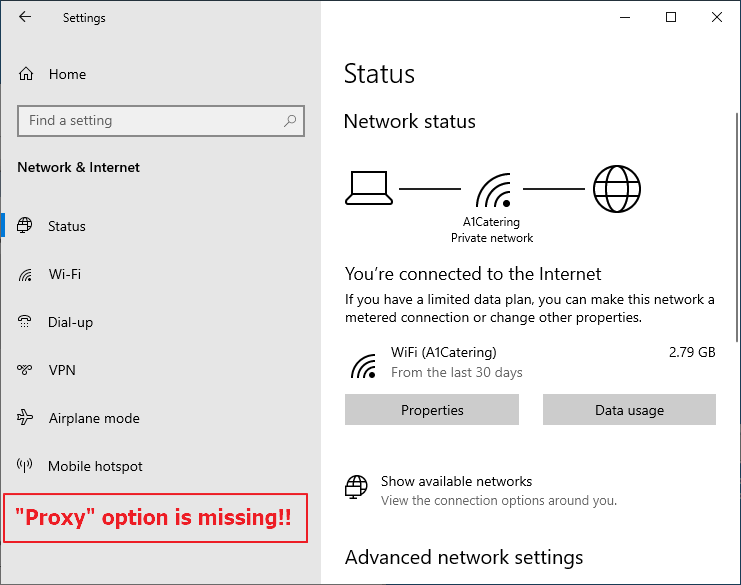
When you open Settings and click Network & Internet, the “Proxy” option may be missing. Also, if you use the Start menu search to find the proxy settings option, you may not be able to launch it.Read more
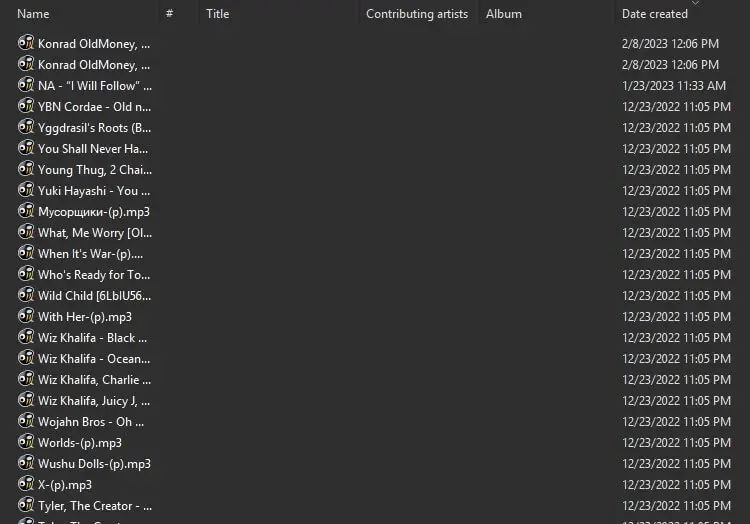
When you open a folder containing MP3 files, the metadata fields in the Details view of File Explorer may be empty.
For instance, the “Title”, “Contributing artists”, “Album” and other metadata columns may be blank. Even though the MP3 files have embedded metadata ID3 tags, they don’t appear in the Details view in File Explorer and the Details tab of the file’s Properties.Read more