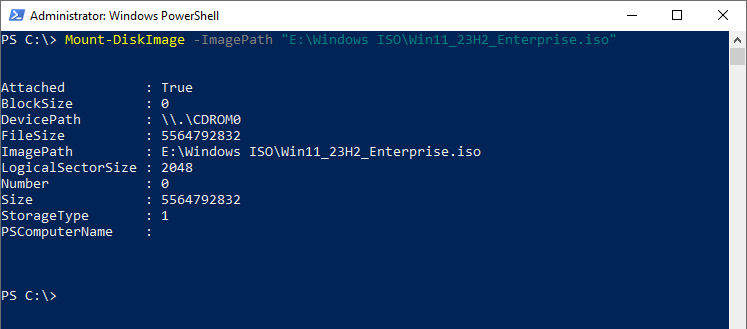
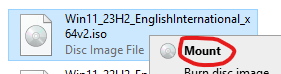
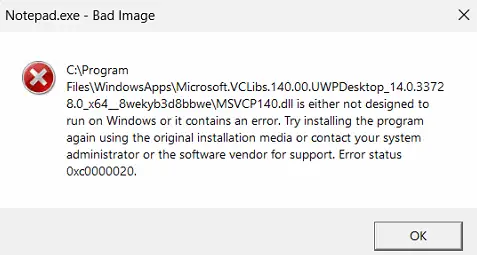
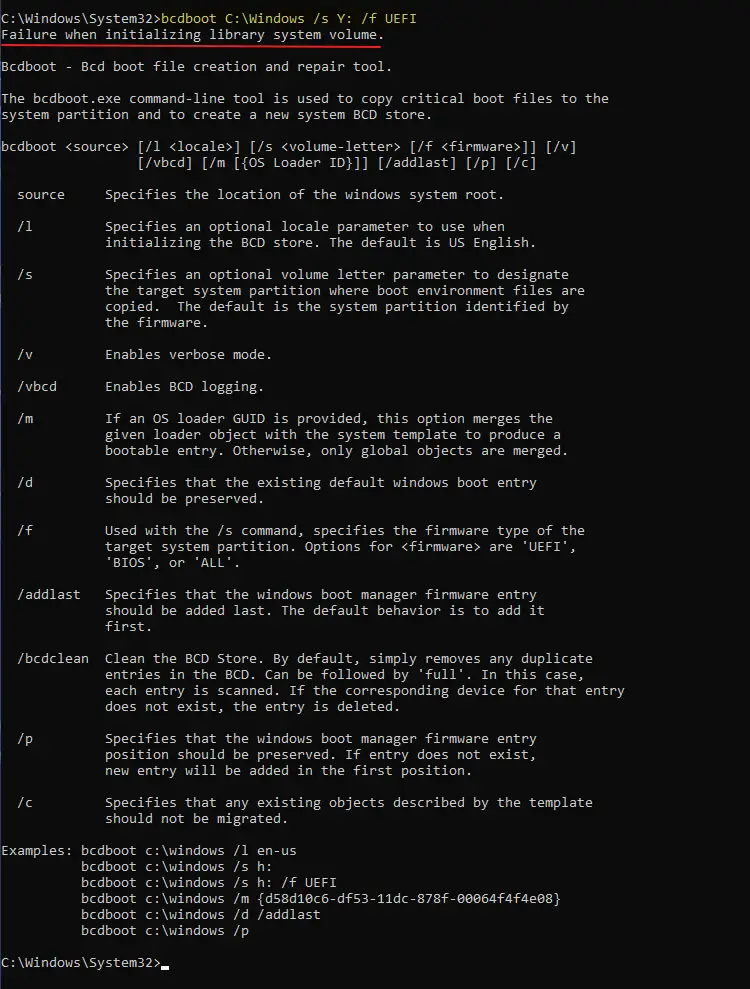
When you try to install a cumulative update or a Feature on Demand component like .NET Framework 3.5, one of the following errors may occur:
Error 0x800F081F Error 0x800f0831
You’re browsing the “Windows” parent category, which lists articles on every Windows Operating System.
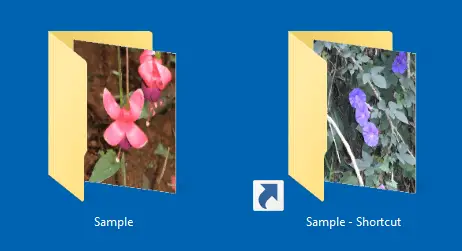
When you create a desktop shortcut to a folder, the folder shortcut thumbnail icon reflects what was in the folder it points to at creation. Later, when you add or remove files to the target folder, the folder thumbnails get updated dynamically, but the folder shortcut thumbnails remain the same. Even pressing F5 does not refresh the folder shortcut thumbs.
![]()
As you may have known, you can refresh the folder shortcut thumbnails by clearing and rebuilding the thumbnail cache. But here’s a simpler script solution to refresh the folder shortcut thumbnails without rebuilding the thumbnails cache.Read more
When you access Personalize in Settings and set the background to “Picture”, it immediately reverts to “Solid color”. Let’s see how to fix this issue.Read more
Wireless Display is a feature-on-demand (FOD) package that adds the Connect application. This application allows other devices to wirelessly project to this computer and requires Miracast-capable hardware.
When you install the Wireless Display FOD package via Optional Features in Settings, it may not install successfully. Some of the common errors you may encounter are 0x80070490 and 0x800f0950.
The Chkdsk utility checks the file system and file system metadata of a volume for logical and physical errors and repairs them. When you run Chkdsk c: /r and schedule it for the next boot, Chkdsk runs the scan during the next boot.Read more