How to Clean Install Windows 11 (24H2) using USB Setup Disk

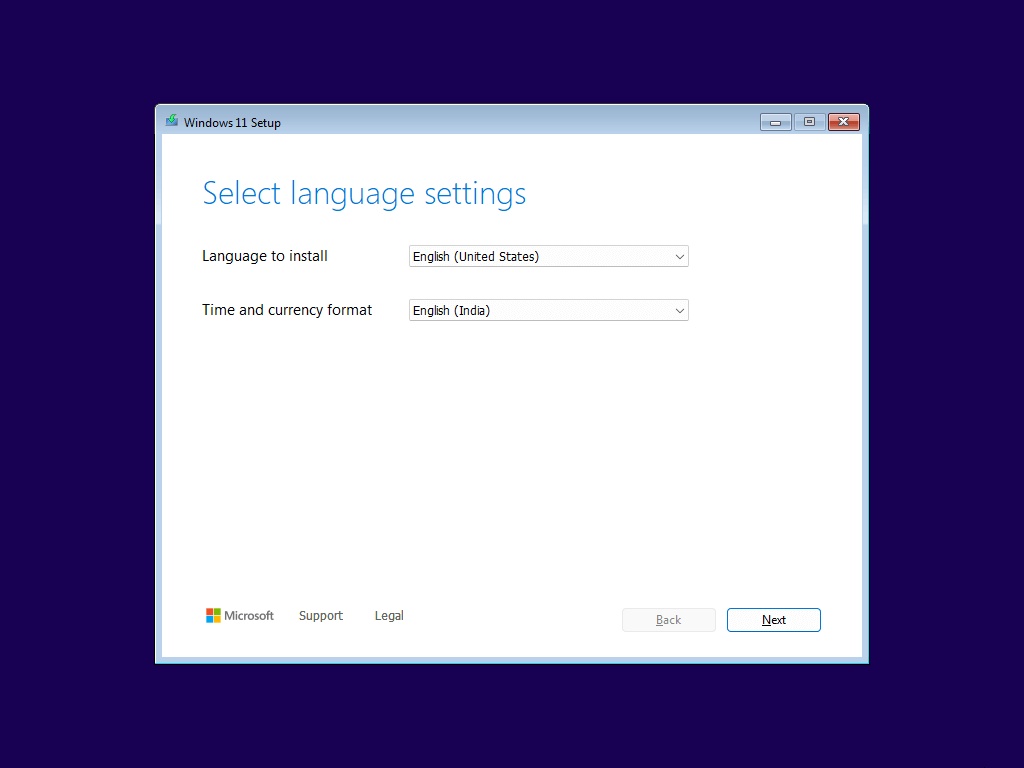
Here’s the Windows 11 clean installation walkthrough. The screenshots below are from the Windows 11 24H2 setup.

Before proceeding, please do the preliminary tasks mentioned below:

  1. Use the PC Health Check app to determine if your PC is compatible with Windows 11. See How to use the PC Health Check app.
  2. If your PC meets the Windows 11 system requirements, create a Windows 11 USB setup disk using the Media Creation Tool from another computer. For more information, see How to Download Windows 11 ISO Using Media Creation Tool.
Read more

0xC1900209: This PC can’t be upgraded to this version of Windows (24H2)

setup incompatible driver service 24h2

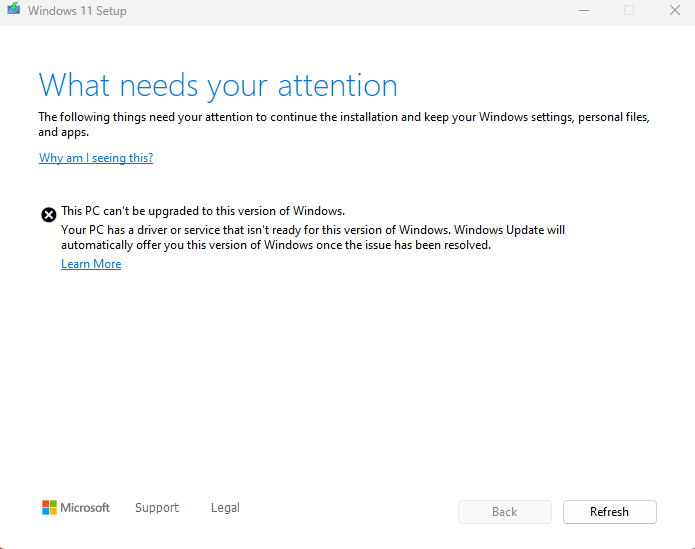
When you install a feature update in Windows 10 or 11, the following error message may appear.

What needs your attention

The following things need your attention to continue the installation and keep your Windows settings, personal, files, and apps.


This PC can't be upgraded to this version of Windows.

Your PC has a driver or service that isn't ready for this version of Windows. Windows Update will automatically offer you this version of Windows once the issue has been resolved.

Read more

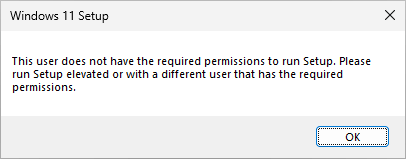
Fix: This user does not have the required permissions to run Setup

Windows setup error: permissions required

When you run the Windows 10 or 11 Setup (setup.exe) from the ISO or USB setup disk, the following error may appear: This user does not have the required permissions to run Setup. Please run Setup elevated or with a different user that has the required permissions. Also, creating a new local administrator account and … Read more