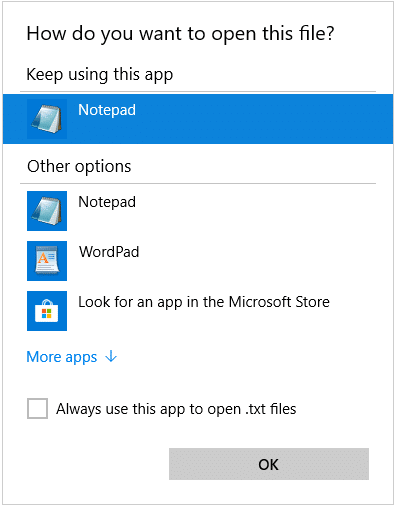
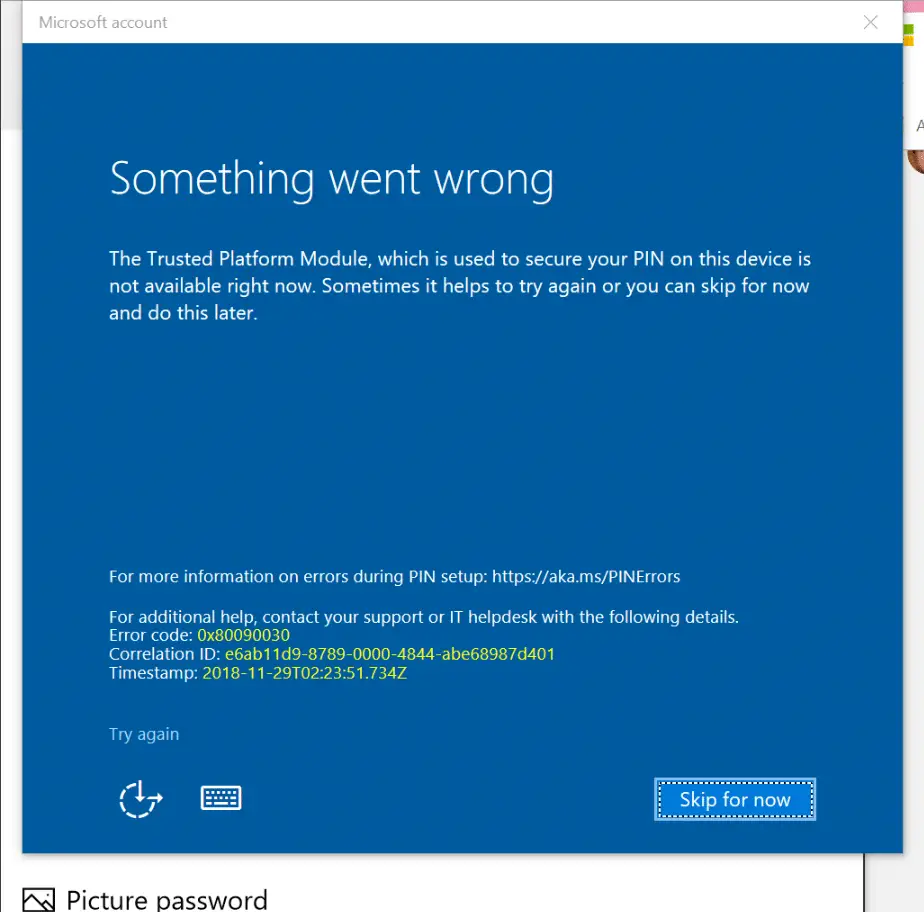
[Fix] PIN Errors 0x8009002d, 0x8007139f, 0x80090030, 0x80090032 and 0x80090016

PIN login error 0x80090030 in windows 10

When creating or changing the PIN for a user account on a Windows 10 computer, one of the errors 0x8009002d, 0x8007139f, 0x80090030, 0x80090032 or 0x80090016 may appear. Here are the full symptoms:

  • If there is already a PIN configured, you may be able to sign-in using the PIN. When signing in using the PIN, errors “The PIN is incorrect. Try again” or “Something went wrong (code: 0x8009002d). Restart your device to see if that fixes the problem.” may occur.Read more

[Fix] “Managed by your organization” in Chrome or Microsoft Edge

chrome policy "managed by your organization"

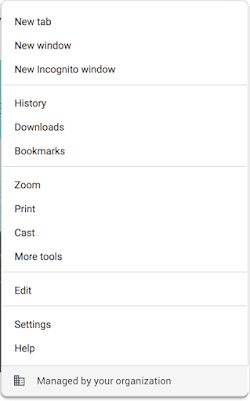
In Microsoft Edge or Google Chrome, some users see the message “Managed by your organization” when they click the “More” menu.
chrome policy "managed by your organization"

The message indicates that the browser (Microsoft Edge or Chrome) is being managed. If a user clicks on the “Managed by your organization” link, they are directed to chrome://management/ which contains details about Chrome Browser management on Chrome browser, or the edge://management page on Microsoft Edge.

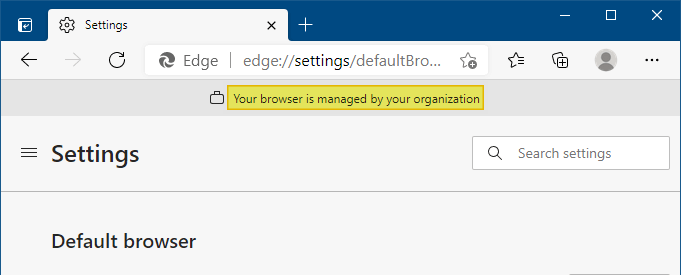
This message is also seen on the Chrome/Microsoft Edge (chromium) Settings page.
edge managed by organization

Clicking on the “Managed by your organization” link opens the edge://management page, which displays the following message:

Microsoft Edge is managed by your organization

If you use Microsoft Edge at school or work, it might be managed, or set up and maintained, by your organization. Your organization can set up or restrict certain features, install and block extensions, monitor activity, and control how you use it.

If Microsoft Edge is managed, you can view the policies that are set by your organization on the edge://policy page.

This post tells you how to remove the Managed by your organization notice and also explains how to remove the Microsoft Edge or Chrome policies that cause the notice to be shown.Read more

Error 0x80070424 in Windows Update and Microsoft Store

windows update error 0x80070424

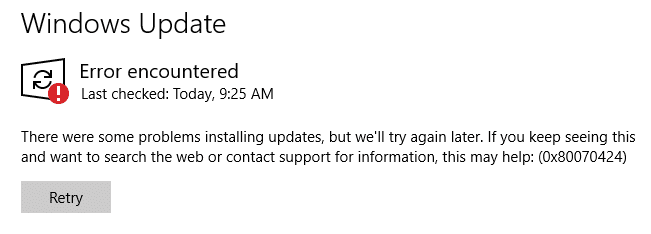
When you attempt to check for updates from the settings page in Windows 10, the error 0x80070424 may appear. Also, the Windows Update service may be missing from the list when you open the services console. Error encountered There were some problems installing updates, but we’ll try again later. If you keep seeing this and … Read more

How to Check if a Windows Update (KB) is Installed on your Computer?

view update history in windows update settings

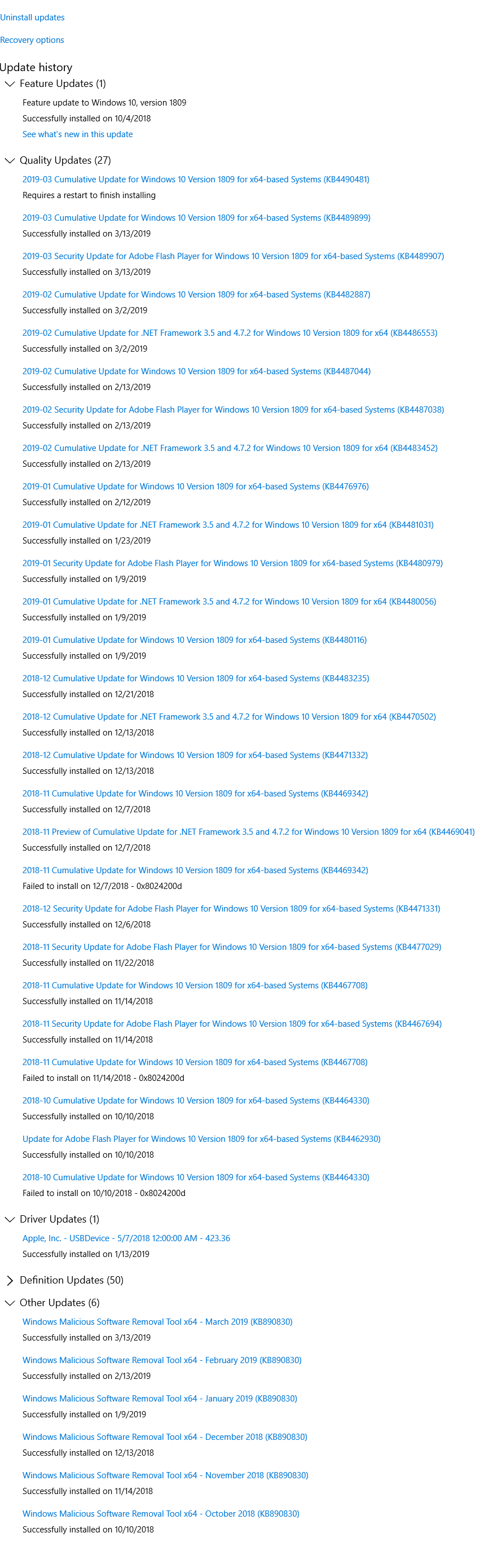
The Windows Update channel delivers all necessary updates suitable for your system. Most of the time, manual intervention is not required for installing updates. In some cases, especially during manual installation of an update using standalone installer, you may need to first check if a specific update (a prerequisite update) is installed on your system.

This article explains how to check if a specific Windows Update (KBnnnnnn) is installed in your computer or not.Read more

[Fix] Windows Batch Files (.bat) do not run when double-clicked

comspec setx

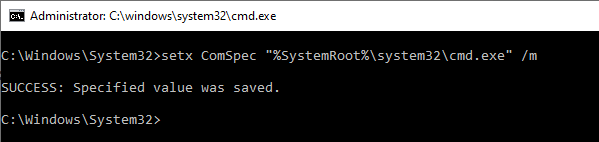
When you double-click a Windows batch file (.bat) or a .cmd file, one of the following symptoms may happen: The error “Windows cannot find ‘filename.bat’. Make sure you typed the name correctly, and then try again.” occurs when you run a .bat or a .cmd file. The batch file opens a Command Prompt window, but … Read more

[Fix] “Could not find this item” When Deleting a File or Folder in Windows

could not find the item when deleting a file or folder

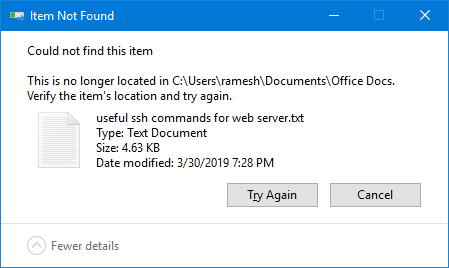
When you attempt to delete a file or folder on your Windows computer, the “Item not found” error may appear. Here is the full error message:

Could not find this item.

This is no longer located in [folder path]. Verify the item's location and try again.

could not find the item when deleting a file or folder

This article explains how to fix the error when deleting a file or folder in Windows.Read more

Fix Error 0x80d06802 Installing a Windows Update

windows update error 0x80d06802 solution

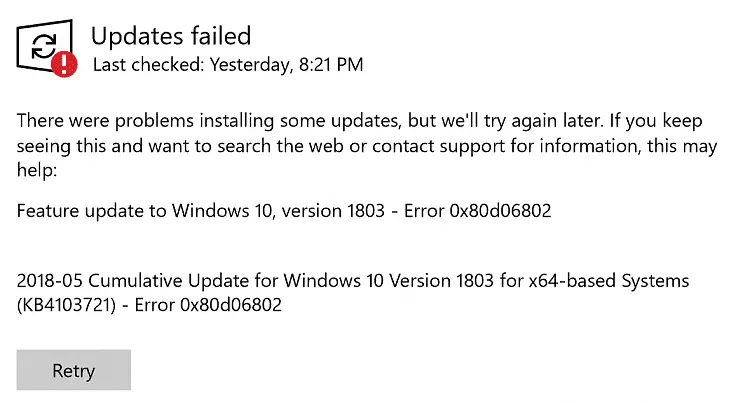
When you try to install an update via the Windows Update channel in your Windows 10 computer, error 0x80d06802 may appear. Here is the full error message verbatim:

There were problems installing some updates but we’ll try again later. If you keep seeing this and want to search the web or contact support for information, this may help: Error 0x80d06802.

windows update error 0x80d06802 solution

This post tells you how to fix error 0x80d06802 during Windows Update installation.Read more

Error 1083 “The executable program that this service is configured to run in does not implement the service”

fix for services error 1083 and 1053

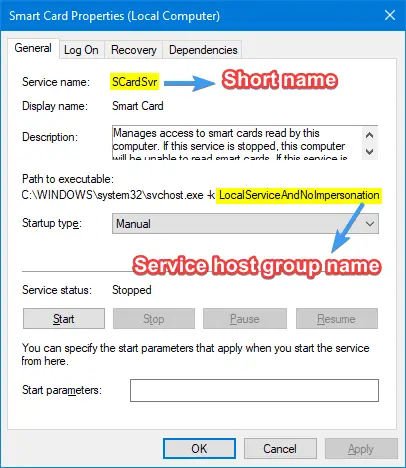
When you attempt to start some Windows services using the Services MMC or command-line, error 1083 or 1053 is shown, and the service fails to start. Here is the error message verbatim: Windows could not start the [service name] service on Local Computer.Error 1083: The executable program that this service is configured to run in … Read more