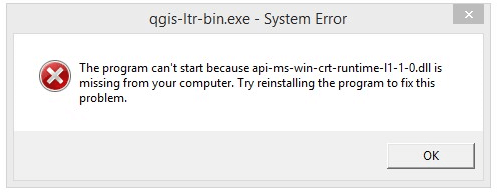
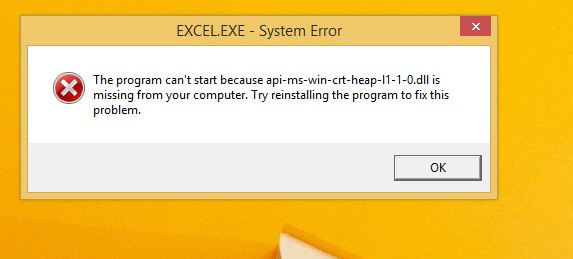
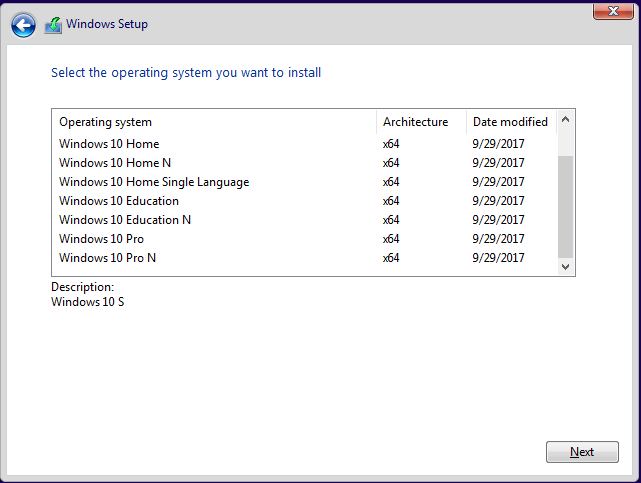
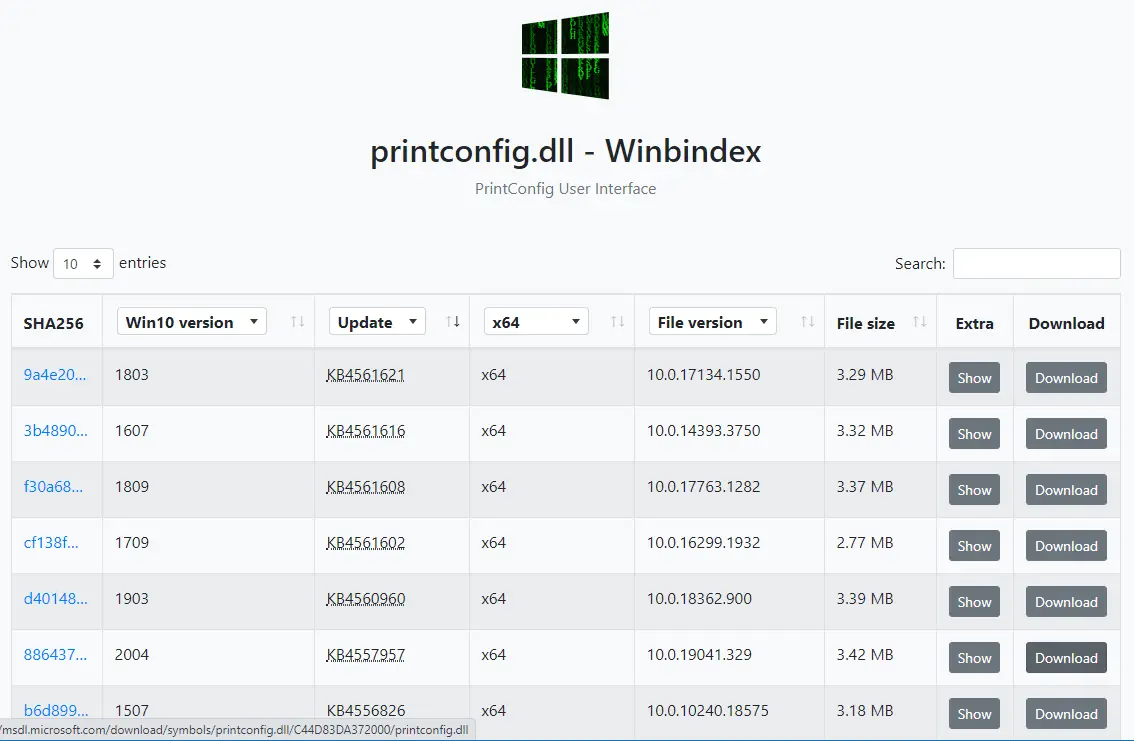
There are situations where you need a specific Windows system file from the install.wim image present in a Windows 10/11 setup disk or ISO. In the case of missing system files, the DISM & SFC procedure will automatically restore them. Alternatively, you can restore missing Windows system files (of any version) from the WinBindex.Read more
Ramesh
How to Open .hlp Files in Windows 10/11 Using WinHlp32.exe
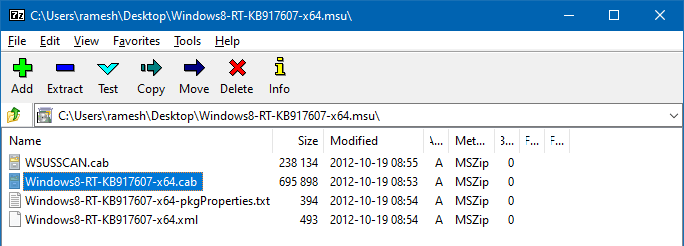
A long time back, most of the software used to ship with .hlp (WinHelp help format) help files. Since Windows Vista, the legacy .hlp format has been deprecated. To view 32-bit Help files with the .hlp file extension in Windows Vista (and higher — through Windows 8.1), you will need to download and install WinHlp32.exe (KB917607 package) from the Microsoft Download Center.
- WinHlp32.exe for Windows 8.1 x86 (KB917607)
- WinHlp32.exe for Windows 8.1 x64 (KB917607)
- WinHlp32.exe for Windows 8 (KB917607)
- WinHlp32.exe for Windows 7 (KB917607)
However, this update isn’t available for Windows 10/11. Installing one of the KB917607 installers on Windows 10 or 11 would cause the following error:
Windows Update Standalone Installer The update is not applicable to your computer.
This article tells you how to restore the missing WinHelp (.hlp) viewer on Windows 10 or 11.
Contents
How to Download Missing System files from Microsoft
If a Windows system file is missing, the first thing that comes to our mind is the System File Checker (Sfc.exe). The sfc.exe /scannow command-line restores missing or corrupted system files by fetching a good copy from the WinSxS folder. If that fails, you usually run the DISM .. RestoreHealth command-line to fix the WinSxS repository. In some cases, DISM requires a slipstreamed Windows setup disk from which the install.wim file is used.
Here is another way to download any version of a Windows system file (.exe, .dll, or .sys) directly from Microsoft’s server.Read more
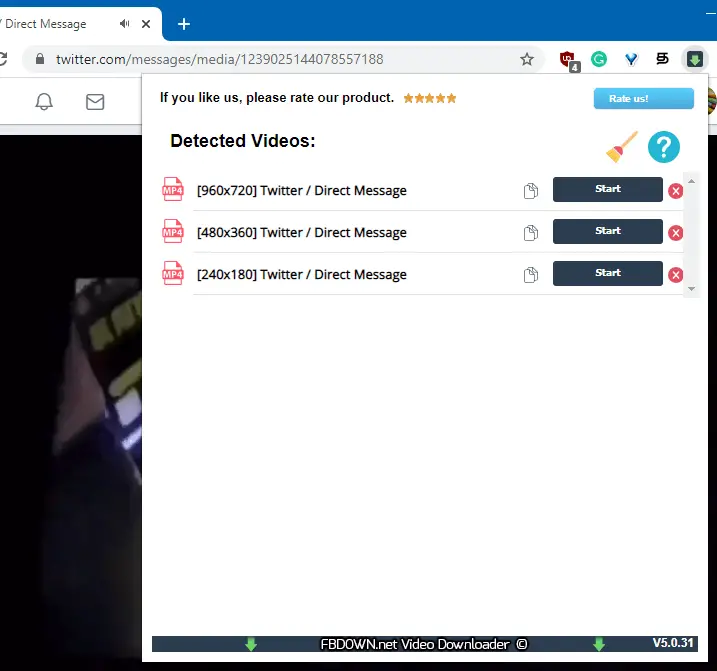
How to Download Twitter DM Video in Windows
Twitter videos are .m3u8 playlist files that link to multiple .ts (Transport Stream) video stream files. The Twitter user interface doesn’t provide an option to download the video embedded in a tweet or Direct Message (DM).
There are 3rd party Twitter video downloader websites such as savetweetvid.com, twdown.net etc., that can download Tweet videos, but they can’t download your Twitter Direct Message (DM) videos.
This article explains how to download a video from Twitter DM using your web browser (instead of the Twitter app), browser extension, or a third-party tool such as VLC Player or Youtube-DL.
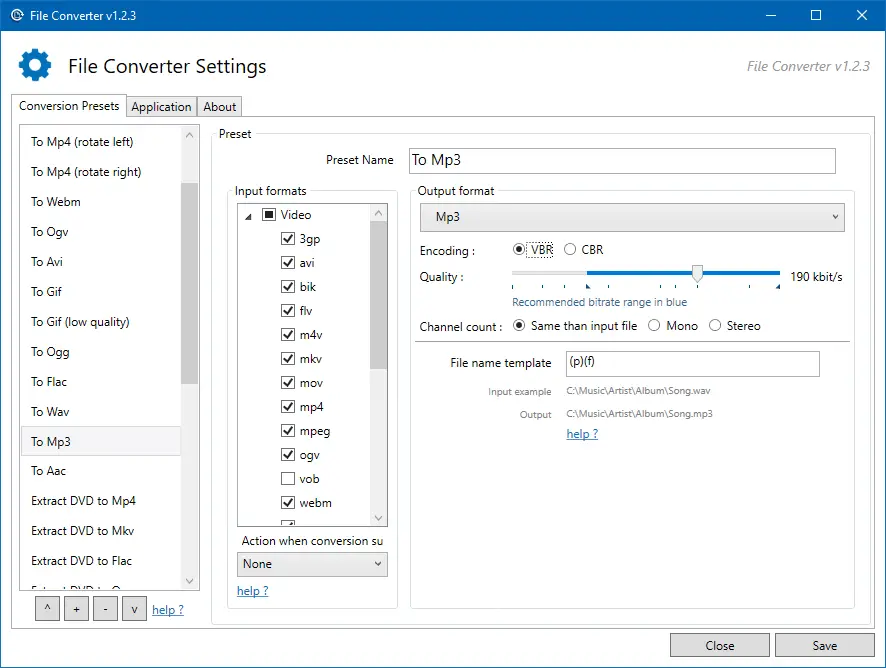
How to Convert WMA to MP3 Format in Windows
Windows Media Audio (WMA) is a proprietary technology developed by Microsoft that forms part of the Windows Media framework. WMA produces better sound at low bitrates compared to MP3. It leads to smaller file sizes. Since the WMA format is proprietary, we have more devices that use the MP3 format compared to WMA.
If your device (e.g., DVD player) doesn’t support WMA file format, then you’ll have to convert the WMA files into MP3, as most, if not all devices support MP3. Converting WMA files to MP3 is also a good idea if you want to play them across different platforms (e.g., macOS, iOS, Android, ChromeOS, or Linux). For instance, Chromebooks don’t have native support for WMA files. You’ll need to install VLC Player for Chrome OS or convert the WMA files to one of the formats (.mp3, .m4a, .ogg, .wav) to be able to play the music on your Chromebook.
Windows Media Player is the native media player (in Windows Operating Systems) which supports WMA file format. But Windows Media Player has no audio format conversion capability. However, WMP can rip CD/DVD audio into WMA, WAV, or MP3 file format, though.
How to Free Up Gigabytes of Disk Space in Windows
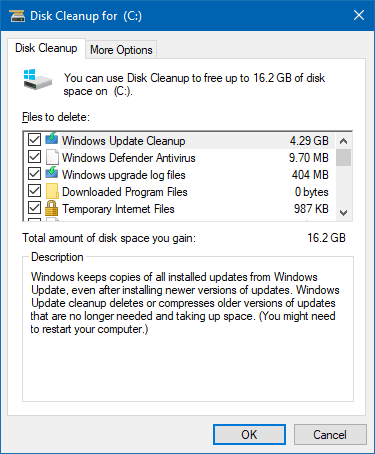
Windows 10 updates, especially the feature updates, consume enormous disk space as Windows stores the older copies in case you want to roll back to the previous version. Hard disk drives have become cheaper and affordable nowadays. A 1 TB SATA HDD costs less than $50. But, if you’re using an old, low-capacity hard drive from an old computer and want to free up disk space, this article tells you how to do that.
After installing a feature update, Windows 10 automatically cleans up the previous Windows installation files (Windows.old) after ten days. However, there are some other ways with which you can free up disk space in Windows. Let’s see some of the options.Read more