When you run the DISM ScanHealth or RestoreHealth command, the following error may occur:
Error: 1009

The configuration registry database is corrupt.

The DISM log file can be found at C:\Windows\Logs\DISM\dism.log
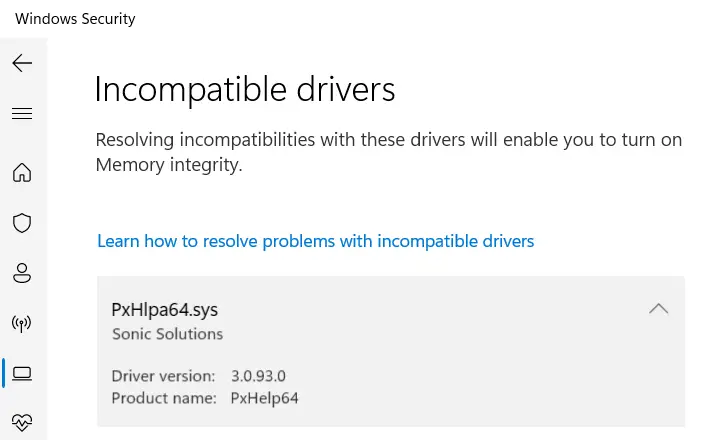
PxHlpa64.sys is a module supplied with DVD-burning programs, such as Roxio/Sonic, which Corel Corporation now owns. The PxEngine is also licensed by various 3rd-party software developers specializing in disc burning software. Other programs, such as Adobe Premiere Elements, appear to utilize this module for DVD-burning capabilities.
This driver is flagged as incompatible when you try to enable Memory Integrity. This driver is also known to cause the 0xC1900101 errors during the Windows 11 setup.Read more
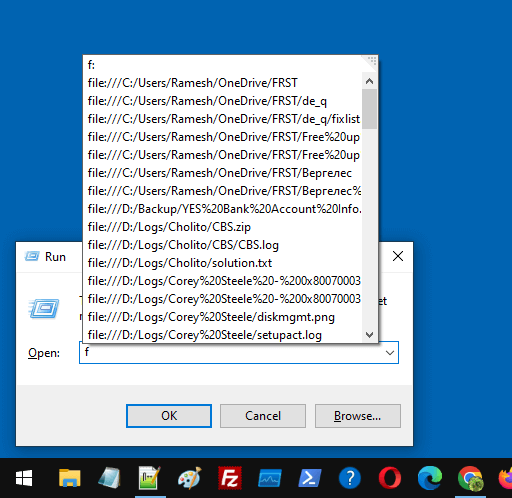
When you open the Run dialog and type f or / (forward slash), the recently accessed files may appear in the list as file path URIs.Read more
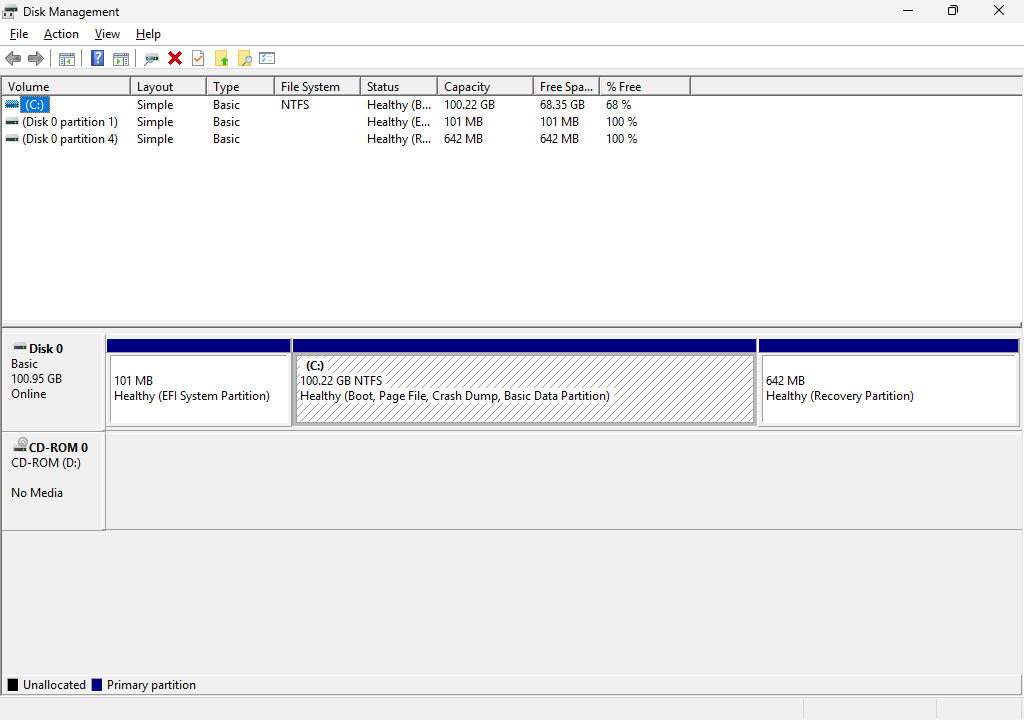
The Recovery partition stores Winre.wim, an image needed to boot into the Windows Recovery Environment (WinRE). If the recovery partition is small, the system might fail when servicing the Winre.wim image. For instance, you may encounter error 0x80070643 when installing WinRE security updates if the recovery partition is not big enough. The official documentation mentions … Read more
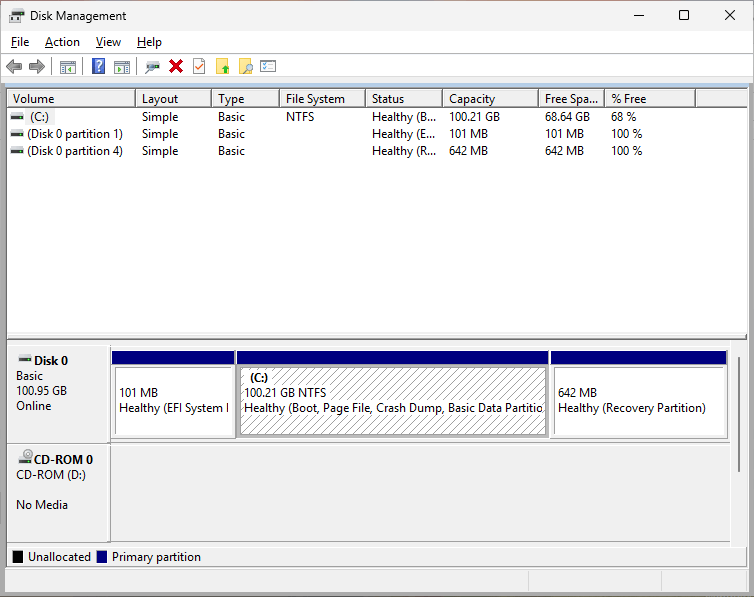
Summary: This post explains how to increase the size of the EFI partition to 250 MB without using any paid software.
The EFI system partition stores the boot configuration database (BCD) and the boot files needed to boot a UEFI system. By default, the Windows setup creates a 100 MB EFI partition, which may be insufficient sometimes. Read more
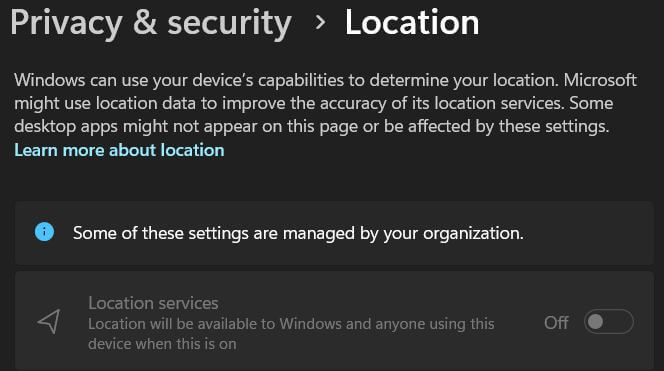
When you open Settings → Privacy → Location, the location settings may be grayed out. You may also see the following message at the top of the page. Some of these settings are managed by your organization. Cause This is caused by some policies that are in effect. Resolution 1) Disconnect from School or Work … Read more
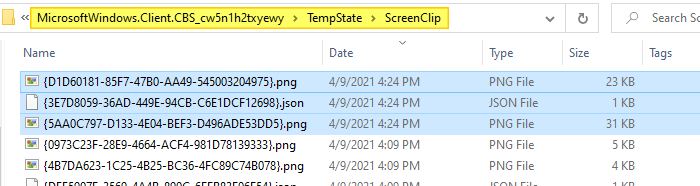
On Windows 10, after taking a screenshot using the Win + Shift + S keyboard sequence, you need to click on the notification to open the snip in the Snipping Tool and then save it manually. You wonder if an option exists to auto-save Win + Shift + S screenshots in Windows 10.Read more