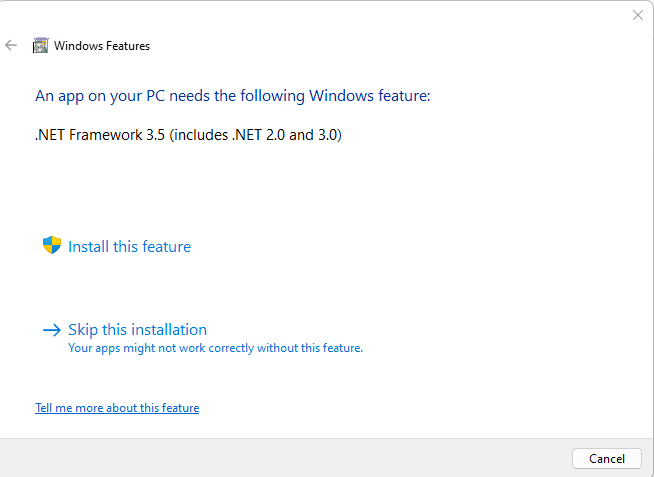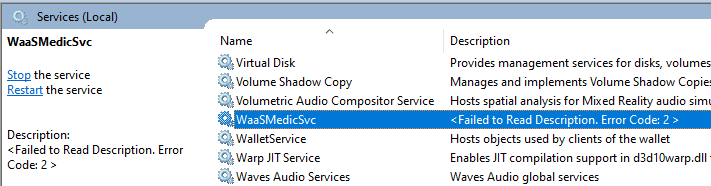
In your Windows 11 computer, when you open the Services console, the Windows Update Medic Service may be missing from the list. When you scroll the services list, you may note that it is listed as WaaSMedicSvc instead of its actual display name — Windows Update Medic Service.Read more
[Fix] JPG Metadata not displayed in File Explorer
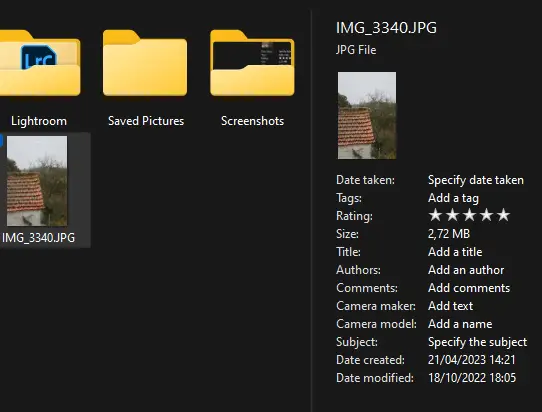
File Explorer shows the EXIF information (e.g., the Camera model, Dimensions, etc.,) in the Details pane. However, on some systems, the metadata may appear completely empty.Read more
How to Upgrade Windows 11 Home to Pro
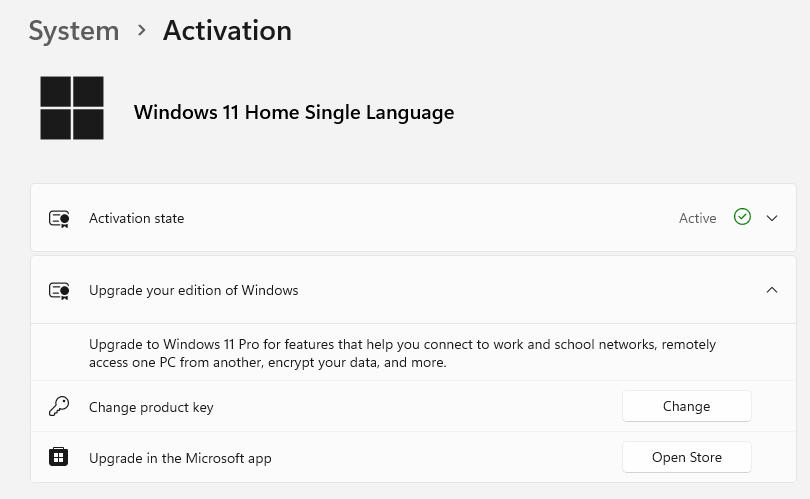
If you’re using Windows 10 or 11 Home Edition, you can upgrade to Pro Edition (the upgrade costs USD 99) by changing the product key and activating it. This article tells you how to upgrade Windows 10/11 Home to Pro. No reinstallation is required.Read more
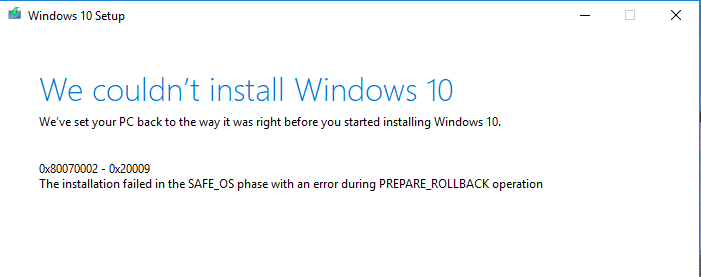
Accounts “Sign-in Options” in Settings is Completely Blank
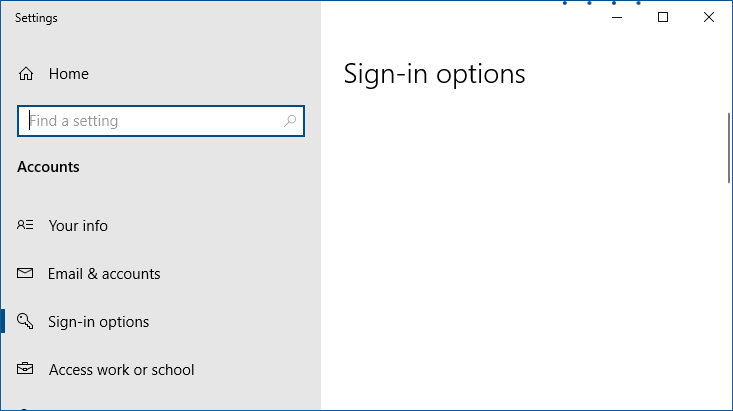
When you open Settings → Accounts → Sign-in Options, the Sign-in Options page may be completely empty. As a result, you cannot modify the PIN, dynamic lock, or other sign-in settings.Read more
[Fix] Chrome Launches Default Apps (Settings) Everytime
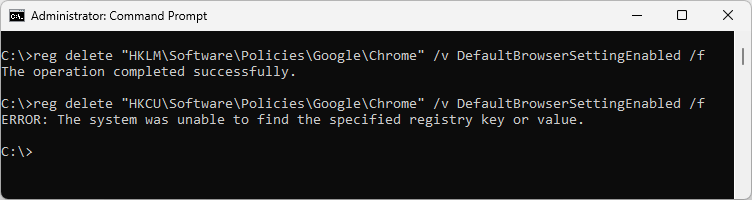
After installing the April 2023 quality updates on some Windows 10 or 11 computers, the Default Apps window may open when Chrome is launched. Resetting default apps or reinstalling Chrome does not fix the issue.Read more
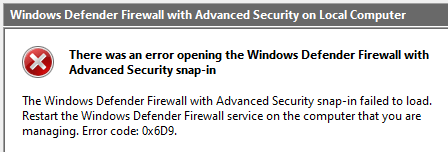
Fix: Unremovable “Apps” Extension in Edge or Chrome
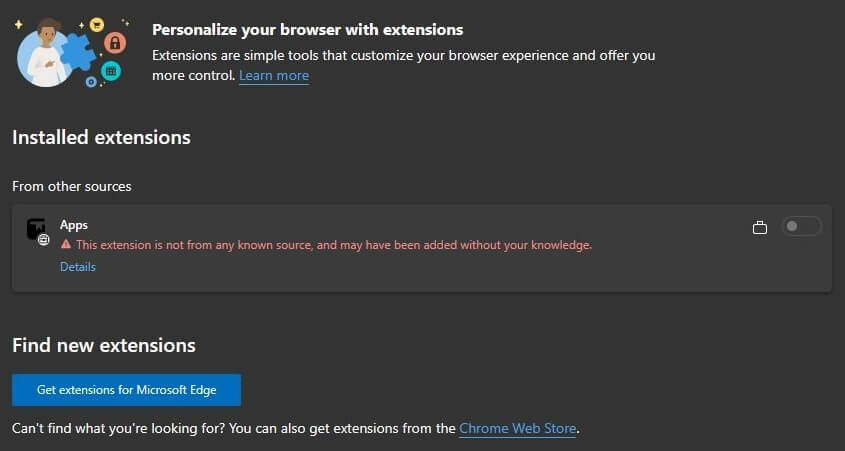
Of late, many users are facing a problem where a rogue browser extension named “Apps” appears in Chrome or Edge. Also, the user is unable to remove the extension. Attempting to remove the extension via the registry or deleting the extension folder doesn’t help, as the extension is automatically installed whenever the user opens Edge or Chrome.Read more
New “Text Document” missing from Right-Click menu in Windows 11
When you right-click on the desktop and click “New,” the New menu may not contain the “Text Document” option on your Windows 11 computer. This article tells you how to bring the “Text Document” option back.Read more