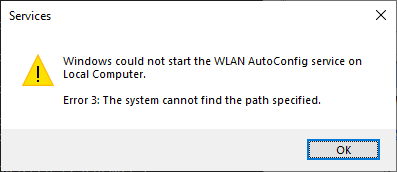
When you attempt to start the WLAN AutoConfig service (WlanSvc) in Windows 10 or 11, the error code “3” appears.
Windows could not start the WLAN AutoConfig service on Local Computer.

Error 3: The system cannot find the path specified.
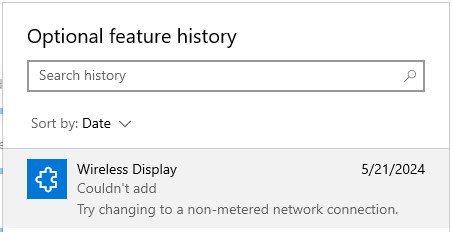
Wireless Display is a feature-on-demand (FOD) package that adds the Connect application. This application allows other devices to wirelessly project to this computer and requires Miracast-capable hardware.
When you install the Wireless Display FOD package via Optional Features in Settings, it may not install successfully. Some of the common errors you may encounter are 0x80070490 and 0x800f0950.
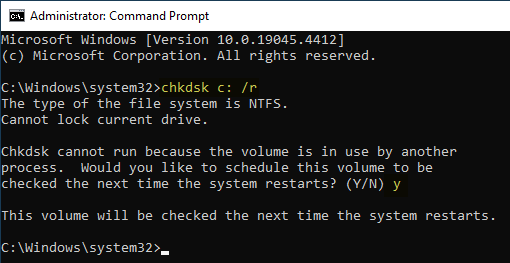
The Chkdsk utility checks the file system and file system metadata of a volume for logical and physical errors and repairs them. When you run Chkdsk c: /r and schedule it for the next boot, Chkdsk runs the scan during the next boot.Read more
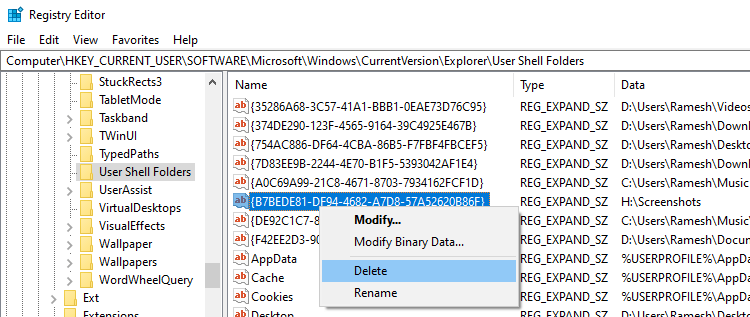
The Screenshots folder is a special folder located in your Pictures folder. Windows lets you relocate the Screenshots folder via the Location tab in the folder’s properties.
If you’ve inadvertently moved your Screenshots folder to another location and can’t restore it to the original location via the “Location” tab, this article is for you.Read more
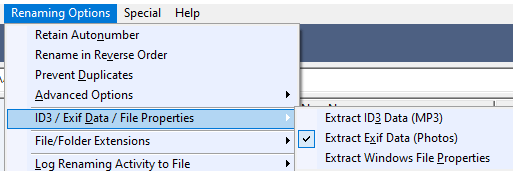
When you take a picture using your digital camera or smartphone, metadata is stored inside the photo files. The EXIF or metadata can include information such as the resolution, camera settings, the date the picture was taken, and even the GPS coordinates.Read more
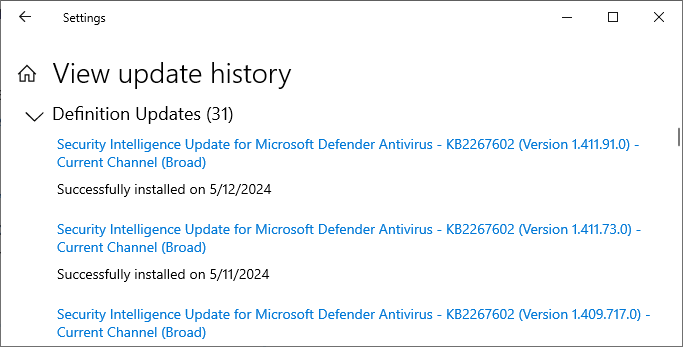
Microsoft Malware Protection Center releases security intelligence updates (a.k.a, definition updates) every 3-4 hours to update the virus definitions. However, your system may not automatically install every security intelligence update.
Windows Update automatically installs the Defender security intelligence update once per day.Read more