This post shows how to add “Explore” to the desktop right-click menu. This tip is especially for users who hide the desktop icons for a plain desktop but want to quickly access the Desktop folder when required, without toggling the Show Desktop Icons option in the context menu.Read more
Windows
You’re browsing the “Windows” parent category, which lists articles on every Windows Operating System.
How to Straighten Slanted Photos in Windows 10 or 11
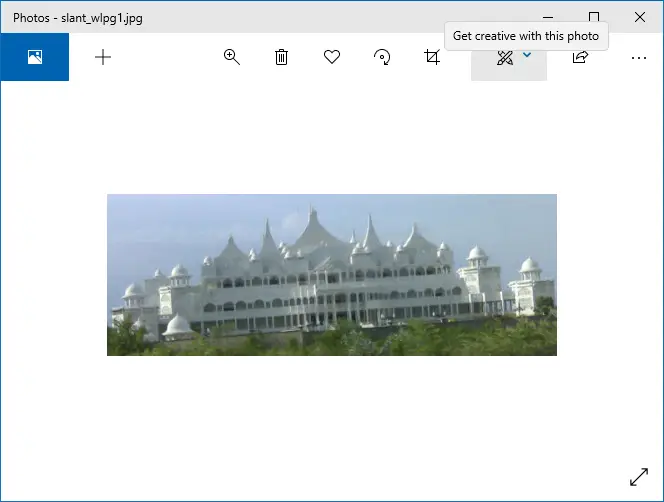
Sometimes your snaps may come up slanted, especially when you take photos while on the move. These snaps can be straightened using Photoshop or other specialized digital imaging tools. If you’re looking for a free option, then you have the built-in Photos app or Windows Live Photo Gallery (part of Windows Live Essentials).
These two free apps have an option to easily straighten skewed or crooked pictures.Read more
How to Start Task Manager As Administrator (Elevated) by Default in Window 7
Task Manager in Windows Vista and Windows 7 runs in non-elevated mode by default, showing only those processes running under the current user context. To be able to terminate or manage a process running under other user accounts, or to log off other users, you need to elevate Task Manager by clicking the Show processes from all users button in the Processes tab.Read more
Backup Windows 10/11 Services Startup Type Configuration
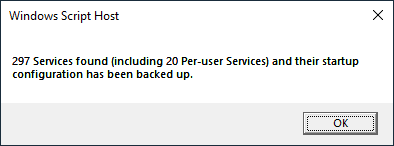
After doing a fresh install of Windows, disabling unused Windows Services is one of the time-consuming tasks you perform. Once configured, you can back up the service startup state using a Script so that it can be used for subsequent installations or if you need to automate the task on several computers.
Services state backups can also help when you troubleshoot Windows services and want to quickly roll back the changes you made.
How to Search for Files Created Between Two Dates in Windows
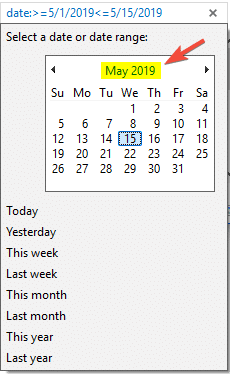
Windows Search’s Advanced Query Syntax (AQS) can be used to narrow or pinpoint your searches in Windows. Searches can be narrowed by file type, kind, file property, file extension, date, and other parameters.
This post tells you how to use Windows Search to find files created, accessed, or modified within a given date range, in all versions of Windows, including Windows 10.Read more
Take a Screenshot of UAC Dialog (User Account Control)
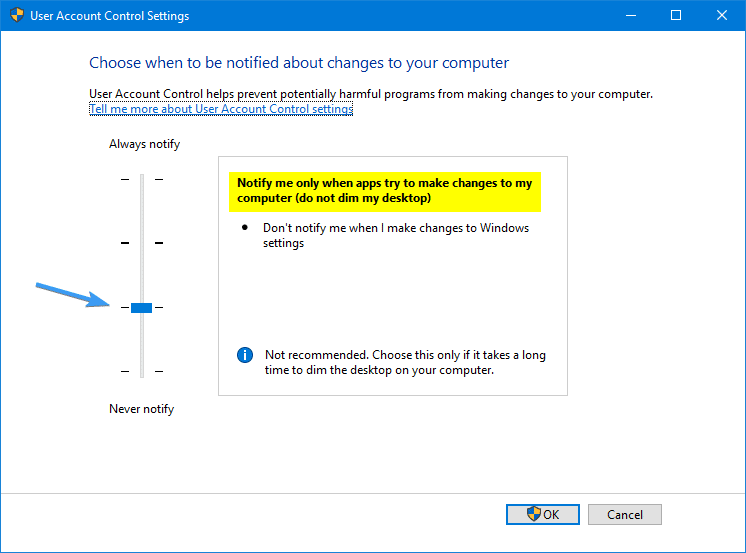
The User Account Control (UAC) elevation dialog is displayed on a secure desktop, and hence the Print Screen button wouldn’t capture it. If you’re a technical writer who needs to capture the User Account Control dialog to add it to documentation or help file, here are some ways to take a screenshot of the User Account Control (UAC) prompt.Read more
Green Tick or Blue Arrows Icon Overlay Displayed for Files and Folders
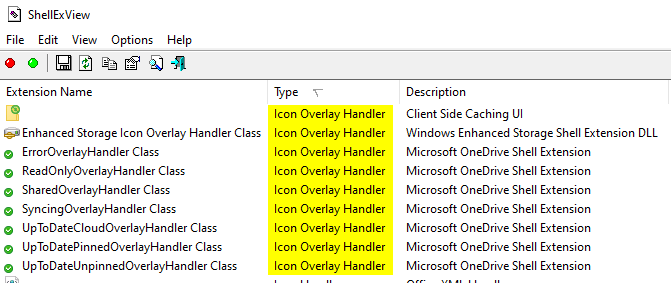
If you’re wondering why Explorer shows certain files or folders with some icon sign in the corners, such as a white tick mark in a green box, or chevron in a blue box, or any other symbol such as a white tick in round green background regardless of the file type, then you’ll find this post helpful.
These are known as icon overlays, added by programs to provide additional information about the files or folders marked with the overlay symbol. For example, a backup program that you use may place an icon overlay for files and folders that are backed up, and a different symbol for files that aren’t included in the backup.Read more
How to Determine the Last Shutdown Time and Date in Windows
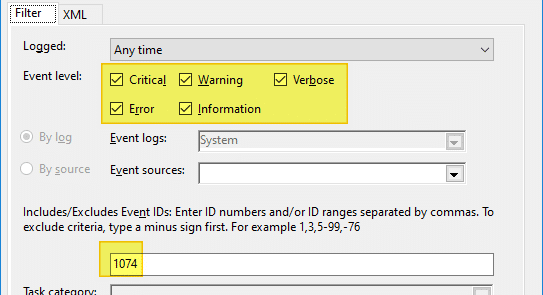
The easiest way to determine the last shutdown date and time is to check the event logs. When you shut down a computer Event ID 1074 is written to the event log which denotes a clean shutdown. The following instructions apply all versions of Windows, including Windows 10.Read more
Cannot Access “Folder Options” in Windows
The NoFolderOptions registry setting hides the Folder Options applet from the Control Panel and the Folder Options command under the Tools menu in Explorer. In Windows 10, this policy disables all the Folder Options entry points—e.g., “Change folder and search options” will be grayed out in the File menu in Explorer.
In earlier versions of Windows, if you enable this policy setting, users will receive an error message if they tap or click the Options button or choose the Change folder and search options command, and they will not be able to open Folder Options.Read more
Determine the Target Path of Windows Installer Shortcuts
When you right-click on a Windows Installer shortcut and choose Properties, the Target field does not show the path to the executable. This is because Windows Installer shortcuts work differently. When you double-click a Windows Installer shortcut, Windows reads the Product code, Component code, and other details stored in the Shortcut to determine the executable file location.Read more