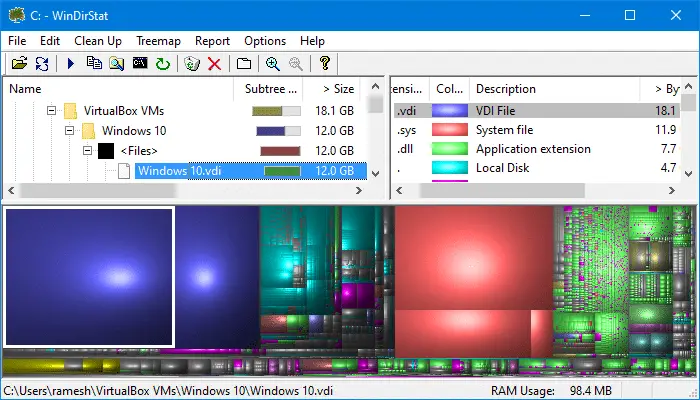
Are you receiving low disk space messages and wondering where has the free space gone? System Restore, Hibernation and Pagefile are the major occupants of disk space, but there could be several other big files and folders buried deep inside sub-directories. Try WinDirStat (Freeware), a disk usage statistics viewer and cleanup tool for Windows. Read more
Utilities
WhoCrashed: Free Crash Dump Analyzer for Windows
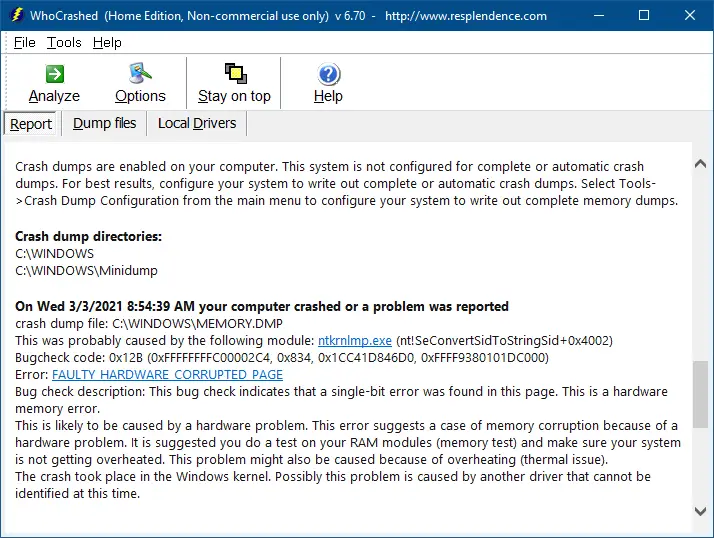
Frequently experience application crashes, blue screen errors, or sudden reboot problems? For every crash, a memory dump file will be generated by Windows, which can be analyzed using a debugger in order to determine the root cause of the crash.
For those who don’t know how to use a debugger, use WhoCrashed Home Edition, a free Crash Dump Analyzer program from Resplendence Software.Read more
How to Resize Images via the Right-click menu in Windows 10
Recently, I stumbled upon an excellent tool to resize images via the right-click menu in Windows. It’s the Image Resizer utility written by Brice Lambson. This utility is similar to Microsoft’s Image Resizer PowerToy for Windows XP. And Brice Lambson’s utility works fine in all versions of Windows, including Windows 10.
How to Recover Product Keys Offline from Unbootable Windows PC
There are many utilities that can find the lost Product Key of your live Windows installation, but what if the computer is completely dead and unbootable?
This post introduces some third-party utilities that can get the product keys offline (for Windows, Office, and other products) by loading the SOFTWARE registry hive on a mounted hard disk or other sources.Read more
How to Straighten Slanted Photos in Windows 10 or 11
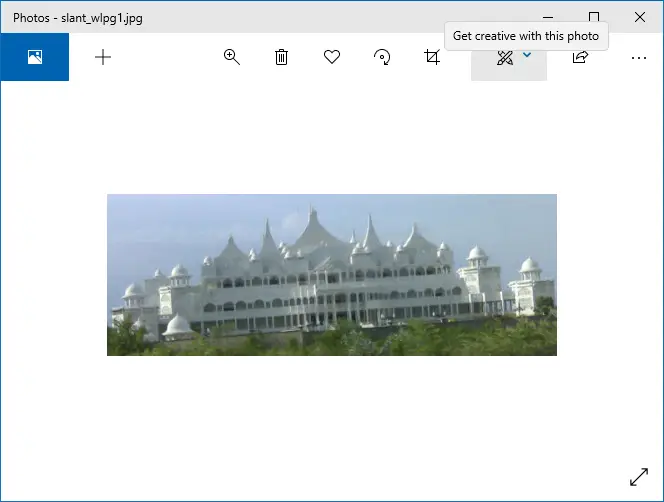
Sometimes your snaps may come up slanted, especially when you take photos while on the move. These snaps can be straightened using Photoshop or other specialized digital imaging tools. If you’re looking for a free option, then you have the built-in Photos app or Windows Live Photo Gallery (part of Windows Live Essentials).
These two free apps have an option to easily straighten skewed or crooked pictures.Read more
Determine the Target Path of Windows Installer Shortcuts
When you right-click on a Windows Installer shortcut and choose Properties, the Target field does not show the path to the executable. This is because Windows Installer shortcuts work differently. When you double-click a Windows Installer shortcut, Windows reads the Product code, Component code, and other details stored in the Shortcut to determine the executable file location.Read more
Register Firefox Portable with Default Apps or Default Programs in Windows

Mozilla Firefox®, Portable Edition is the popular Mozilla Firefox web browser bundled with a PortableApps.com Launcher as a portable app, so you can take your bookmarks, extensions, and saved passwords with you.
This article lists two methods with which you can register Mozilla Firefox Portable Edition with Default Apps or Default Programs in Windows Vista through Windows 10/11.Read more
How to run .BAT files invisibly, without displaying the Command Prompt window
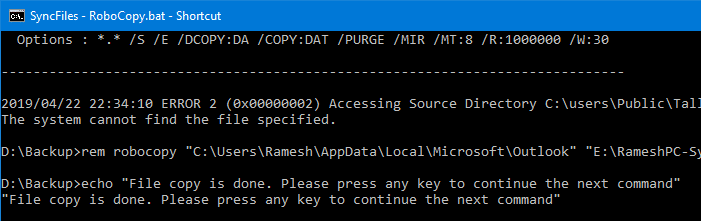
Batch files (.BAT) and Windows NT Command Script (.CMD) files run in console window when double-clicked. This means that the Command Prompt window will be visible until the .BAT or .CMD file execution is complete.
To make .BAT or .CMD file execution less intrusive, you can configure it to run minimized. Or if the .BAT or .CMD file does not require user input during run time, you can launch it in invisible mode using a Script.
The built-in Task Scheduler in Windows is capable of launching programs in hidden mode. If you don’t want to proceed via the Task Scheduler route, check out the options discussed in this article.Read more
[Fix] PDF Thumbnail and Preview Not Showing Up in File Explorer
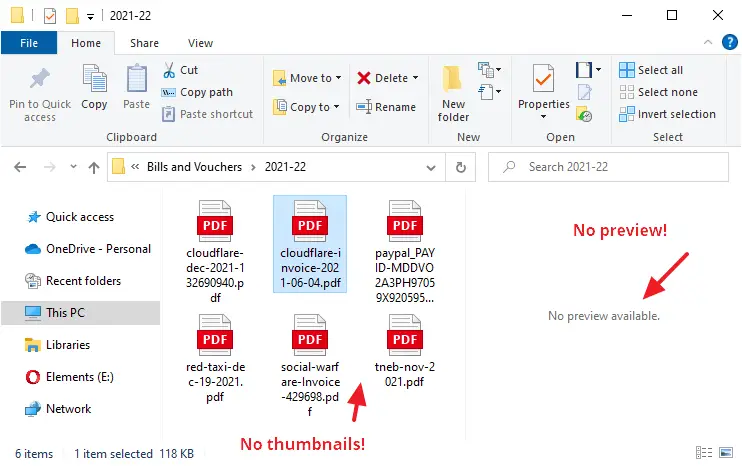
In your Windows computer, File Explorer may not display PDF thumbnails, and instead, show only the default icon assigned for PDF files. This might happen even if you have the option Always show icons, never thumbnails unchecked in the View tab of the Folder Options dialog.
Also, in Microsoft Outlook you’ll see the error when viewing emails that contain PDF file attachments:
The file cannot be previewed because there is no previewer installed for it
This article tells you how to enable PDF thumbnails as well as the PDF preview capability (for the Preview pane) in File Explorer and Microsoft Outlook. The first method (PowerToys) works whether or not you’re using a third-party PDF viewer (e.g., Adobe PDF Reader or Foxit Reader).
How to Print Your Windows Update History By Exporting to Text or HTML File?
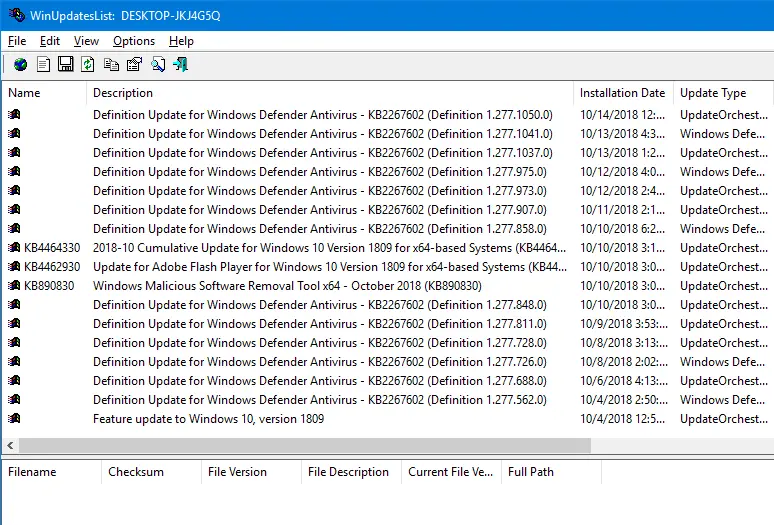
Every time you install an update or system installs it automatically, the Windows Update history is updated with the KB number. You can check the Windows Update history, but the GUI provides no option to print the list of updates installed from the Windows Update history screen. Here a couple of tools from Nirsoft site that can help you print the Windows Update history.Read more