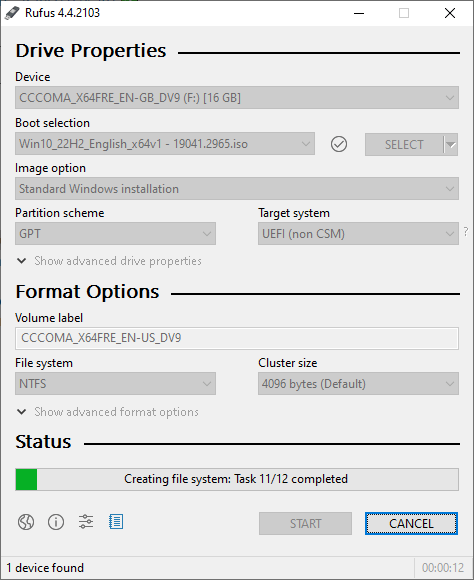
When you create a Windows 10 or 11 USB setup disk using the Media Creation Tool, the USB stick is formatted as NTFS. However, if your system is somewhat old and doesn’t have a BIOS update, it may not boot from the NTFS-formatted USB stick when the boot mode is UEFI (UEFI-only). We have seen issue on ASUS systems. This happens regardless of the secure boot setting in UEFI.Read more
Windows 11
Paint 3D missing in Open With and Default Apps
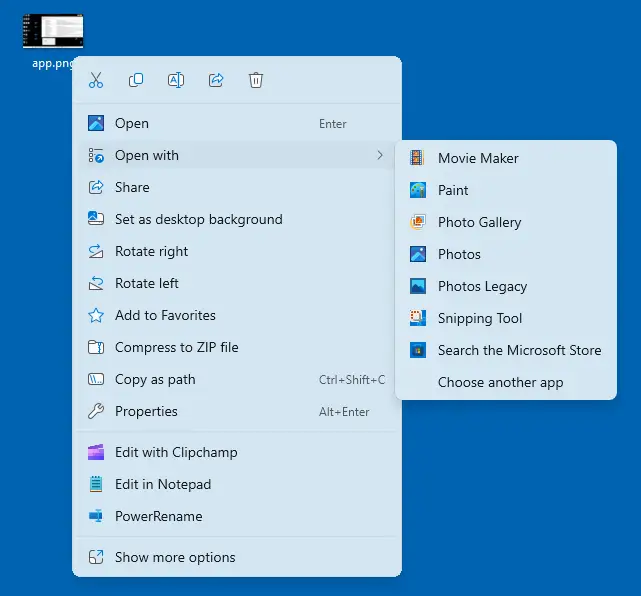
After updating Paint 3D to version 6.2405.19017.0, Paint 3D may be missing in the Open With dialog and Default apps. The ms-paint: protocol now opens the standard Paint app instead of Paint 3D. Also, the Edit with Paint 3D context menu doesn’t work correctly or it launches the regular Paint app.Read more
[Fix] Can’t associate .mp4 files with iTunes
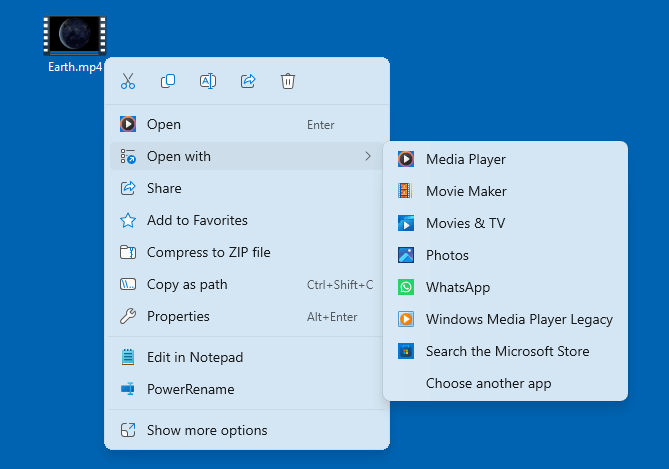
When you right-click on a .mp4 file, click Properties, and click the Change button, iTunes may not be listed in the Open With dialog. It may not be listed in the Open With submenu as well.Read more
How to Uninstall and Reinstall the Phone Link app
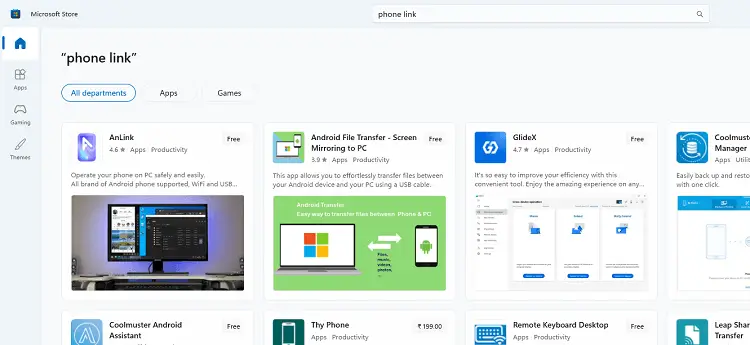
If the Phone Link app doesn’t open or work correctly, uninstall it using PowerShell and reinstall it. You may be wondering how to reinstall the “Phone Link” app (formerly “Your Phone”) if it is missing from Microsoft Store.Read more
“Choose where to get apps” is Missing in Settings
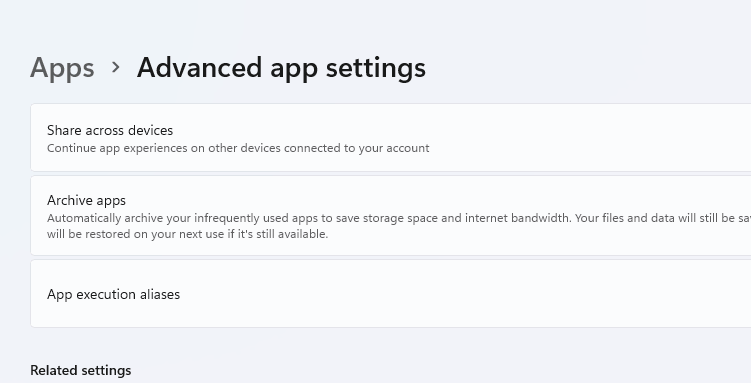
When you open Settings → Apps → “Advanced app settings” in Windows 11 or Settings → Apps → Apps & Features in Windows 10, the “Choose where to get apps from” option may be missing.
Read more

How to Install the 3D Builder app Offline
Microsoft’s 3D Builder app lets you view, create, and edit 3D objects. However, the 3D Builder app seems to be currently unavailable from the Microsoft Store. Clicking on the following 3D Builder Store app link opens the Store app’s page, but the Install option is missing.
https://apps.microsoft.com/detail/9wzdncrfj3t6
Error 0x801901F4 in Windows Update and Store
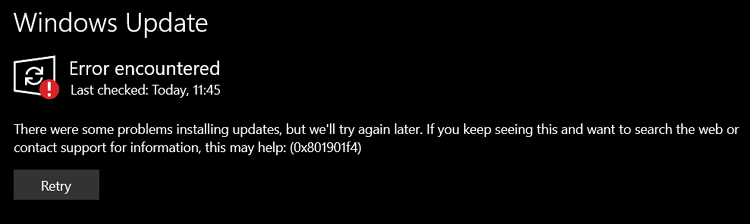
Windows Update and the Store app may display the error code 0x801901F4 on some ASUS systems. Error code 0x801901F4 (HTTP_STATUS_SERVER_ERROR 500) usually occurs when you attempt to open a website with a malformed address or the URL has reserved characters.Read more
How to Install a Store App package for all users
When you install a Store app package by double-clicking on the package or by running the Add-AppxPackage cmdlet in PowerShell, the package is installed for the current user only.
This article tells you how to install or provision a Store app package for all user accounts that exist on the computer and for future user accounts.Read more