Wrong icon for file type; how to refresh the icons quickly

incorrect icon shown for a file type in windows

Summary: Incorrect icon shown for a file type, desktop shortcut, or taskbar icons in Windows. This article tells you how to fix it.

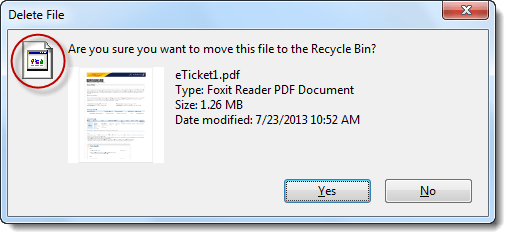
Recently I received a query wherein the user has installed Foxit Reader. Later, he set accidentally associated the .zip file type with Foxit Reader via the Open with dialog. They got the association problem straightened out by running the .zip association fix from the File association fixes page.

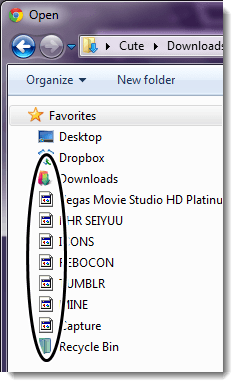
However, the .zip file type was still showing the Foxit Reader icon, although the association settings were correct.

incorrect icon shown for a file type in windows

Whenever the file association settings are changed or a new association is created via the registry or script, the system might not be aware of the change. Programs use the SHChangeNotify API call specifying the SHCNE_ASSOCCHANGED event, in order to refresh the icons without requiring a reboot.

This article explains the different ways to quickly refresh the icons in Windows 7, 8, and 10 without rebuilding the Windows icon cache or restarting Windows.Read more

Fix Devices and Printers Folder is Completely Blank in Windows 7

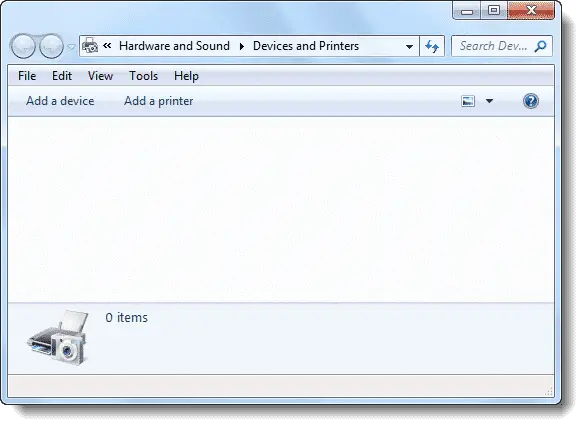
When you open Devices and Printers applet, it may show up as an empty folder although the devices are correctly connected and their drivers are intact. This can be due to several reasons, and the possible causes (with appropriate fixes) are discussed in this post.

We’ve observed that Devices and Printers folder can appear blank if one of these is true:

  • Print Spooler Service is not running
  • Bluetooth Support Service is not running
  • Missing DLL registrations.

Use these steps to resolve the problem.Read more

Protocol HTTP Does Not Have a Registered Program When Opening Internet Shortcuts

http protocol fix default browser

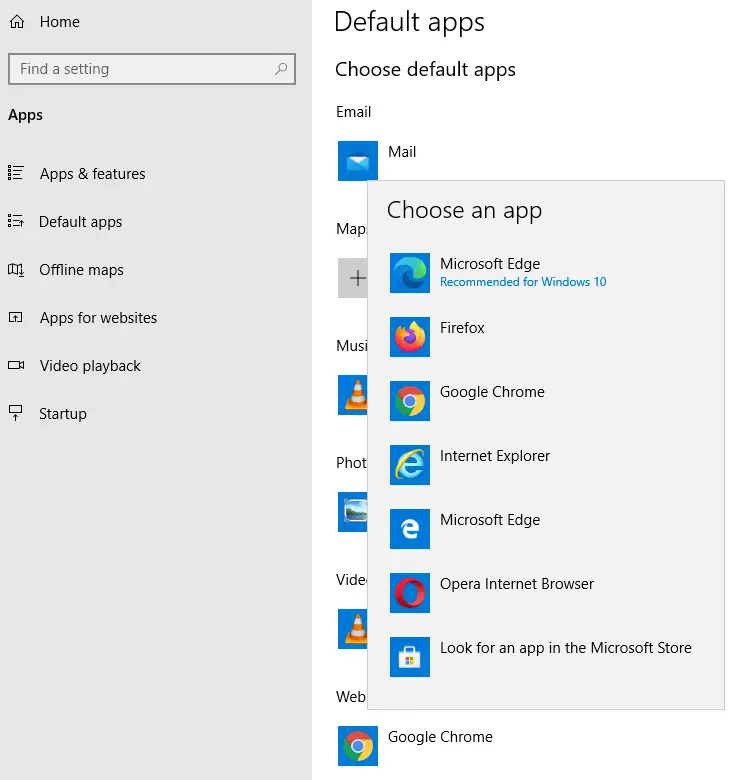
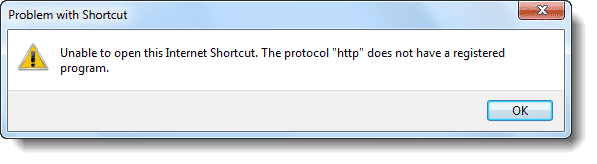
When you double-click an internet shortcut (.URL) file or click on a hyperlink in your mail client, you may encounter the error Unable to open this Internet Shortcut. The protocol “http” does not have a registered program. This is akin to saying “hey! you haven’t configured a web browser as the default“. Now you know where to look for the solution… the “Default Programs” applet.

Read more

How to Determine the Parent Process of a Running Process in Windows?

You may have come across situations where a continuous hard disk activity taking place although your system being in an idle state. If you open Task Manager out of curiosity, you may find several processes starting and exiting of their own without you doing anything. It could be a scheduled backup task, third-party system maintenance program or anything that could be churning your hard disk. It could be even a Malware. But which application or process launches them?Read more

How to Increase Windows 7 Desktop Slideshow Transition Animation Duration

The Desktop Slideshow options lets you configure the picture position, picture change interval and turn on or off the shuffle option. Here is another hidden feature in Windows 7 configurable using the Registry Editor, that allows you increase the desktop slideshow transition animation duration. Increase Desktop Slideshow Animation Duration 1. Click Start, type Regedit.exe and … Read more

Fix Services MMC Error “One or more ActiveX controls could not be displayed”

When you open the Services MMC (services.msc), the following errors appear, and the list of services may or may not display after dismissing the error message dialog boxes. One or more ActiveX controls could not be displayed because either: 1) Your current security settings prohibit running ActiveX controls on this page, or 2) You have … Read more

Fix Windows 7 Backup and Restore Not Launching After Uninstalling Acronis True Image

Recently one of our readers faced a problem with Windows 7 Backup and Restore after installing and then uninstalling Acronis True Image. Nothing happened except for a brief hourglass when the user double-clicked the Backup and Restore item in the Control Panel. It turned out that the user had enabled the Windows integration feature in … Read more

What Causes “Unsaved Theme” to Appear in Personalization window?

A desktop theme contains various settings such as cursors, icons, wallpaper, screensaver, and other UI settings. It’s obvious that when one of those theme parameters is changed, Windows saves the customized setting in a separate theme file named Custom.theme, which is displayed in the Personalization window as “Unsaved Theme”. RELATED: Windows can’t find one of … Read more

Wevtutil Error “The specified channel could not be found” when clearing an Event Log File

If you’re receiving the following error when trying to clear an event log file using the wevtutil.exe CLI tool, then you’re most likely using an incorrect log file name parameter: Failed to clear log <logfile>. The specified channel could not be found. Check channel configuration. For example, the event log file name and the display … Read more