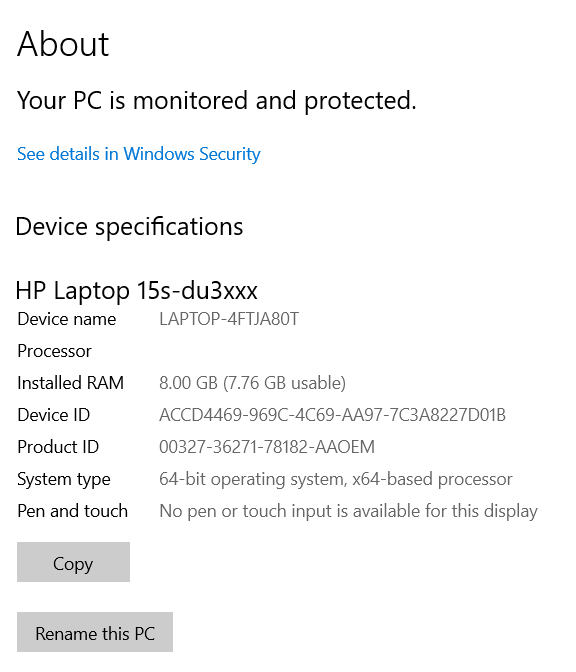
When you open Control Panel → System and Security → System, the processor and RAM fields may say “Not available”. If you open Settings → System → “About”, the CPU or the RAM information may be blank.Read more
Microsoft
You’re browsing “Microsoft” category, which is the top-most category which contains every thing related to Microsoft. Windows Operating Systems, News, Windows Update news and everything Microsoft!
How to Turn off File Path URI history in Run Dialog
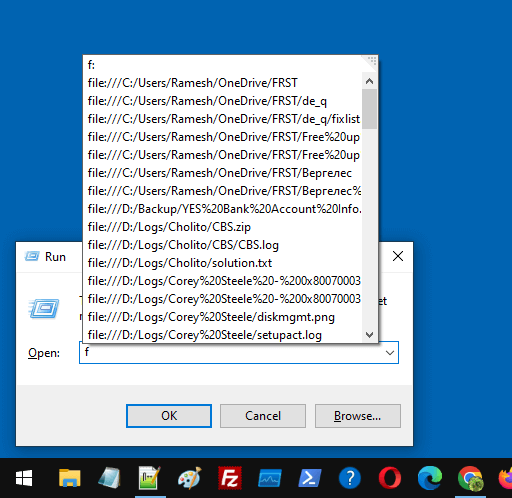
When you open the Run dialog and type f or / (forward slash), the recently accessed files may appear in the list as file path URIs.Read more
How to Resize the Recovery Partition in Windows
The Recovery partition stores Winre.wim, an image needed to boot into the Windows Recovery Environment (WinRE). If the recovery partition is small, the system might fail when servicing the Winre.wim image. For instance, you may encounter error 0x80070643 when installing WinRE security updates if the recovery partition is not big enough. The official documentation mentions … Read more
How to Resize the EFI System Partition in Windows
Summary: This post explains how to increase the size of the EFI partition to 250 MB without using any paid software.
The EFI system partition stores the boot configuration database (BCD) and the boot files needed to boot a UEFI system. By default, the Windows setup creates a 100 MB EFI partition, which may be insufficient sometimes. Read more
[Fix] Location Settings Grayed out- Managed by Organization
When you open Settings → Privacy → Location, the location settings may be grayed out. You may also see the following message at the top of the page. Some of these settings are managed by your organization. Cause This is caused by some policies that are in effect. Resolution 1) Disconnect from School or Work … Read more
Can Snipping Tool automatically save screenshots in Windows 10?
On Windows 10, after taking a screenshot using the Win + Shift + S keyboard sequence, you need to click on the notification to open the snip in the Snipping Tool and then save it manually. You wonder if an option exists to auto-save Win + Shift + S screenshots in Windows 10.Read more
Send To Mail Recipient missing or does not work
Some users mentioned that the “Mail Recipient” option went missing from the “Send to” menu after installing Mozilla Thunderbird. This article tells you how to fix the “Mail Recipient” feature.
Note: The Send to → Mail Recipient features require installing a classic mail client like Office Outlook or Mozilla Thunderbird.Read more