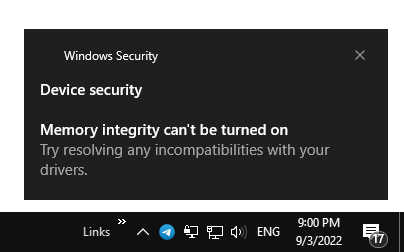
When you attempt to turn on Memory Integrity in Windows Security, the Windows Security page scans the drivers to check their compatibility with the Core Isolation/Memory Integrity feature. If there are incompatible drivers found, the list of incompatible drivers is shown. You’ll be asked to address the issue before enabling Memory Integrity.Read more
 Ramesh
Why Can’t I Rename Files to Upper or Lowercase on USB Drives
 Here’s a user query where they’re unable to change the file name extension to lowercase from uppercase (or the other way) on external drives. For instance, the command-line to bulk change the extension (
ren *.WAV *.wav) may work on the system drive but not on an external drive.Read more
How to Customize the Contacts Folder Icon in Windows
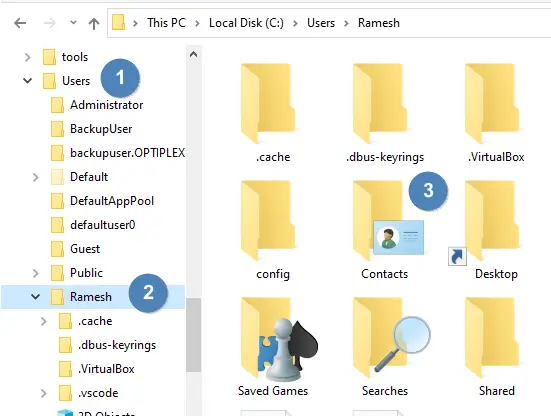
The Contacts folder is a shell folder that can be relocated like any other shell folder like Documents, Music, Pictures, etc. However, unlike other shell folders, the Contacts folder doesn’t have a “Customize” tab in the property sheet. You may be wondering how to change the Contacts folder icon.Read more
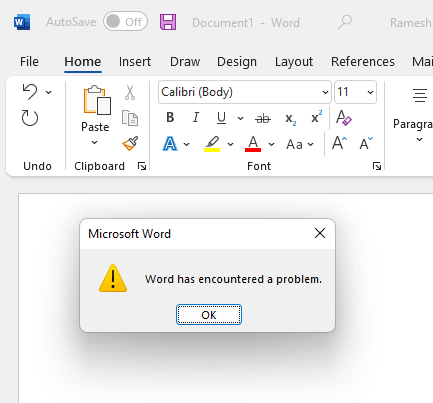
How to Restore System Image Backup in Windows 10 or 11
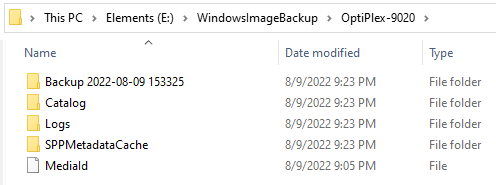
The native Backup and Restore tool in Windows 10 and 11, also known as “Windows 7 Backup and Restore Tool,” lets you backup your files and create a system image of your current Windows installation. You can access the tool from the classic Control Panel.Read more
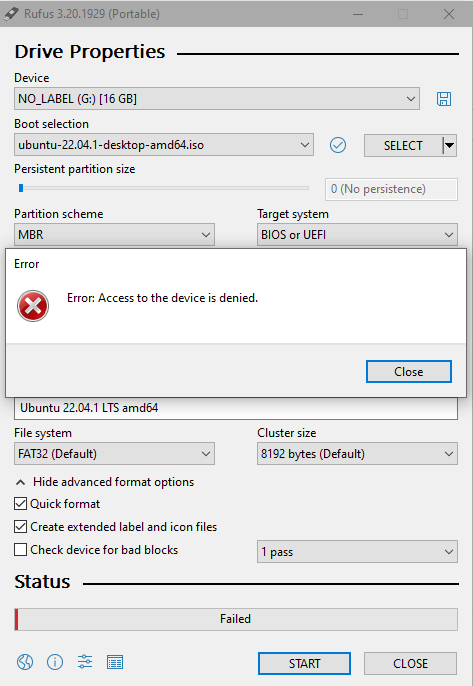
How to Disable the Undo/Redo Feature for File Operations in Windows
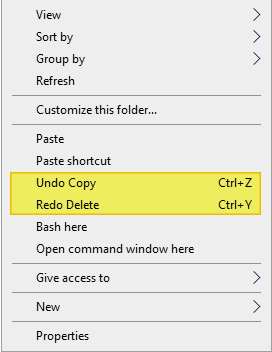
When you perform a file operation (e.g., delete, rename, copy, or move a file or folder) in Windows, you’ll see the corresponding “Undo…” option in the desktop right-click menu. One of the options, “Undo Copy”, “Undo Move”, “Undo Rename”, or “Undo Delete” is shown in the context menu.Read more