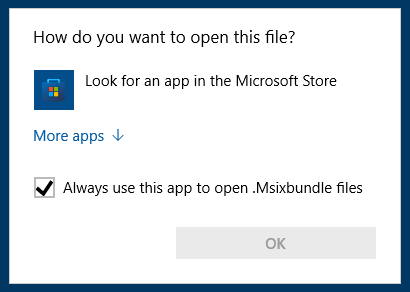
The file types .Appx, .AppxBundle, and .Msixbundle are app installer or setup packages. On a default Windows 10 or 11 installation, you can double-click these file types to run them. But, if the App Installer (a.k.a, “Desktop Installer”) Store app is removed from the system, the .Appx, .AppxBundle, and .Msixbundle files don’t run when double-clicked.Read more
 Ramesh
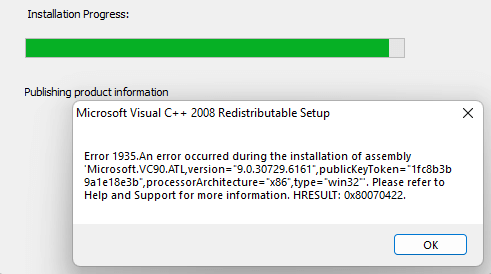
Item Check boxes Cannot be Disabled on Windows 11
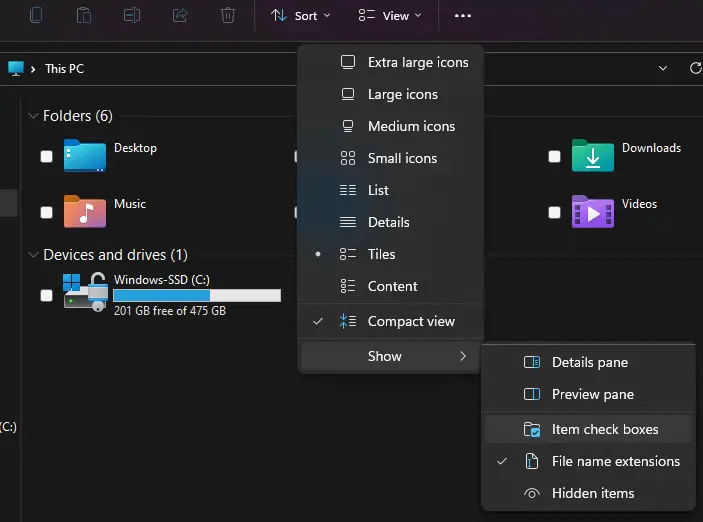
In Windows 11, when you flip your laptop to turn it to tablet mode, you’ll notice that there is a checkbox for every file displayed in File Explorer. You may not be able to get rid of it even after disabling it through View → Show → Uncheck “Item check boxes”.Read more
Fix: Time Zone Settings Grayed out in Windows 11
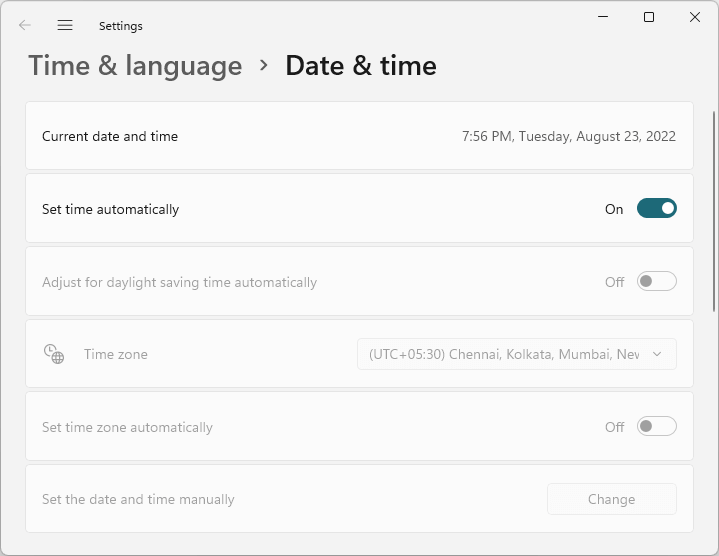
When you open the Date & time settings to change the time zone, the Time zone settings may be fully grayed out or missing on your Windows 11 computer. Let’s see how to resolve the issue.Read more
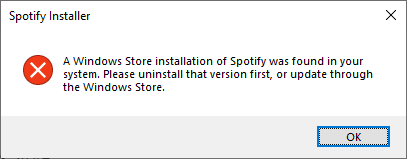
Clear MS Paint Recent Files History in Windows 11/10
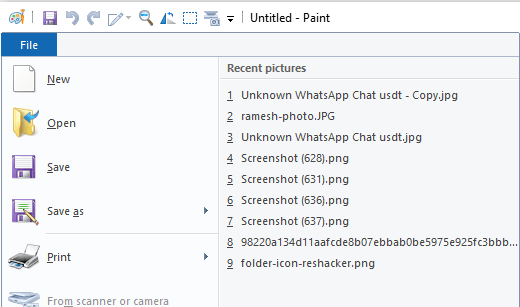
The MS Paint app maintains a list of the most recently opened files. The list, shown when you click on the File menu, contains the last nine files you opened. This article tells you how to clear the Paint MRU history in Windows 10 and Windows 11.Read more
“How do you want to open this file” Pops Up at Startup
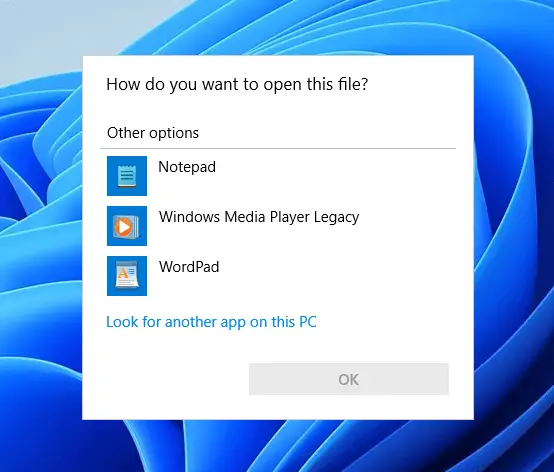
Symptom: Every time you log in to your user account, the “How do you want to open this file?” (aka, the “Open with” dialog) dialog may appear.
(Go directly to the Solution ↓)
If you select Notepad from the list and click OK, it may open a log file that has contents similar to the following:Read more
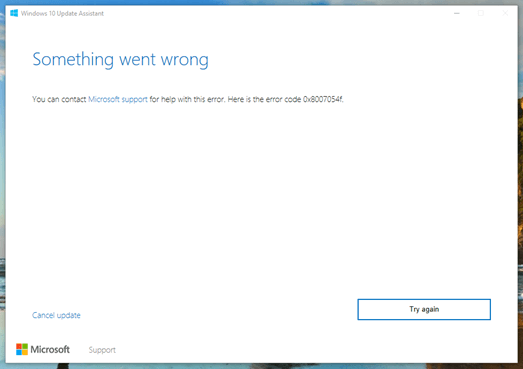
How to Start Windows 10 or 11 in Safe Mode
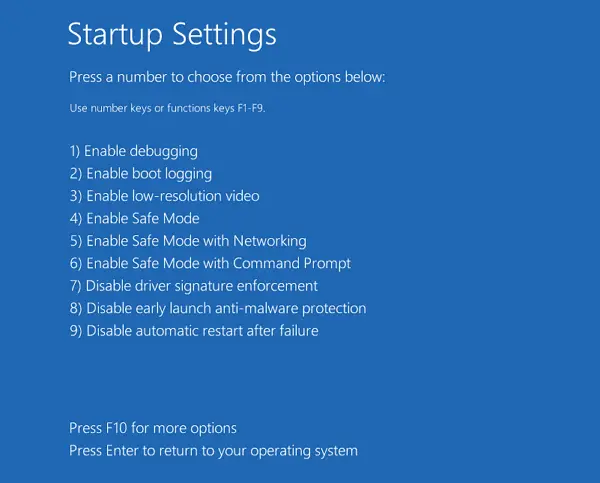
Safe mode starts Windows in a basic state, using a limited set of files, drivers, and services. If a problem doesn’t happen in safe mode, this means that default settings and basic device drivers aren’t causing the issue. Read more
Why there are Two “Microsoft Edge” Entries in Default Apps
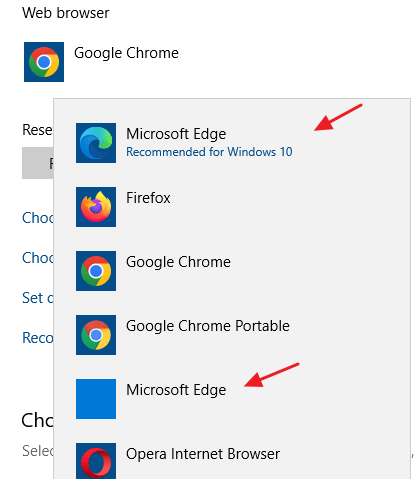
Though the legacy Microsoft Edge has been entirely replaced by Edge Chromium, even on Windows 10 21H2 computers, you may see two “Microsoft Edge” entries in Default Apps. The first one in the above image is the New Microsoft Edge (Edge Chromium), and the second one showing a blank icon is the legacy Microsoft Edge. … Read more