How to Install a Store App package for all users

When you install a Store app package by double-clicking on the package or by running the Add-AppxPackage cmdlet in PowerShell, the package is installed for the current user only.

This article tells you how to install or provision a Store app package for all user accounts that exist on the computer and for future user accounts.Read more

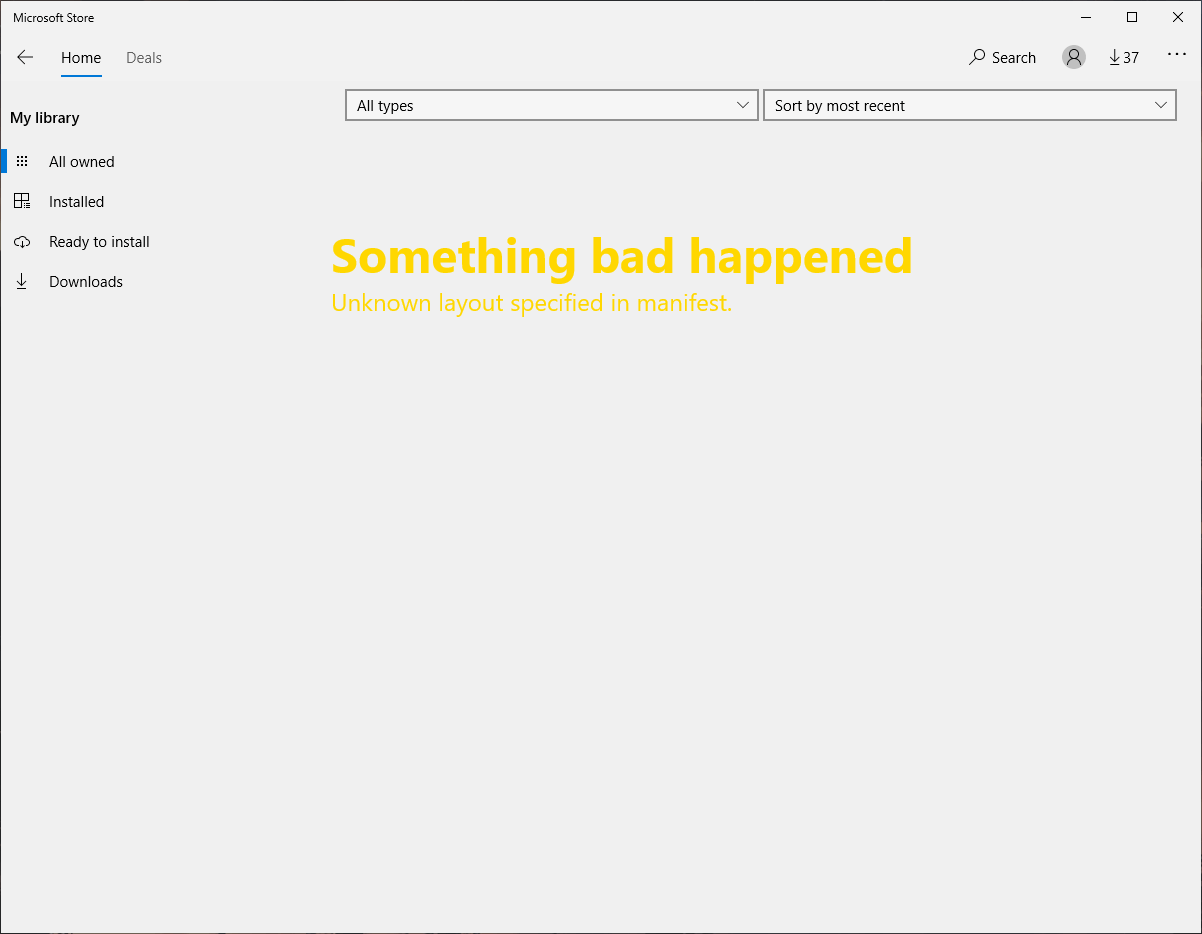
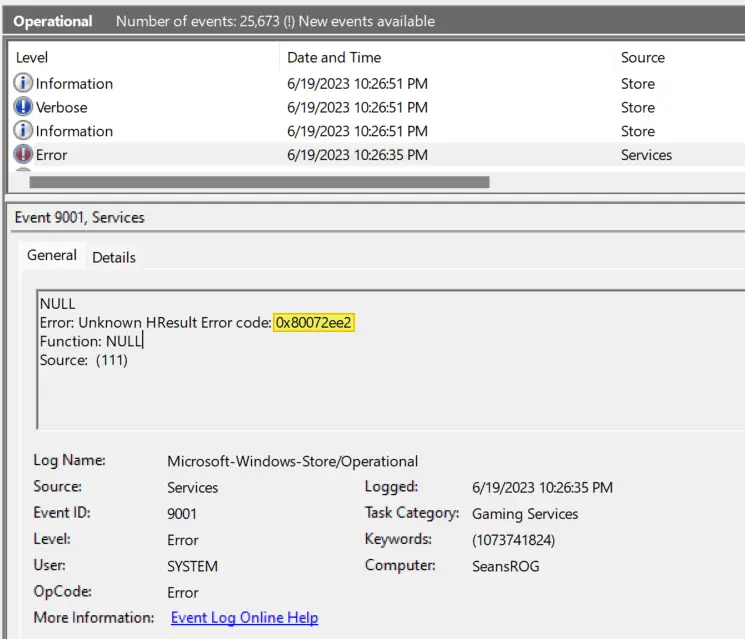
Store Error 0x00000005: Unknown layout specified in manifest

store unknown layout in manifest

After doing a clean installation of Windows 10/11, the following error may occur when opening the Store app. Something bad happened Unknown layout specified in manifest. When you open the Store app’s home page, the page may be blank, and the following error may appear: The thing you’re looking for isn’t here. We probably don’t … Read more

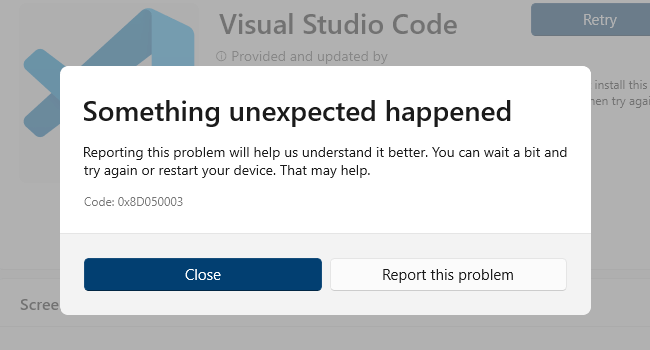
Microsoft Store Error 0x8D050003; Reset-AppxPackage Error 0x80070422

error-8d050003 microsoft store

When you download apps from Microsoft Store, the error 0x8D050003 may pop up. Something unexpected happened Code 0x8D050003 Also, when you repair or reset an app via PowerShell using Reset-AppxPackage or Repair-AppxPackage commands, you may get the following errors: Reset-AppxPackage : Package could not be registered. error 0x80070422: Cannot register the request because the following … Read more

Error 0x800706D9 Installing or Updating Store Apps

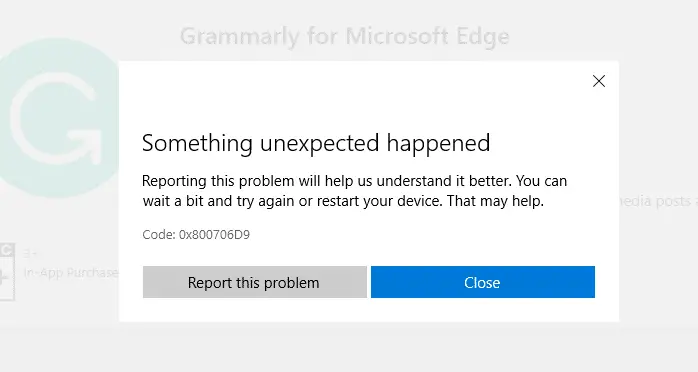
You may be unable to download new apps or update existing apps using the Microsoft Store due to error 0x800706D9Something unexpected happened. Error code 0x800706D9 translates to “There are no more endpoints available from the endpoint mapper”, which doesn’t make much sense for the end-user.

Also, the same error is shown when you install or update apps using PowerShell.

store apps error 0x800706D9

The error message is:

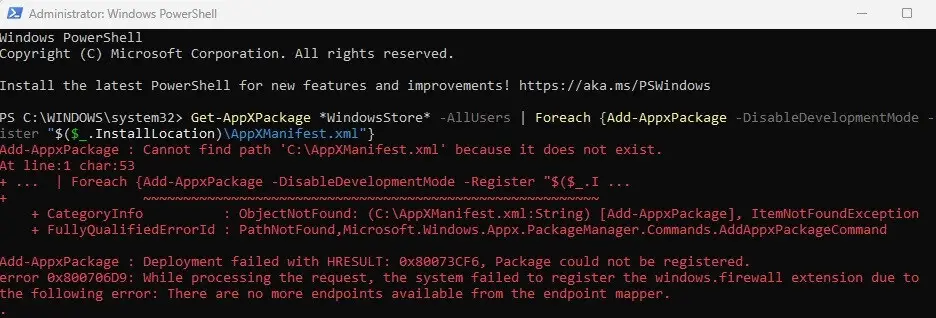
Add-AppxPackage: Deployment failed with HRESULT: 0x80073CF6, Package could not be registered.

error 0x800706D9: While processing the request, the system failed to register the windows.firewall extension due to the following error: There are no more endpoints available from the endpoint mapper.

This post tells you how to fix Microsoft Store 0x800706D9 in Windows 10 and 11.Read more

Microsoft Store error 0x80D02017 in Windows 10

disable ipv6 network connections

After installing a Windows 10 feature update, you may be unable to download apps or update existing apps in the Microsoft Store. Downloading apps or updating them results in the error 0x80D02017 with the description saying “Unknown”.

Running the Store apps troubleshooter, reinstalling Microsoft Store or resetting the Store using wsreset.exe may not fix the problem.

The following errors may also be seen in the Windows Event Viewer.

Source: C:\BA\18\s\src\App\DependencyResolver\MvrDependencyResolver.cs (53)"
Information Windows-ApplicationModel-Store-SDK 4 StorefrontClient "ErrorDialogViewModel. Context: WU, Code: 0x80D02017, Title(ShortDescription): Something unexpected happened ButtonLabel: Close, Link: feedback-hub:?tabid=2&categoryid=20&searchString=Code: 0x80D02017
Function: Initialize


Source: C:\BA\18\s\src\App\ViewModels\Dialogs\ErrorDialogViewModel.cs (132)"
Information Windows-ApplicationModel-Store-SDK 4 StorefrontClient "ErrorDialogViewModel. ButtonOneLabel: Report this problem ButtonTwoLabel: Close, Link: feedback-hub:?tabid=2&categoryid=20&searchString=Code: 0x80D02017
Function: SetAction

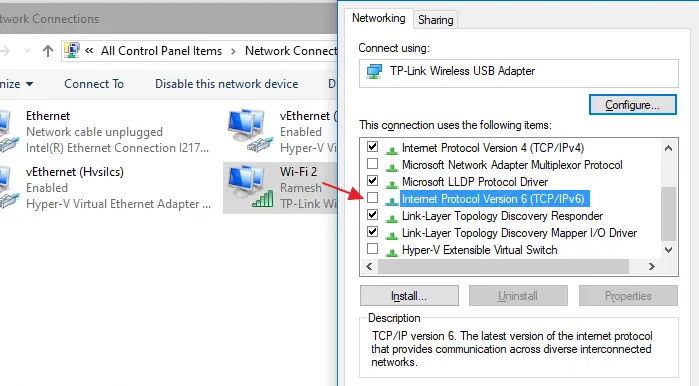
This problem can be fixed by turning off IPv6 in some systems.Read more
Error 0x80070424 in Windows Update and Microsoft Store

windows update error 0x80070424

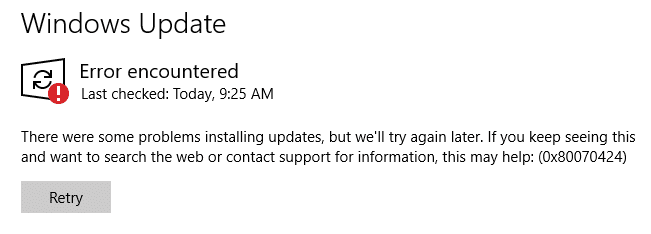
When you attempt to check for updates from the settings page in Windows 10, the error 0x80070424 may appear. Also, the Windows Update service may be missing from the list when you open the services console. Error encountered There were some problems installing updates, but we’ll try again later. If you keep seeing this and … Read more