In Windows 11, the New menu does not list the “Rich Text Format” (often abbreviated RTF) entry by default. This happens even though you associate all .RTF files with WordPad instead of MS Word.Read more
registry
Fix: Cannot Delete Microsoft Defender Exclusions
When you open Windows Security → Virus and Threat Protection → Manage Settings → Add or remove exclusions, you may be able to delete the exclusions by clicking on the “Remove” button.
Also, the Remove-MpPreference PowerShell command may not help.Read more
WaaSMedicSvc – Failed to Read Description – Error Code 2
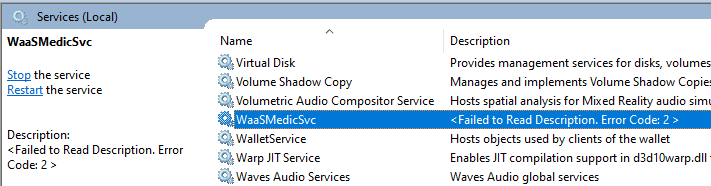
In your Windows 11 computer, when you open the Services console, the Windows Update Medic Service may be missing from the list. When you scroll the services list, you may note that it is listed as WaaSMedicSvc instead of its actual display name — Windows Update Medic Service.Read more
[Fix] Chrome Launches Default Apps (Settings) Everytime
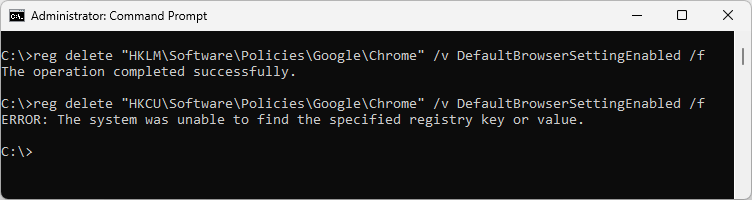
After installing the April 2023 quality updates on some Windows 10 or 11 computers, the Default Apps window may open when Chrome is launched. Resetting default apps or reinstalling Chrome does not fix the issue.Read more
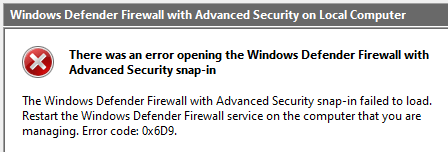
New “Text Document” missing from Right-Click menu in Windows 11
When you right-click on the desktop and click “New,” the New menu may not contain the “Text Document” option on your Windows 11 computer. This article tells you how to bring the “Text Document” option back.Read more
Add “Firefox (Private browsing)” to Default Apps
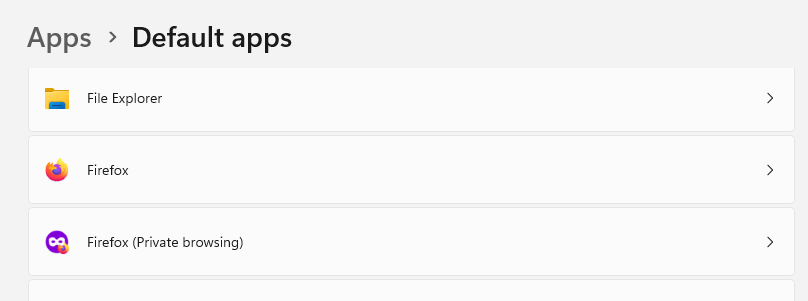
Firefox Private browsing helps you visit websites without saving cookies, temp files, and browsing history. If you’re wondering how to add “Firefox (Private browsing)” to the Default Apps, this article has the registry edit.Read more
Remove “Scan with Microsoft Defender” Right-click Menu Entry
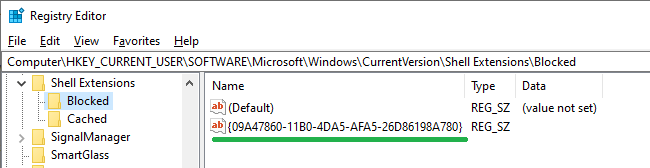
When you right-click on a file, folder, or drive, you’ll see the “Scan with Microsoft Defender…” option. It’s a useful option to custom scan a specific file/folder/drive. However, if you want to remove the option to declutter the right-click menu, this article tells you how. The “Scan with Microsoft Defender…” option is powered by the … Read more