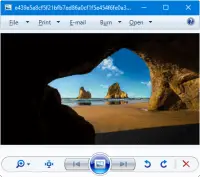
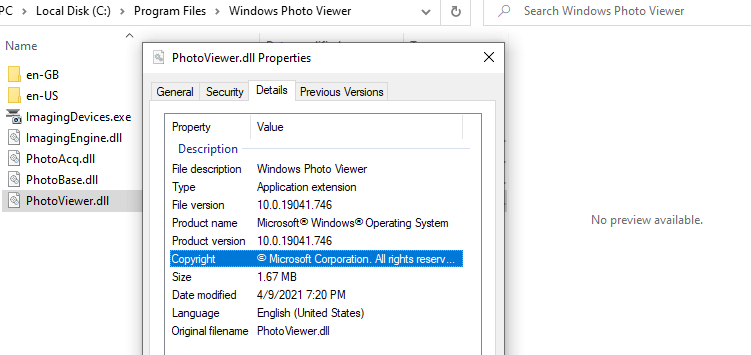
After installing third-party software on your Windows 11 computer, the ability to associate file types such as JPG, JPE, JPEG, PNG, MPG, MPEG, and other file types may be hampered. Here are the issues you may encounter when attempting to change the file association for the said file types.
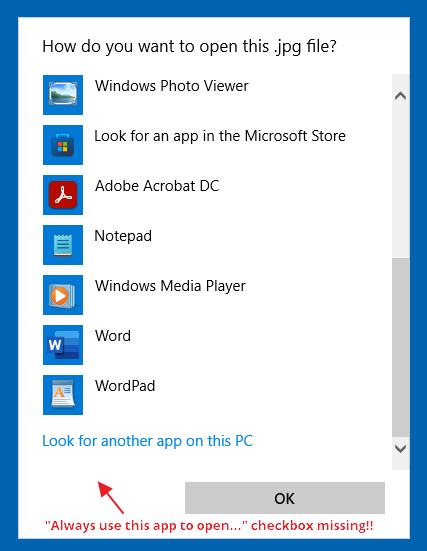
When you right-click on an image file such as .jpg, click Open With, and select Choose another app, the “Always use this app to open .jpg files” checkbox is missing.
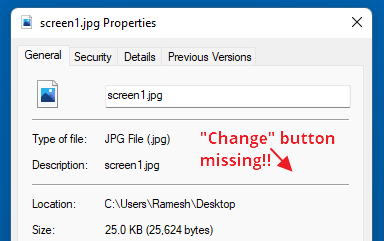
If you right-click on the image file and click Properties, the “Change…” button is missing:
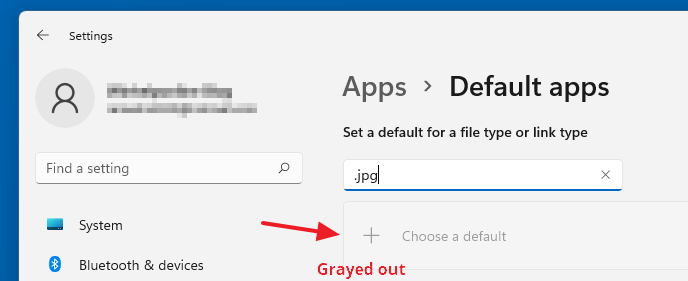
In the Settings → Apps → Default apps dialog, the “Choose a default” button would be grayed out when you type the file extension (e.g., .jpg, .png, etc.) in the text box.
As a result, you may be unable to change the file association for image (and some video) file types.Read more