Error 0x80070570: The file or directory is corrupted and unreadable

0x80070570 file or directory corrupted

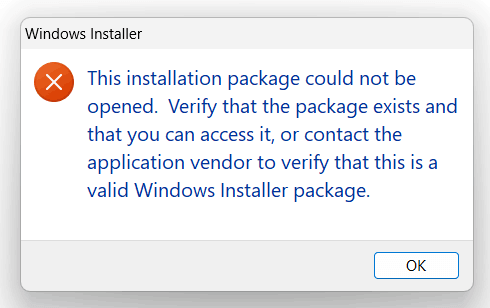
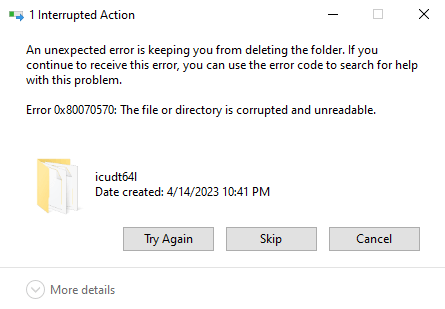
When you install a program or delete a file or folder, error 0x80070570 may appear. The following is the error message verbatim:

An unexpected error is keeping you from deleting the folder. If you continue to receive this error, you can use this error code to search for help with this problem.

Error 0x80070570: The file or directory is corrupted and unreadable.
Read more

Windows Script Host error in AppData\Local\Updates\Run.vbs. The System cannot find the file specified

programdata run.vbs

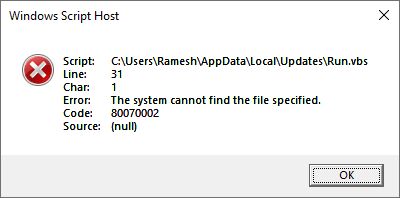
When you login to your account, you may see a Windows Script Host error similar to the following: Windows Script Host Script: C:\Users\{username}\AppData\Local\Updates\Run.vbs Line: 31 Char: 1 Error: The system cannot find the file specified. Code: 80070002 Source: (null) Additionally, on some systems, you may see a WindowsService.exe popup window that appears briefly at logon. Cause … Read more

SecurityHealthSystray.exe – Bad Image 0xC000012F Error

securityhealthsso.dll 0xc000012f

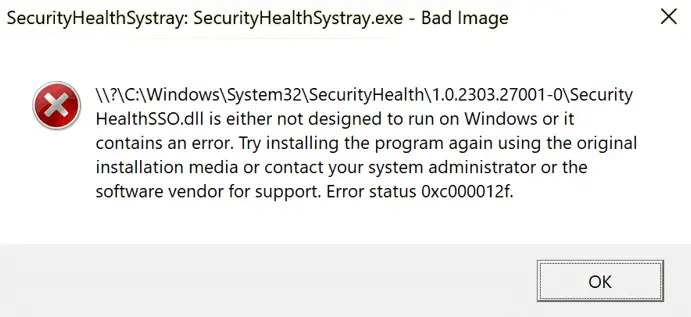
You may be unable to access the Windows Security app on your Windows 11 computer. And when you login to your account, the following error message appears:

SecurityHealthSystray: SecurityHealthSystray.exe - Bad Image

\?\C:\Windows\System32\SecurityHealth\1.0.2303.27001-0\SecurityHealthSSO.dll is either not designed to run on Windows or it contains an error. Try installing the program again using the original installation media or contact your system administrator or the software vendor for support. Error status 0xc000012f

Read more

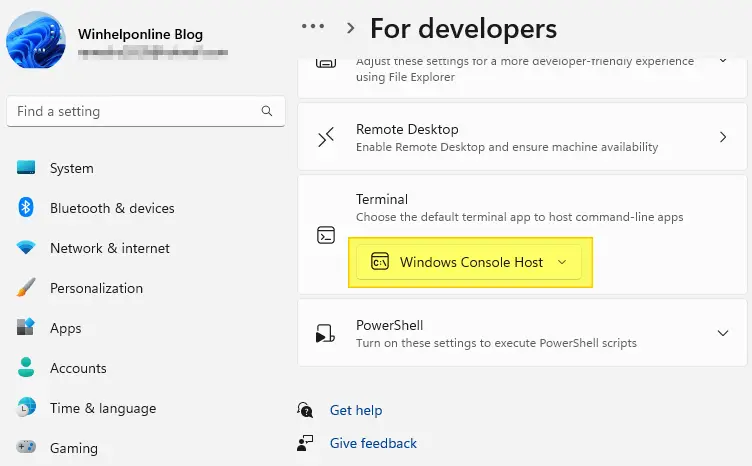
How to Set the Default Terminal Application in Windows 11

set default terminal settings

The Windows Terminal becomes the default terminal. This means, all command line applications, such as Command Prompt and PowerShell, will open in Windows Terminal automatically. This article tells you how to change the default terminal to Windows Console Host or revert to Windows Terminal as the default host. Set the default Terminal app in Windows … Read more

Microsoft Defender Offline Scan Stops at 91%?

defender completes scan at 92%

Microsoft Defender Offline is an antimalware scanning tool that lets you boot and run a scan from a trusted environment. It utilizes Windows RE to run the offline scan.

During the Microsoft Defender Offline scan, it may appear to the user that the scan stalled or crashed at 91%, 92%, or 93% on some systems. This article tells you how to check if the last Microsoft Defender Offline scan was completed correctly.Read more

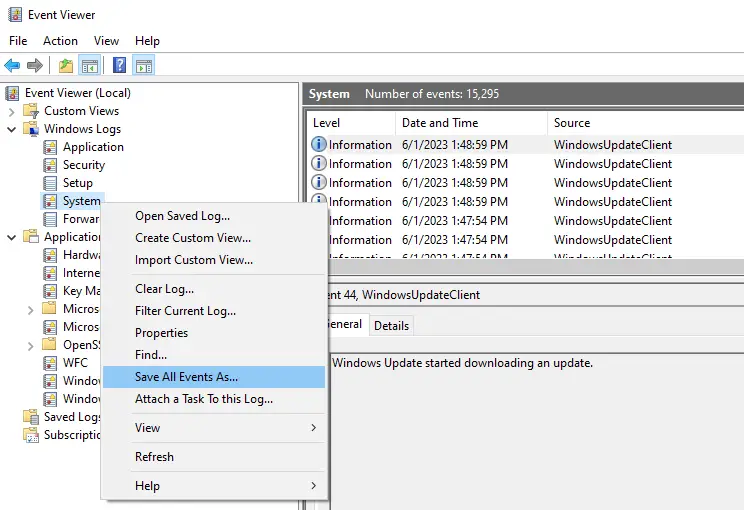
How to Export Windows Event Logs from Event Viewer

export event logs evtx

The Windows Event logs provide very valuable information for diagnosing problems on the computer. Event logs store records of significant events on behalf of the system and applications running on the system.

This article tells you how to export the event logs to a file using the Event Viewer or the wevtutil console tool. The exported .evtx log can be sent to a support technician for diagnosis.Read more